Nonprofit Website Redesign: Planning, Budget, Donations

Most nonprofit website redesign guides open with a budget table. I want to start somewhere more honest. The redesigns I have watched fail did not fail because the homepage looked dated. They failed because the donation moment, that narrow window when a visitor actually wants to give, was broken by friction nobody accounted for during the rebuild.
I am Dimitri, a solo web designer and developer. My studio, DignuzDesign, builds custom websites using Astro, Webflow, Svelte, and Cloudflare, mostly for property developers, architects, and design-led studios. That sounds distant from the nonprofit world, but the technical problems overlap almost exactly. Both sectors run on small teams, depend on a handful of high-intent conversions, and tend to inherit websites built by committees on platforms nobody on staff can maintain. This article is the guide I wish someone had handed a development director before they signed the first contract.
The real problem a redesign should solve
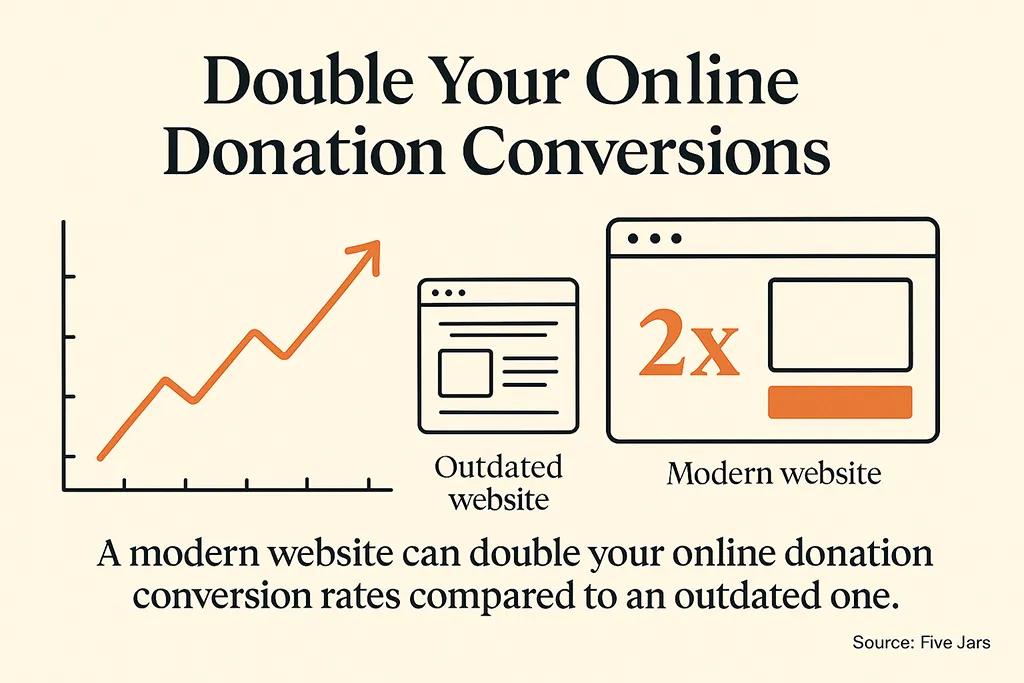
A nonprofit website redesign is usually framed as a visual refresh. Board members want it to look modern. Staff want it to be easier to update. Donors, if anyone asks them, want something they cannot quite articulate but which boils down to: I want to trust you, I want to understand what you do, and I want to give without feeling like I am fighting the form.
The conversion numbers tell the real story. The 2025 M+R Benchmarks report, which tracks digital performance across hundreds of nonprofits, found that the average donation page converts around 12 percent of visitors, with mobile performance trailing desktop significantly. Mobile gifts were about half the size of desktop gifts. That is not a design problem. That is a product problem, and it sits at the intersection of page speed, form friction, payment options, and mobile layout discipline.
If your redesign plan does not have a crisp answer to the question "what specifically will make our donation flow work better than it does today," you are buying a new coat of paint. A coat of paint is a legitimate thing to buy. Just be honest with the board about what you are funding. For organizations that have never had a structured website in place, the broader playbook in how to build an effective nonprofit website is a better starting point than a redesign framing.
Start with the donation moment and work backwards
I build websites by starting at the point of conversion and tracing the path backwards. For a property developer, that point is a viewing request. For a nonprofit, it is the completed donation. The entire information architecture of the site should be designed to protect the visitor's attention on the way to that moment and to honour their intent when they arrive.
That means a donation page must load in under two seconds on a mid-range mobile phone, must present fewer than ten fields of input, and must offer at least Apple Pay, Google Pay, and a card option. The M+R data showed that more than 75 percent of nonprofits now offer PayPal, but Apple Pay (around 47 percent) and Google Pay (around 40 percent) are still missing from more than half of donation pages. On mobile, where most traffic now arrives, those wallet options can cut the form to a single tap. Leaving them out is the cheapest way to lose donors I can think of.
Working backwards from the donation moment also tells you what content matters on the rest of the site. The homepage exists to build enough trust and specificity about your mission that a visitor will click one more time. Program pages exist to provide the concrete proof that a donor cycles back to before opening their wallet. Nothing else earns its place without a real justification.
Platform choice matters more than your visual design
Here is a decision that almost no nonprofit board discusses properly. What platform will the site actually run on after launch. I have seen organizations spend 25,000 dollars on a custom WordPress build, then spend another 8,000 dollars within eighteen months because no one on staff could update a plugin without breaking the donation page.
The honest framing of platform choice has three tiers.
Hosted website builders like Squarespace, Webflow, or a dedicated nonprofit platform make sense for organizations with one or two staff members and no technical help. The monthly fee is predictable, security patches are handled, and a motivated communications coordinator can actually ship changes. The trade-off is a ceiling on what you can do with integrations and custom logic.
Open-source content management systems like WordPress or Drupal give you flexibility, but they carry a hidden maintenance tax. The 2024 NTEN Nonprofit Digital Investments Report found that nonprofits consistently underinvest in ongoing digital maintenance relative to initial build spend. That gap is where most nonprofit sites quietly decay. If you choose WordPress, budget for someone who will touch the site every month, not every year.
Modern JAMstack setups, which means a static site built with a framework like Astro, served from a CDN like Cloudflare, with content edited through a headless CMS, have become the sensible middle ground for nonprofits with a sympathetic developer available. They are blazingly fast, cheap to host, secure by default, and forgiving if neglected. I use this stack for most of my commercial work for exactly those reasons, and every constraint that makes it good for a small studio applies doubly to a small nonprofit.
The boring answer nobody wants to hear is this. Pick the platform you can afford to maintain, not the platform that will do everything you might one day want. A simple site that stays current will raise more money than an ambitious site that quietly rots. For a deeper look at what to check before committing to any build, our website redesign checklist covers the decisions that tend to surface midway through a project when the budget is already spent.
Performance is fundraising
If you take nothing else from this article, take this. Every second your donation page takes to load is money walking out the door. Research compiled from multiple studies of e-commerce and nonprofit sites consistently finds that conversion rates drop several percent for each additional second of load time in the first five seconds. The RKD Group's 2025 Nonprofit Website Performance Report found that 87 percent of nonprofit websites failed Google's desktop performance benchmarks, a number essentially unchanged since 2023. Two years of collective stagnation is not a design trend. It is a sector-wide failure of technical stewardship.
Google measures three things that correlate strongly with user behaviour. Largest Contentful Paint, which is how quickly the main content appears. Interaction to Next Paint, which is how fast the page responds when someone taps. Cumulative Layout Shift, which is how much the page jumps around as it loads. I have watched donation pages lose visitors because an ad script inserted itself halfway down the form and pushed the submit button off screen, causing a misclick on a different element. That is a layout shift problem with real financial consequences.
When you evaluate a redesign proposal, ask for commitments on these metrics. A reputable developer or agency should be willing to state target thresholds for Largest Contentful Paint and Interaction to Next Paint before you sign, and to demonstrate them on comparable sites they have already built.
Mobile is not a checkbox, it is the majority
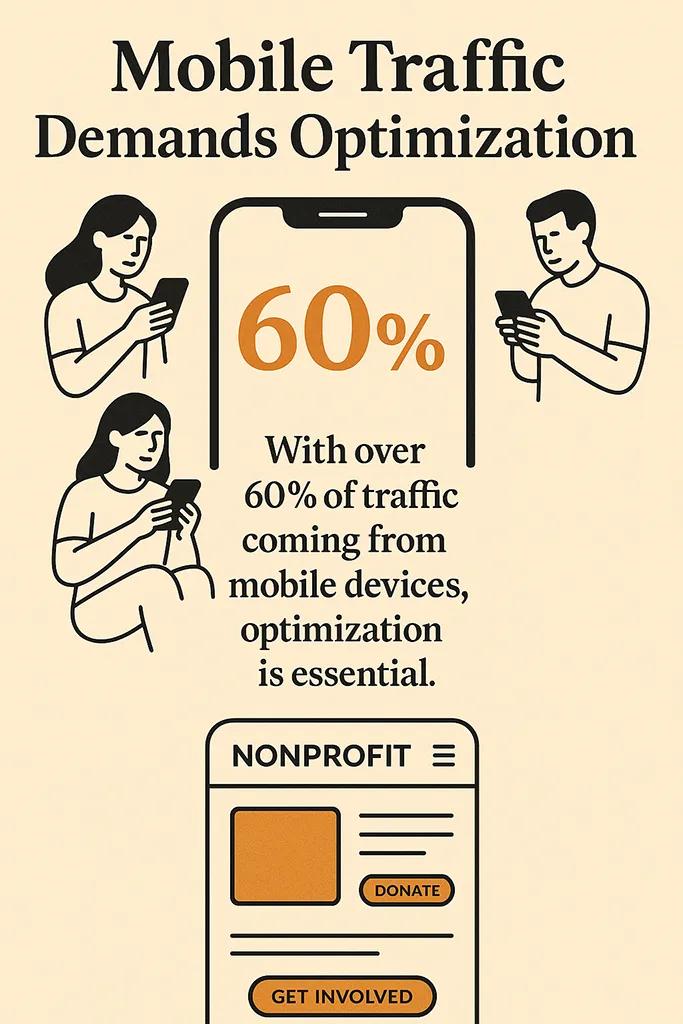
In the same M+R data, the average nonprofit now receives more than half of its website traffic from mobile devices. Mobile visitors give, but they give less. The gap in average gift size between desktop and mobile (roughly 145 dollars versus 76 dollars in the 2025 report) is partly an audience effect and partly a form friction effect. Older donors on desktop are simply more confident and patient with donation forms. Younger mobile donors bounce when an input field triggers the wrong keyboard or the submit button disappears under a sticky header.
Designing mobile-first means making the mobile donation flow the reference implementation, not the scaled-down version of the desktop one. Native wallet support, thumb-zone button placement, input fields that trigger the correct keyboard (numeric for amounts, email for email), and a single visible call to action per screen. If you do nothing else in a redesign, rebuild the mobile donation flow with a practitioner who has shipped many of them before.
The same discipline applies to the rest of the site. A well-structured navigation on mobile is a five-option maximum, not a condensed desktop menu with submenus that fall off the screen. A board member using a desktop Mac will never see the frustration that dominates your visitor logs, which is one reason board-led navigation decisions so often misfire.
Accessibility is mission work, not compliance
Nonprofits in particular should treat accessibility seriously, and most do not. Screen reader support, sensible colour contrast, keyboard navigation, and adequately sized tap targets are all within reach of any modern build. The relevant law varies by country, but the point is not legal exposure. The point is that a nonprofit which cannot be used by a blind donor has quietly decided that that donor does not matter enough to design for. That is a mission problem wearing a compliance costume.
The good news is that building for accessibility from the start costs almost nothing. Retrofitting it onto a finished site costs a fortune. Make it a contractual requirement in the redesign scope, ask to see the agency's most recent accessibility audit, and test key flows with a screen reader before sign-off rather than after launch.
How to budget honestly
I understand the appeal of the four-tier budget table that so many agency blogs produce. It suggests that if you pay a particular number, you get a particular kind of website. Reality is messier.
What you are actually paying for in a redesign breaks into four buckets. Strategy and content, which is the hardest and most undervalued. Design, which most boards overvalue. Development, which covers the template build, the donation integration, and any automation. Ongoing maintenance, which almost everyone omits from the initial number and then pays for later in crisis mode.
A redesign that skimps on strategy and content tends to spend more on design trying to compensate for unclear messaging, then spend more on maintenance fixing the form and navigation decisions that were never tested against real donor questions. A redesign that invests in strategy up front often ends up with a simpler, cheaper build, because the team knows what actually matters.
For an organization under five staff members with a healthy annual digital program, a redesign on a modern hosted platform with good content work tends to land between 8,000 and 20,000 dollars. For organizations with complex integrations (CRM, advocacy tools, event platforms, multi-language content) you should expect 20,000 to 60,000 dollars and a timeline of at least five months, not the six weeks agencies love to quote. Anything under 8,000 dollars is either a template build that you will replace within two years or a project staffed by someone learning at your expense.
The Blackbaud Institute's 2024 Charitable Giving Report tracked online giving growing modestly while in-person donor events continued to recover after pandemic disruption. The implication for your budget conversation is that your website is now the highest-leverage fundraising asset you own after your donor relationships themselves. Fund it accordingly, or fund it at a level you can sustain without cutting program staff.
Content is where redesigns really break
Most redesigns that miss their goals do so because content strategy was treated as something to handle in parallel with the design, then got deferred to launch, then got written in a panic by a staff member who also runs three programs. The result is a beautiful site full of vague, self-regarding language. Mission statements that say what you are but not what you do. Impact pages with no specifics. Donation pages that pitch the organization instead of giving the visitor a reason to give today.
Before you start building templates, answer three questions in plain language. Who specifically does our work help, and what changes for them. What is the simplest version of our theory of how a donation translates into that change. What will this donor feel if they give today and then see nothing happen.
Every important page of the site should read as an answer to those questions, in that order. The mechanics of writing copy that converts are worth their own treatment, but the discipline I find most useful is to draft donation page copy before you have a design. If the words hold attention in a plain document, the design can amplify them. If they do not, no design will save them.

Picking an agency or a freelancer without getting burned
Nonprofit specialization matters less than you might think. Agencies that advertise themselves as nonprofit specialists are often just regular small agencies with a few nonprofit clients. What you actually need is a team that has built donation-driven sites recently, is honest about maintenance burdens, and can show you live sites they built three years ago that are still performing.
Before you sign anything, ask to run the agency's three most recent nonprofit sites through Google PageSpeed Insights in front of you. If most of those sites fail Core Web Vitals, the agency builds sites that quietly break your donations. Move on. Our full guide to choosing a web design agency goes deeper on what the proposal stage should actually look like.
A solo practitioner or small studio often makes more sense than a full agency for organizations with a sub-30,000-dollar budget. You get a senior practitioner on the work rather than a rotating account manager. The trade-off is single-point-of-failure risk, so build a lightweight handover plan into the contract in case the practitioner becomes unavailable.
Measuring whether the redesign actually worked
A redesign is a hypothesis. The hypothesis is usually that a better site will raise more money. You need to measure that hypothesis over a full year, not a month, because nonprofit giving is seasonal and comparisons across December matter more than comparisons across March.
The core metrics are donation conversion rate on the primary donation page, average gift size on desktop and mobile separately, and completed donation form submissions per 1,000 visitors. Track those three against your pre-launch baseline and report them at each board meeting for the first year. If the redesign is working, at least two of the three should be moving in the right direction by month six.
Secondary metrics worth watching include organic search traffic to program pages, email signup rate from content pages, and time to first meaningful interaction on mobile. The post-launch maintenance rhythm matters as much as the build itself, because small performance regressions compound quickly when nobody is watching. An essential website launch checklist is worth running through the week before go-live, since the hours immediately after launch are when most preventable errors bite.
The first step that costs nothing
Before you hire anyone, spend a week documenting every friction point in your existing donation flow on your own phone. Make a small gift to your own organization. Ask a board member over 60 to do the same. Ask someone who has never donated to you to attempt a recurring monthly gift. Write down every moment either of them hesitates, squints, or says "what." That document is worth more than any consultant you will hire in the rest of the project. It tells you exactly where the leaks are, and it will stop you from buying a redesign that fixes nothing important.
A redesign is worth doing when your site is actively losing donations you would otherwise receive. It is not worth doing because it has been five years or because the board thinks the colours look tired. Start with the leak, fix the leak, and let the rest of the refresh follow from there. The broader case for why a redesign makes sense is worth reading if you are still building internal consensus, but the short version is this. A redesign should pay for itself within eighteen months, or the investment was probably larger than it needed to be.
Frequently asked questions
How long does a nonprofit website redesign actually take?
For a small to medium nonprofit with a clear content brief and a single decision-maker, plan for four to six months from signed contract to launch. Most delays come from internal content review cycles and stakeholder feedback, not from technical work. If an agency is quoting six weeks for anything beyond a template swap, ask carefully what is being skipped.
What is the minimum viable budget for a nonprofit website redesign that will not need replacing in two years?
Roughly 8,000 dollars for a hosted platform build with real content work, a modern donation flow, and basic analytics in place. Below that, you are either building on templates that will become limiting within a year, or you are cutting strategy and content work in ways that will compromise the outcome. If 8,000 dollars is out of reach, consider repairing the existing site's donation flow and performance before committing to a full rebuild.
Should we build on WordPress, a hosted builder, or something more modern like Astro?
Choose the platform you can actually maintain. WordPress is powerful but maintenance-hungry. Hosted builders like Webflow or Squarespace are the safest choice for a small team without technical support. Modern JAMstack setups like Astro on Cloudflare are an excellent middle ground when you have a sympathetic developer on call. The worst choice is a custom headless build with no plan for who will touch the content six months after launch.
How do we decide between an agency and a freelancer?
Agencies bring project management and redundancy. A good freelancer or solo studio brings a senior practitioner directly to your project at a lower rate, but carries single-point-of-failure risk. For budgets under 30,000 dollars, a solo practitioner with recent nonprofit donation work and an honest handover plan is usually the better value. For complex integrations, multi-language sites, or specialist accessibility audits, an agency is often safer.
What technology should run our donation page?
Whatever integrates cleanly with your CRM and offers native mobile wallets. Apple Pay and Google Pay support is no longer optional. The M+R benchmark data shows that nonprofits adding wallet options to mobile donation pages see measurable lifts in mobile conversion. If your current donation platform cannot offer those, the redesign is a reasonable moment to migrate.
How soon can we expect to see a return from the investment?
If the redesign addresses a real friction point in the donation flow, expect to see uplift in mobile conversion within one quarter. Seasonal effects make it hard to compare total revenue in less than a full year. The honest conversation with your board is that the redesign should pay back within eighteen months, or the investment was probably larger than it needed to be.



