Critical Website Maintenance for Nonprofits That Matters

I run DignuzDesign, a small studio that builds custom websites for organisations who can't afford a full in-house dev team. A meaningful share of the inquiries I get start the same way: someone inherited a WordPress site from a previous communications hire, the plugins are two years out of date, the donation page loads in seven seconds on mobile, and the executive director just asked why traffic is down. They're not asking for a redesign. They're asking how to maintain what they have.
Most articles you'll read about nonprofit website maintenance treat your site as a fragile machine that needs daily babysitting. They give you a tidy list: check forms, scan for broken links, update plugins, monitor uptime. The list is not wrong. It's just not the conversation that decides whether your site quietly works for the next four years or breaks during your end-of-year campaign.
The conversation that matters is this: how much maintenance burden did you take on the day you chose your platform, your hosting, and your stack? Most of the chronic maintenance pain at small nonprofits is structural, not behavioural. You can write the best checklist in the sector and still get owned by an unpatched plugin if the underlying setup expects more attention than your team can give it.
This article is the maintenance conversation I have with nonprofit clients before they sign anything, and the one I have with their successors a year later when something has gone wrong. It's opinionated on purpose. The generic checklist version of this article exists in roughly two thousand other places.
What Actually Goes Wrong on Nonprofit Websites
Before talking about what to maintain, it helps to be clear about what fails. In my experience working with mission-driven organisations, the failures that cost real money fall into a small number of categories, and almost none of them are "the events page is out of date".
The first is donation flow degradation. The donate button moves, the payment processor changes its embed, the form starts rendering broken on iOS Safari, the giving page crawls on a phone. Nobody notices because the staff testing it are sitting at desktops on fibre. According to research compiled across the sector, nonprofit donation forms see abandonment rates between fifty and seventy per cent under normal conditions. When something breaks quietly, that climbs higher and the only signal is a quiet drop in conversion that gets attributed to "donor fatigue" or the news cycle. The annual M+R Benchmarks study, which is the closest thing the sector has to an authoritative digital fundraising dataset, repeatedly shows mobile revenue growing faster than desktop. If your mobile donation experience has degraded, you are losing the part of the audience that is growing.
The second is the security incident. Nonprofits are a popular target precisely because attackers expect under-resourced security and an outdated stack. The Identity Theft Resource Center's annual breach reporting consistently shows record-setting breach volumes year over year, and sector-specific surveys put the share of charities that have experienced a cyber incident in the last twenty-four months at around six in ten. The cost is not abstract. The average data breach in the sector runs into six figures once you account for forensics, donor notification, and the giving you lose during the period when supporters are quietly deciding they don't trust you.
The third is accessibility drift. A site that was reasonably accessible at launch slowly accumulates inaccessible PDFs, images without alt text, colour contrast failures introduced by a new brand palette, and forms that don't work with a keyboard. The legal exposure here has shifted in the last few years. The U.S. Department of Justice's 2024 web accessibility rule under ADA Title II formally requires state and local government websites to meet WCAG 2.1 Level AA, and Title III case law has been steadily extending similar expectations to organisations that operate places of public accommodation, which includes most nonprofits with a physical presence. Federal lawsuit volume on website accessibility has been running into the thousands per year. Your nonprofit is not a juicy target by itself, but a serial plaintiff with a script does not care about your mission.
The fourth is reputation through silence. The site stays up, but the latest annual report on it is from three years ago, the staff page lists two people who have left, and the news section ends mid-2022. Nothing has technically broken. But anyone doing due diligence on you, including a major donor, a foundation officer, or a journalist, sees a frozen organisation. This is the failure mode that the original "tend a garden" framing of nonprofit maintenance is actually trying to address, and it's real. It's just not in the same league of urgency as the other three.
Choose a Platform That Doesn't Punish You for Not Maintaining It
This is where I will lose some readers, but it's the single highest-leverage maintenance decision a nonprofit makes, and almost no maintenance article will discuss it because most maintenance articles are written by agencies that sell ongoing WordPress maintenance retainers.
The default platform for nonprofit websites is WordPress. There are good reasons for this. It's free, the talent pool to edit it is broad, and almost every donation tool and CRM has a WordPress plugin. There are also costs that nobody quotes you up front. WordPress core, your theme, and every plugin all need updates, and updates can break each other. Plugins get abandoned. The plugin you chose for events in 2021 is now a security liability in 2026 because the developer stopped maintaining it. None of this is the fault of WordPress as software. It's the consequence of an extension model where you assemble your site out of dozens of independently maintained pieces, and you become responsible for the integration.
For nonprofits whose sites are mostly content, donation links, programme pages, and a contact form, the alternative I recommend most often is a static or near-static stack. I build mine with Astro, deployed on Cloudflare. Webflow is another reasonable choice if your team prefers a visual editor and is willing to pay the hosting fee. The point is not the specific tool. The point is that a static site has no PHP runtime to exploit, no plugin update treadmill, no database to back up, and a security profile that is fundamentally different from a CMS. The maintenance burden drops by an order of magnitude. You still need to update content, monitor forms, and watch for broken links. You stop needing a weekly security review.
If you are choosing your stack now, this is the moment to take it seriously. If you have already inherited a WordPress site, the question is whether the cost of maintaining it well is more or less than the cost of migrating off it over a planned six-month window. I've seen nonprofits spend more on emergency WordPress incident response in a single year than a clean rebuild on a calmer stack would have cost. I've also seen WordPress sites run for years with almost no incident because someone competent was actually doing the updates. Both are real. The honest framing is: how much of the maintenance budget you do not have are you implicitly committing to by keeping the current setup?
For deeper reading on platform implications when starting from scratch, our guides on building an effective nonprofit website and on nonprofit website redesign walk through the upstream decisions in more detail.
The Five Maintenance Tasks That Actually Move the Needle
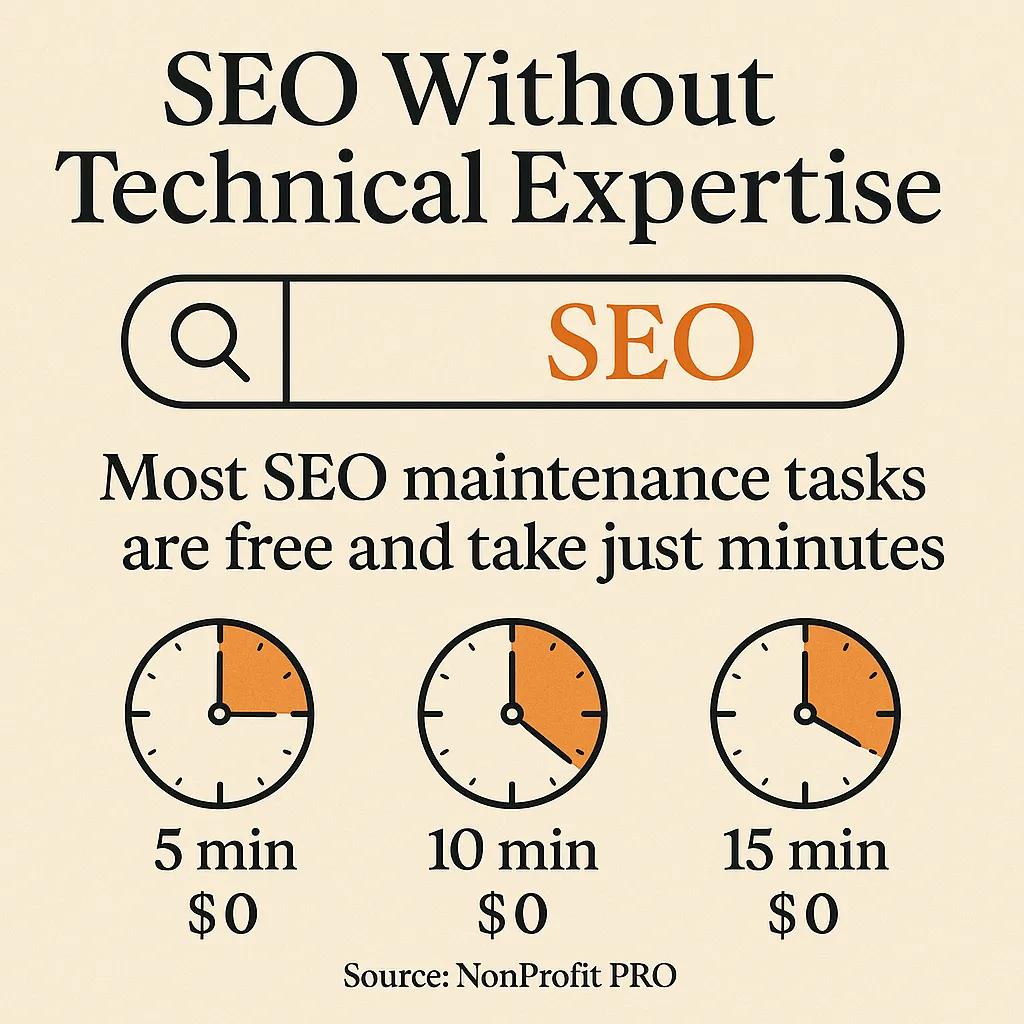
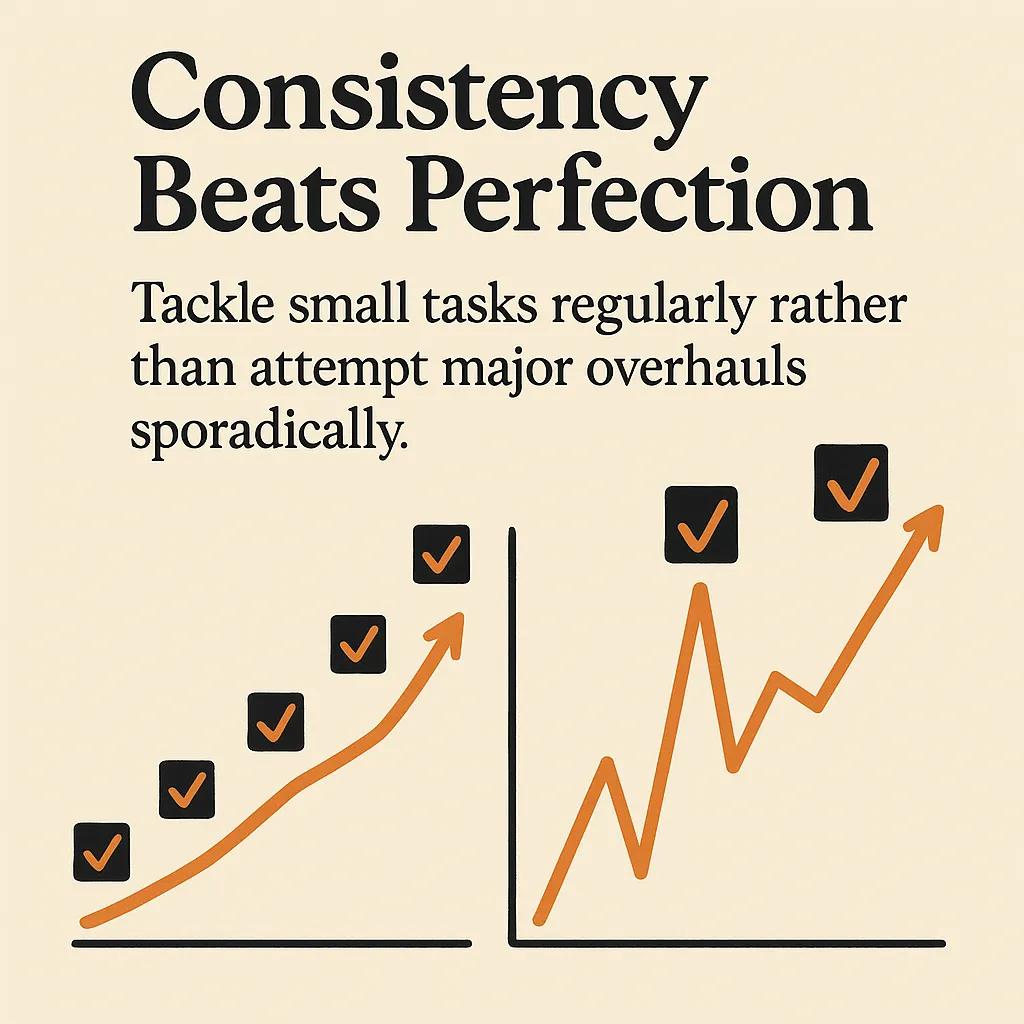
If you do nothing else from this article, do these five things on the cadence shown. They are ordered by what fails most expensively when neglected, not alphabetically and not by how easy they are.
- Test the donation flow on a real phone, monthly. Take an unfamiliar mobile device, open your donation page in incognito, complete a one-dollar donation, refund it, and note how the experience felt. Watch for slow loads, broken layout, autofill failures on the card field, and any redirect that breaks the back button. Almost every nonprofit donation regression I have personally diagnosed would have been caught by this thirty-second test.
- Apply security updates within seven days of release for any internet-facing software. This applies to WordPress core and plugins, your CMS of choice, your hosting control panel, and any embedded form tool. Most successful attacks against nonprofit sites exploit vulnerabilities for which a patch was already available. Set a recurring calendar event with a named owner, not a "we'll get to it" team channel.
- Verify your backups by restoring one, quarterly. A backup you have never restored is a hope, not a recovery plan. Pick one Sunday morning each quarter, restore the most recent backup to a staging environment, and confirm the donation page loads and the database is intact. The first time a real nonprofit I worked with did this, three of their last six monthly backups turned out to be empty files.
- Run an accessibility check on your three highest-traffic pages, quarterly. The home page, donate page, and one programme page. Use WAVE or Lighthouse, fix what they flag, and pay particular attention to colour contrast, alt text, form labels, and keyboard navigation. The full W3C WCAG guidelines are the canonical reference if you want to go deeper than a tool can take you.
- Audit content freshness on the pages a major donor would actually read, twice a year. The about page, the leadership page, the most recent annual report link, the impact page, and any "in the news" section. If those are stale, every other piece of polish is wasted.
You will notice this list does not include daily contact form checks, weekly broken link scans, or monthly Google Analytics reviews. Those are fine activities, but if they are competing for time with the five above, the five above win every time. If your contact form has been broken for a week, that is a notification problem, not a maintenance problem, and the fix is to wire form submissions to an email address someone actually checks, plus a fallback like a Slack channel.
The Donation Page Is Not a Page, It Is a Product
The single page on a nonprofit website that justifies disproportionate attention is the donate page. Treat it as a product you are responsible for, not a marketing artifact you set up once.
What this looks like in practice: every change to the donate page should be tested on at least one mobile device and one desktop browser before it goes live. The friction added by a "secure payment" badge that doesn't load, a tracking pixel that blocks rendering, or a third-party widget that adds two seconds to first paint is invisible to you and obvious to the donor. The M+R Benchmarks data on mobile revenue growth is not interesting because mobile is fashionable. It's interesting because it tells you where your maintenance attention belongs.
A few specifics worth budgeting for, beyond the monthly test ride above. Set a single-step donation form as the default, not a multi-step wizard, unless you have data that says otherwise for your audience. Display the recurring giving option prominently, because monthly giving is now consistently the fastest-growing component of online revenue across the sector. Make sure the form works without redirecting off your domain, because off-site redirects measurably reduce conversion. The actual copy and visual hierarchy of the donate page matters too, and our piece on writing website copy that converts is a useful starting point if the current page reads like a press release.
Hosting and Performance: The Boring Decisions That Determine Your Costs
Nonprofit hosting decisions are usually made on price and never revisited. This is a mistake. The hosting layer determines your security baseline, your uptime, your performance ceiling, and how much manual work it takes to keep things running. Cheap shared hosting from a generic provider tends to come with old PHP versions, weak isolation between tenants, and a security incident response model that consists of suspending your account and emailing you about it.
The setup I recommend for most small nonprofits looks like this. Put the static parts of your site on a CDN-backed host with edge caching, ideally one that includes basic DDoS protection and a web application firewall in the free or low-cost tier. Cloudflare is the default in this category for good reason. Keep the dynamic parts, if you have any, on a managed host whose value proposition is uptime and security rather than the cheapest possible monthly fee. The marginal cost over the cheapest option is usually fifteen to fifty dollars a month, and it eliminates an entire class of incident.
For the performance side, the maintenance behaviour that actually matters is monitoring real user metrics, not synthetic page speed scores. Synthetic tests like PageSpeed Insights are useful as a sanity check, but they don't tell you what your actual visitors are experiencing on a slow Android phone in a low-bandwidth area. Set up a real-user monitoring tool, look at the seventy-fifth percentile load time, and track that metric over time. If it crosses three seconds, something has regressed.
For organisations whose maintenance budget runs out before the staff time to read the latest web platform changes, a tool like AmplyDigest, which I built to summarise newsletters and updates into a single morning email, is the kind of thing that helps a small comms team stay current without becoming a second job. The general principle stands either way: the team responsible for the site needs a low-effort way to know when the platform under them changes.
Accessibility Is Not Optional and Is Mostly Free
A surprising amount of accessibility work costs nothing and pays for itself in two ways. First, it widens the audience that can actually use your site, which is presumably part of your mission. Second, it dramatically reduces your exposure to the steady drumbeat of accessibility lawsuits that affect organisations with public-facing websites.
The maintenance baseline I recommend for any nonprofit site is to comply with WCAG 2.2 Level AA on the three or four pages that matter most: home, donate, contact, and one programme page. Real compliance, not the kind that comes from installing an "accessibility overlay" widget. Overlays are widely criticised in the accessibility community and have been argued in court to provide false reassurance rather than actual access. The work involves real things: alt text on meaningful images, semantic HTML, sufficient colour contrast, keyboard-navigable forms, and visible focus states. None of these cost money to fix once you know they are broken.
The 2024 ADA web rule applies directly to state and local government websites. For nonprofits, the legal picture is messier, but the trend is unambiguous: courts and regulators are treating public-facing websites as covered by accessibility law, and the cheapest defence is to actually be accessible. If you've never run an audit, doing the first one is the highest-value maintenance hour you can spend this quarter.

Who Should Own Maintenance, Honestly
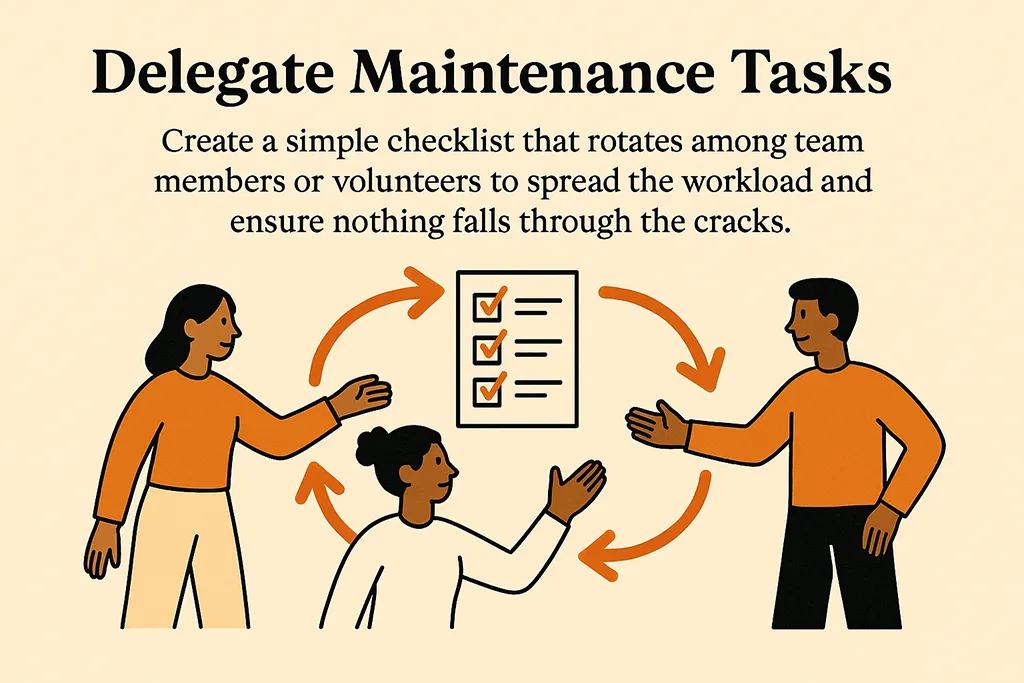
The model where "we share it among the team" works on paper and falls apart under the pressure of program work. The pattern that actually holds up at small nonprofits is single-owner with a documented backup.
One person owns the maintenance calendar, has access to every system, and is accountable for the five tasks listed earlier. That person should ideally be on staff, not a volunteer, because volunteers churn and access does not always get rotated cleanly. If the role has to be a volunteer, document everything in a runbook that anyone could pick up. Their actual time commitment for a small site is two to four hours per month, plus surge time when something goes wrong.
The relationship with an external developer is a separate question. The arrangement that works for most nonprofits I have seen is not a monthly retainer with a generic agency. It is a named relationship with a specific developer who already knows the site, agreed hourly rate, and an SLA for response time on incidents. You pay for the work you actually need rather than a flat fee for hours you may not use. For organisations that want a more durable relationship, our team at DignuzDesign works on this model with a number of mission-driven clients.
Budgeting Maintenance Without Pretending
The honest annual maintenance budget for a small nonprofit website on a sensible stack is somewhere between fifteen hundred and five thousand dollars per year, including hosting, monitoring, an annual accessibility check, and an external developer's time for incidents and small enhancements. On WordPress with significant plugin complexity, the realistic number is two to three times that once you factor in the actual time required for security work.
What I see in practice is nonprofits budgeting fifty dollars a month for hosting, calling that "the website maintenance budget", and then absorbing every incident as an unbudgeted emergency. The fix is to write the realistic number into the operations budget under a line item that the board recognises as infrastructure, the same way you would budget for office insurance or accounting fees. The total is small in the context of any nonprofit's operating budget. The variance from pretending it doesn't exist is what causes the pain.
If your maintenance situation has drifted past the point where ongoing care will fix it, the answer is a planned redesign, not heroic patching. We've written separately on when a redesign is the right call and on incremental improvements that buy you time. The decision between the two is a function of how much of your current site is structurally sound. Both paths can be the right answer.
What Good Maintenance Looks Like a Year In
The benchmark I use to decide whether a nonprofit's maintenance practice is working is what happens at year end. The site stayed up, the donate flow worked through the surge, the year-end appeal page had no broken images, the news section had something from this quarter, and nobody had to wake the developer at midnight. There was no security incident. The accessibility report from December looked the same as the one from June, with the previous quarter's issues fixed.
None of that requires daily heroics. It requires a stack that doesn't fight you, five tasks done on cadence, a single named owner, an honest budget line, and a working relationship with someone who can fix things when they break. The rest of the maintenance literature is mostly noise. For ongoing reference on the underlying principles, our guide to general website best practices covers the structural decisions that make maintenance manageable in the first place.
Frequently Asked Questions
How often should a nonprofit update WordPress and its plugins?
Within seven days of a security release, and within thirty days for non-security updates after testing. The "wait and see" approach to plugin updates is how nonprofits end up running known-vulnerable code for months. The safer pattern is to keep a staging copy of the site, apply updates there first, click through the donate flow and contact form, then push to production. If you don't have staging, that is the first piece of infrastructure to add.
Are nonprofit websites required to be ADA compliant?
The legal answer depends on jurisdiction and your organisation's structure, but the practical answer is yes. ADA Title III case law has been extending to public-facing websites for years, the 2024 federal rule formalised WCAG 2.1 AA for state and local government sites, and several states have their own requirements. For most nonprofits, the realistic posture is to treat WCAG 2.2 Level AA as the working standard, not because a regulator forced you to, but because the audience and the lawsuit risk both point in the same direction.
What is the cheapest reliable hosting setup for a small nonprofit website?
For a static site, Cloudflare Pages or Netlify on the free tier with a paid custom domain is genuinely production-ready and costs almost nothing. For a WordPress site, a managed WordPress host in the fifteen-to-thirty-dollar-per-month range is the floor below which you start paying in incidents what you saved on hosting. Free or two-dollar-per-month shared hosting is a false economy for any site that takes donations or stores supporter data.
Should we use WordPress, Webflow, or a static site for our nonprofit?
If your team includes someone who actively wants to manage WordPress and you have specific plugins that solve real problems, WordPress is a defensible choice. If your team mostly wants to update content and never think about the platform, Webflow or a static stack like Astro will be cheaper to maintain over five years even though the initial build can cost more. The wrong question is "what is most popular". The right question is "what platform does my team have the time and skill to actually maintain".
What single maintenance task has the highest return on attention?
Testing the donation flow on a real mobile device monthly. It catches the failures that cost actual donations, it surfaces performance regressions that affect every page on the site, and it forces someone on the team to look at the donor experience the way a donor does. Most other maintenance tasks are insurance against rare events. This one finds problems that are happening right now.
How do we handle maintenance when our only technical person leaves?
Document everything before they leave, not after. The runbook should list every system the site depends on, the credentials manager where access lives, the hosting and domain registrars, the payment processor, the email service, and the named contact for each. Rotate the credentials when they leave. Put the runbook somewhere two other people on staff can find it. The leaving employee's last week is worth more invested in this than in any final feature.



