Nonprofit Website Redesign

A Guide to Planning, Budgeting & Increasing Donations
You know that feeling when your nonprofit's website looks like it's straight out of 2015? Yeah, we get it. Your organization is doing amazing work in the world, but your online presence is letting you down faster than a broken donation button. Here's the thing – nonprofits often face unique challenges that your typical web design agency just doesn't understand. You're working with tight budgets, need to tell compelling stories, and every visitor should feel inspired to take action, whether that's donating, volunteering, or spreading the word about your mission.
The nonprofit sector has specific needs that go way beyond pretty design. You need platforms that integrate seamlessly with CRMs, donation processing that doesn't scare away potential supporters, and storytelling elements that actually convert visitors into advocates. But here's the good news – the right website redesign can literally double your online donations while making your team's life easier. We're talking about smart solutions that work within your budget constraints while delivering the professional polish your cause deserves.
This guide breaks down everything you need to know about planning your nonprofit website redesign in 2025. We'll walk through budget-friendly approaches, share insider tips on choosing the right agency (including some that truly understand the nonprofit space), and show you exactly how to turn your website into a donation-generating machine. Plus, we'll cover the technical stuff in plain English – because learning should be fun, not overwhelming!
Understanding the Nonprofit Website Challenge
Let's be honest – nonprofit websites have a tougher job than most business sites. While a typical company website needs to showcase products or services, your nonprofit site needs to tell emotional stories, build trust, demonstrate impact, and convert visitors into supporters. All while working within a budget that would make a corporate marketing team laugh (or cry). It's like trying to create a five-star restaurant experience with a food truck budget – challenging but totally doable with the right approach.
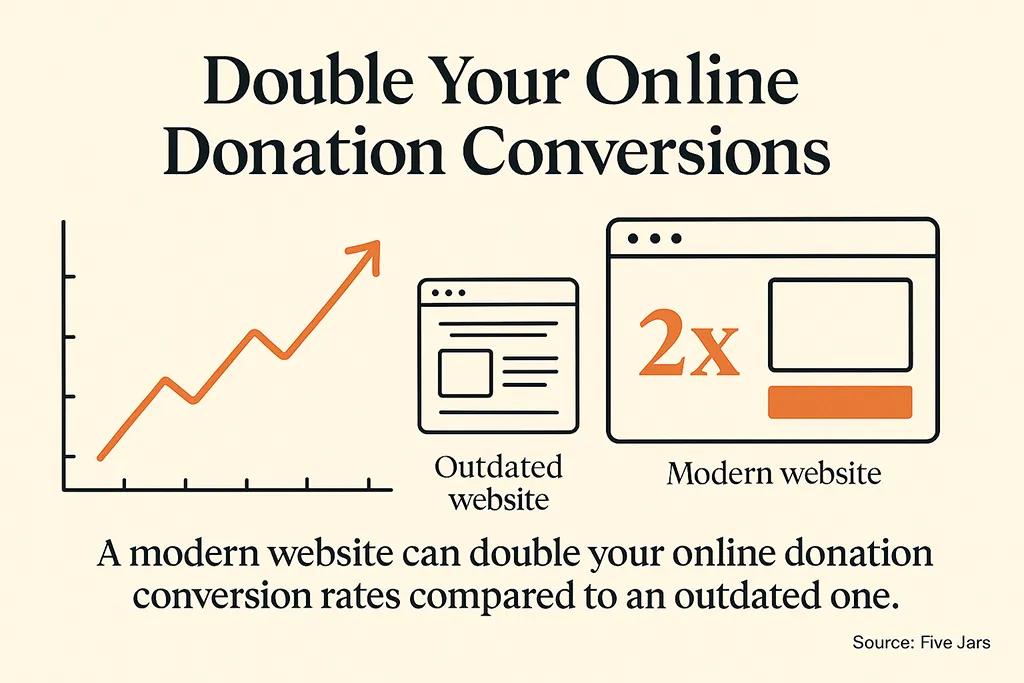
The data tells an interesting story about what happens when nonprofits get their websites right. Research shows that optimized UX/UI can double online donation conversions compared to outdated designs (Source: Five Jars).
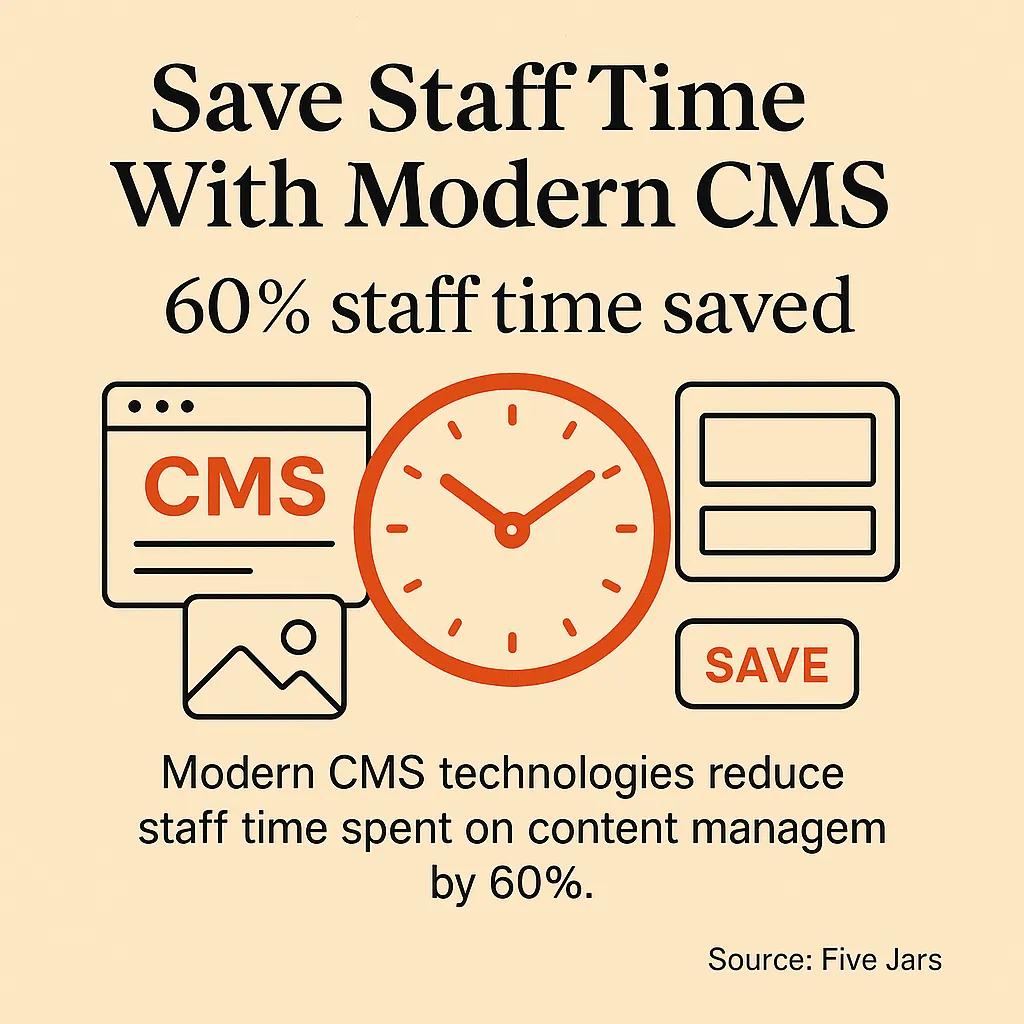
That's not just a nice-to-have improvement – that's potentially doubling your fundraising impact through smart design choices. When you consider that implementing modern CMS solutions can save up to 60% of staff time spent managing content updates, suddenly that redesign investment starts looking pretty smart (Source: Five Jars).
But here's where it gets tricky – finding agencies that actually understand nonprofit-specific requirements. Most web design companies treat nonprofit sites like small business websites with donation buttons slapped on.
They miss the nuances of storytelling, the importance of accessibility, and the critical need for seamless integration with fundraising platforms. Your website isn't just a digital brochure; it's your most important fundraising tool, volunteer recruitment platform, and community builder all rolled into one.
Budget-Smart Planning for Maximum Impact
Here's some real talk about nonprofit website budgets – you don't need to spend like a Fortune 500 company to get results that make your board smile. The key is understanding where to invest your dollars for maximum impact. Think of it like renovating a house: you want to focus on the improvements that add the most value, not just the ones that look flashy. For nonprofits, that usually means prioritizing donation flow optimization, mobile responsiveness, and integration capabilities over bells and whistles.
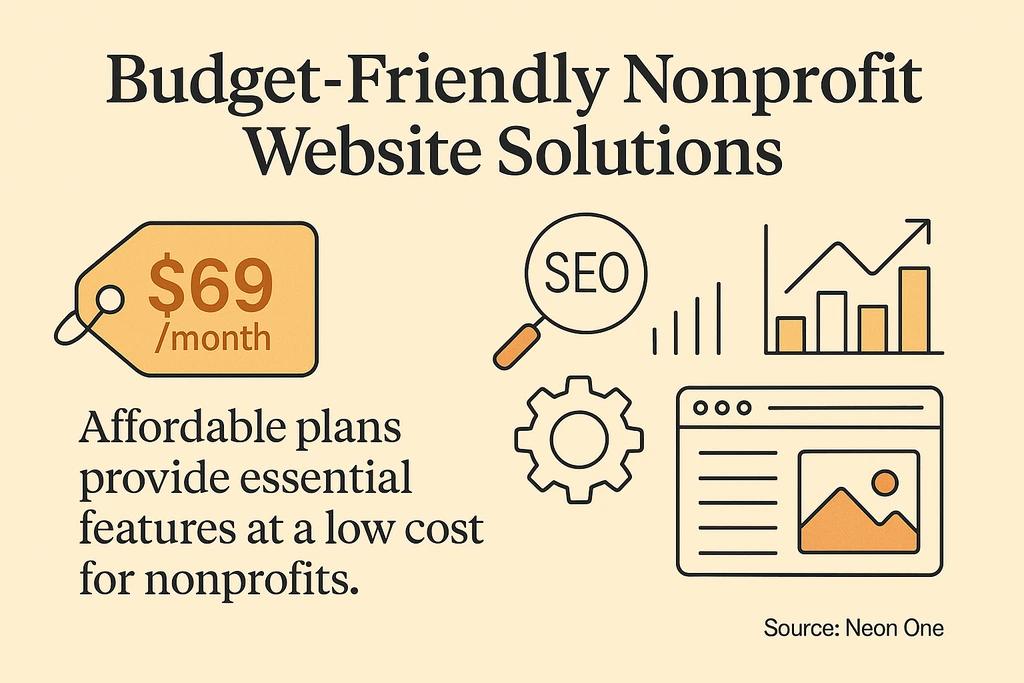
The beauty of 2025 is that you've got more budget-friendly options than ever before. Many agencies now offer tiered packages specifically designed for nonprofit budgets. Take Neon Websites, for example – their entry-level plan starts at just $69 per month while still providing essential features like SEO tools and analytics dashboards tailored specifically to nonprofit needs (Source: Neon One). For organizations ready to invest more, their custom template packages run around $1,350, which includes a six-page site with mission-specific optimization.
When planning your budget, consider the total cost of ownership, not just the upfront investment. A well-built site that saves your team hours of manual work each month quickly pays for itself. Plus, if you're strategic about choosing the right web design agency, you'll get ongoing support that prevents costly emergency fixes down the road. Think of it as buying quality tools that'll serve your mission for years, not just a quick fix that'll need replacing in 18 months.
$500 - $2,000
- What You Can Expect: Template-based with customization
- Best For: Small nonprofits, new organizations
- Key Features Included: Mobile optimization, basic donation integration, SEO setup
$2,000 - $8,000
- What You Can Expect: Semi-custom design with nonprofit features
- Best For: Established nonprofits with clear brand
- Key Features Included: CRM integration, custom forms, analytics dashboard, storytelling sections
$8,000 - $20,000
- What You Can Expect: Fully custom solution with advanced features
- Best For: Larger nonprofits, complex requirements
- Key Features Included: Advanced integrations, member portals, event management, multi-language support
$20,000+
- What You Can Expect: Enterprise-level platform with custom development
- Best For: Major nonprofits, complex organizational needs
- Key Features Included: Custom functionality, advanced reporting, multiple site management, API development
Top Nonprofit Website Design Agencies Worth Your Attention
Alright, let's talk about the agencies that actually get it. Not every web design company understands that nonprofits need more than just pretty websites – you need partners who understand donor psychology, accessibility requirements, and how to make every page drive action. After diving deep into the nonprofit web design space, we've found some agencies that consistently deliver results while respecting budget constraints. These aren't just design studios; they're mission-focused partners.
The standout agencies share some common traits: they offer transparent pricing (no mysterious "contact us for quote" nonsense), they understand nonprofit-specific integrations, and they can show you actual results from similar organizations. Look for agencies that talk about conversion rates, not just design awards. The best partners will ask about your fundraising goals before they start sketching layouts, and they'll suggest features that actually move the needle for nonprofit success.
What's particularly exciting in 2025 is seeing specialized platforms emerge alongside traditional agencies. Some companies now focus exclusively on nonprofit needs, offering everything from DIY builders with mission-specific templates to full-service design with ongoing optimization. This specialization means better results for your organization because these teams live and breathe nonprofit challenges every day. They understand why your donation form needs to work flawlessly on mobile and why accessibility isn't just nice-to-have – it's essential for reaching your entire community.
Neon Websites
- Specialization: Nonprofit-exclusive builder platform
- Starting Price: $69/month
- Notable Features: CRM integration, mission-based templates, analytics dashboard
- Best For: Organizations wanting ongoing flexibility with professional results
Five Jars
- Specialization: Digital strategy for mission-driven orgs
- Starting Price: Custom quotes
- Notable Features: Proven donation conversion improvements, decade+ nonprofit experience
- Best For: Established nonprofits ready to invest in strategic growth
Elevation Web
- Specialization: Dedicated nonprofit website services
- Starting Price: Contact for pricing
- Notable Features: Sector-specific expertise
- Best For: Organizations seeking specialized nonprofit knowledge
What Makes These Agencies Different
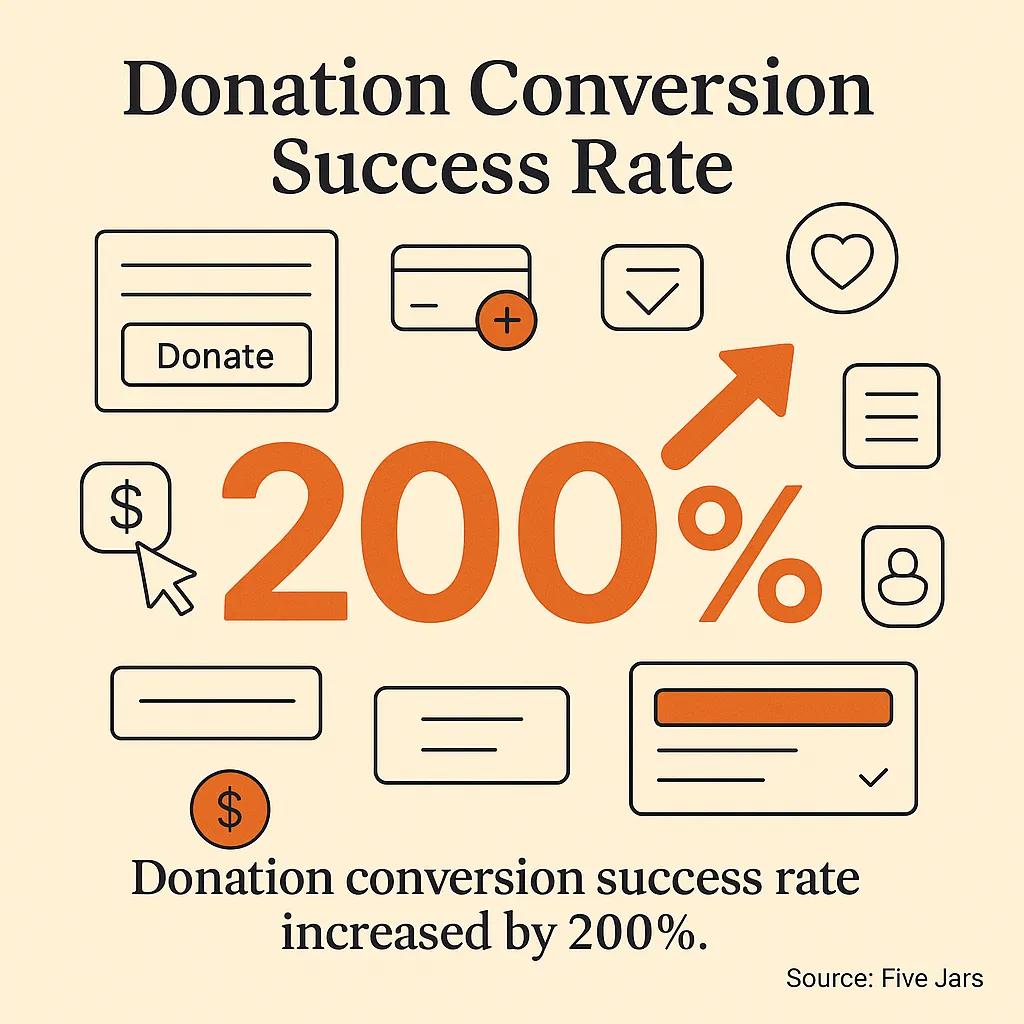
The agencies we've highlighted don't just build websites – they build fundraising platforms that happen to look amazing. Five Jars, for instance, reports helping clients achieve up to a 200% increase in donation conversion rates after implementing user-friendly platforms (Source: Five Jars). That's the kind of measurable impact that makes board meetings a lot more fun. They focus on creating plug-and-play CMS solutions that let your team focus on mission work instead of fighting with website updates.
Neon Websites takes a different approach with their nonprofit-exclusive platform. They've built their entire system around the unique needs of mission-driven organizations, offering drag-and-drop editing specifically designed for nonprofit storytelling. Their templates aren't generic business layouts with different colors – they're architected around donation flows, volunteer recruitment, and impact storytelling (Source: Neon One). Plus, their pricing transparency means no budget surprises, which every nonprofit finance director appreciates.
Essential Features That Drive Donations
Your website's job isn't just to look professional – it's to turn visitors into supporters. That means every element should guide people toward taking action, whether that's making a donation, signing up to volunteer, or sharing your story with their networks. The most effective nonprofit sites create what we call "conversion pathways" – clear, compelling routes from curiosity to commitment. It's like being a really good tour guide, showing visitors exactly where to go next while making the journey enjoyable.
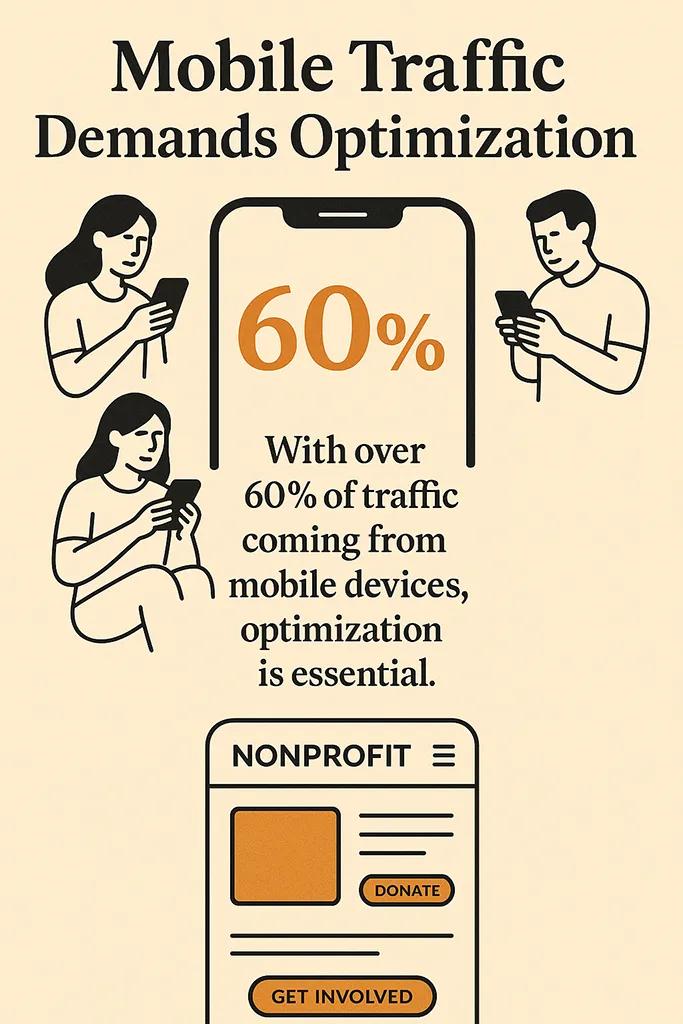
Mobile optimization isn't optional anymore – it's absolutely critical. More than half of nonprofit website traffic comes from mobile devices, and if your donation process doesn't work flawlessly on smartphones, you're literally losing money every day.
But mobile optimization for nonprofits goes beyond responsive design. Your stories need to be readable on small screens, your donation forms need to load quickly, and your calls-to-action need to be thumb-friendly. Think about how your supporters actually use their phones – probably quickly, on the go, and with strong emotions driving their desire to help.
Integration capabilities can make or break your nonprofit website's effectiveness. Your site needs to talk seamlessly with your CRM, email marketing platform, and fundraising tools. When someone makes a donation, that information should flow automatically into your donor management system.
When visitors sign up for updates, they should be added to the right email lists without manual data entry. These integrations save countless staff hours and reduce the chance of important donor information falling through the cracks. If you're considering a redesign, be sure to review our detailed website redesign checklist to ensure you don't miss critical integration requirements.
- Streamlined donation forms that work perfectly on mobile devices with minimal fields and clear progress indicators
- Compelling storytelling sections that combine photos, videos, and impact metrics to create emotional connections
- Volunteer recruitment pages with easy sign-up processes and clear expectations for different volunteer roles
- Event integration that automatically syncs with your calendar and registration systems
- Social sharing tools that make it effortless for supporters to spread your message across their networks
Conversion Optimization Strategies That Actually Work
The difference between websites that generate donations and ones that just look pretty often comes down to understanding donor psychology. People don't donate to organizations – they invest in outcomes.
Your website needs to clearly communicate the impact of different donation levels. Instead of just asking for "$50, $100, or $250," show what those amounts accomplish: "$50 provides school supplies for one child," "$100 feeds a family for a week," "$250 sponsors job training for an unemployed adult." This approach helps donors visualize their impact, making the giving decision much easier.
Trust signals are absolutely crucial for nonprofit websites. People need to feel confident that their donations will be used effectively and that their personal information is secure. This means prominently displaying your charity ratings, featuring testimonials from beneficiaries, and showcasing your team's expertise. Financial transparency isn't just good practice – it's a conversion tool. Organizations that share clear information about how donations are used typically see higher conversion rates because donors feel confident about their investment in your mission.
Donation Form
- Poor Implementation: Generic form with many required fields
- Effective Implementation: Impact-focused with suggested amounts and minimal fields
- Expected Impact: 40-60% higher completion rates
Success Stories
- Poor Implementation: Text-heavy case studies buried in navigation
- Effective Implementation: Visual stories prominently featured with clear outcomes
- Expected Impact: 25-35% increase in page engagement
Call-to-Action Buttons
- Poor Implementation: Generic "Donate Now" throughout site
- Effective Implementation: Specific action-oriented text like "Feed a Family Today"
- Expected Impact: 15-25% higher click-through rates
Trust Indicators
- Poor Implementation: Hidden in footer or separate page
- Effective Implementation: Prominently displayed ratings, testimonials, and transparency info
- Expected Impact: 20-30% improvement in donation conversion
Design Inspiration from Standout Nonprofit Sites
Sometimes the best way to understand effective nonprofit web design is to see it in action. The sites that consistently convert visitors into supporters share some common elements, but they execute them in ways that perfectly match their missions. Take The Green Bird Foundation, for example – their site uses immersive video hero sections that immediately communicate their environmental mission while maintaining elegant navigation throughout the user experience (Source: Wix.com). The video doesn't just look cool; it creates an emotional connection that makes visitors want to learn more and take action.
Paint the City Peaceful takes a completely different but equally effective approach. They leverage vibrant color schemes and photographic backgrounds that perfectly reflect their artistic activism focus while maintaining crystal-clear messaging throughout their user journey (Source: Wix.com). Their design choices aren't just aesthetic – every color and image directly supports their mission narrative. It's a perfect example of how visual identity can work hand-in-hand with conversion optimization.
What these effective sites teach us is that great nonprofit web design isn't about following generic best practices – it's about creating experiences that authentically represent your mission while guiding visitors toward meaningful action. The most successful sites feel cohesive from the moment someone lands on them until they complete a donation or volunteer sign-up. Every element, from typography to photography to button placement, works together to tell your story and inspire support.
Key Design Elements That Drive Engagement
The most effective nonprofit websites master the art of visual storytelling without overwhelming visitors. They use whitespace strategically to let important messages breathe, choose photography that shows real people and genuine emotions, and create clear visual hierarchies that guide readers through their content.
Color psychology plays a huge role too – warmer colors often work well for community-focused organizations, while cooler blues and greens might better serve environmental causes. The key is ensuring your visual choices support your mission rather than distracting from it.
Navigation design for nonprofit sites requires special consideration because your visitors often arrive with different intentions. Some want to donate immediately, others need to learn about your impact first, and still others are looking for volunteer opportunities. The best nonprofit sites create intuitive pathways for all these different visitor types. This might mean featuring multiple calls-to-action on your homepage or creating dedicated landing pages for different audience segments. If you're working on improving your overall site effectiveness, our guide on improving websites offers additional strategies that work particularly well for mission-driven organizations.
- Hero sections that immediately communicate impact using compelling visuals combined with clear, emotional headlines
- Intuitive donation pathways that don't require hunting through navigation menus to find giving options
- Authentic photography showing real beneficiaries rather than generic stock images that don't connect with your actual work
- Clear value propositions that explain exactly what makes your organization unique and effective
- Strategic use of urgency that motivates action without feeling manipulative or overwhelming
Technical Considerations for Nonprofit Success
We know, we know – talking about technical stuff isn't exactly the highlight of any nonprofit leader's day. But here's the thing: getting the technical foundation right makes everything else easier. Think of it like building a house – you want solid bones underneath all the beautiful design work. The good news is that you don't need to become a web developer to understand what matters. You just need to know what questions to ask your design team and what to prioritize during the planning process.
Website speed is absolutely critical for nonprofits because slow sites kill conversions faster than anything else. If your donation page takes more than three seconds to load, you're losing potential donors who decide to help someone else instead. But speed optimization goes beyond just making things load quickly – it's about creating smooth experiences that keep people engaged with your content. This includes optimizing images (those beautiful photos of your work in action), choosing reliable hosting, and ensuring your site performs well even when traffic spikes during fundraising campaigns.
Accessibility should be a top priority for every nonprofit website, not just because it's the right thing to do, but because it literally expands your potential supporter base. Accessible design benefits everyone – screen reader compatibility helps visually impaired visitors, clear color contrast helps people with visual difficulties, and intuitive navigation helps everyone find what they need quickly. When you're planning your redesign, make sure accessibility is built in from the beginning rather than added as an afterthought. For detailed technical planning, check out our essential website launch checklist which covers accessibility requirements along with other critical technical considerations.
Mobile Optimization
- Why It Matters for Nonprofit: 60%+ of nonprofit traffic comes from mobile devices
- Implementation Priority: High
- Impact on Donations: Can double mobile conversion rates
Page Load Speed
- Why It Matters for Nonprofit: Every second of delay reduces conversions by 7%
- Implementation Priority: High
- Impact on Donations: 3-second load time is conversion baseline
SSL Security
- Why It Matters for Nonprofit: Required for payment processing and donor trust
- Implementation Priority: Critical
- Impact on Donations: Prevents complete conversion failure
CRM Integration
- Why It Matters for Nonprofit: Automates donor management and follow-up
- Implementation Priority: Medium-High
- Impact on Donations: Improves long-term donor retention
SEO Optimization
- Why It Matters for Nonprofit: Increases organic discovery by potential supporters
- Implementation Priority: Medium
- Impact on Donations: Builds sustainable traffic growth
Integration Requirements You Can't Ignore
Your website needs to play nicely with the tools your team already uses. If your site can't integrate with your email marketing platform, donor management system, or accounting software, you'll spend countless hours manually transferring data between systems. That's time your team could spend on mission work instead of administrative tasks. The best nonprofit websites create seamless workflows where donor information flows automatically from your website to your CRM, email lists are updated in real-time, and financial records sync without manual intervention.
Payment processing integration deserves special attention because this is where many nonprofit websites fall short. Your donation processing needs to handle one-time gifts, recurring donations, memorial giving, and corporate matching programs without creating friction for donors. Some platforms excel at simple one-time donations but struggle with monthly giving programs. Others handle complex donation scenarios well but charge higher processing fees. The key is choosing solutions that match your organization's specific fundraising strategies while keeping costs reasonable.
Measuring Success and Optimizing Performance
Here's where things get really exciting – measuring the actual impact of your website redesign on your mission. Unlike traditional businesses that might focus solely on sales metrics, nonprofits need to track a broader range of success indicators.
Yes, donation conversions matter tremendously, but you also want to monitor volunteer sign-ups, newsletter subscriptions, event registrations, and social media engagement. These metrics tell the complete story of how your website supports your organization's goals beyond just fundraising.
Setting up proper tracking from day one saves you from guessing about what's working and what isn't. Tools like Google Analytics can be configured specifically for nonprofit needs, tracking donation funnels, volunteer conversion paths, and content engagement patterns. The key is establishing baseline metrics before your redesign launches, so you can measure actual improvement afterward. Most well-executed nonprofit redesigns show measurable improvements within 60-90 days, with continued optimization driving even better results over time.
The most successful nonprofit websites treat launch day as just the beginning, not the end. They continuously test different elements – donation form layouts, storytelling approaches, call-to-action buttons – to improve performance over time.
This doesn't require constant major overhauls. Small, systematic improvements often yield significant results. For example, changing your donation button text from "Donate Now" to "Help Change Lives" might seem minor, but it could increase conversions by 15-20%. When you're considering the broader context of website performance, our guide on the benefits of a website redesign provides additional insights into tracking long-term improvements.
Donation Performance
- Key Performance Indicators: Conversion rate, average gift size, recurring donor percentage
- Tracking Tools: Google Analytics, donation platform analytics
- Optimization Frequency: Monthly review, quarterly optimization
Engagement Metrics
- Key Performance Indicators: Page views, time on site, bounce rate, social shares
- Tracking Tools: Google Analytics, social media insights
- Optimization Frequency: Weekly monitoring, monthly adjustments
Volunteer Recruitment
- Key Performance Indicators: Sign-up conversions, application completions, event attendance
- Tracking Tools: Form analytics, CRM reporting
- Optimization Frequency: Monthly review, seasonal adjustments
Content Performance
- Key Performance Indicators: Most viewed stories, newsletter sign-ups, content shares
- Tracking Tools: CMS analytics, email marketing tools
- Optimization Frequency: Bi-weekly review, content calendar adjustments

Making Your Redesign Investment Pay Off
The best nonprofit website redesigns don't just look better than their predecessors – they deliver measurable improvements in fundraising, volunteer recruitment, and community engagement. But achieving these results requires approaching your redesign as a strategic investment rather than just a visual update. The organizations that see the biggest returns are those that align their website goals with their broader organizational objectives and then track progress systematically over time.
Here's what we've learned from working with mission-driven organizations: the most successful redesigns happen when nonprofits treat their websites as fundraising platforms first and organizational brochures second. Every page should have a purpose, every image should support your mission story, and every call-to-action should guide visitors toward meaningful engagement. This mindset shift often doubles the effectiveness of redesign investments because it ensures every dollar spent on the website directly supports your organization's ability to make a difference.
Your redesign timeline matters too. Rushing to launch before everything is properly tested often leads to missed opportunities and frustrated donors. At the same time, perfectionist paralysis can keep you from launching improvements that would benefit your mission. The sweet spot is typically a 3-6 month timeline for most nonprofit redesigns, allowing time for proper planning, stakeholder input, thorough testing, and staff training. If you're exploring affordable custom website options, factor in adequate time for customization and optimization rather than rushing to the cheapest quick-turnaround solution.
Finally, think about your redesign as the foundation for future growth rather than a one-time project. The best nonprofit websites are built to evolve with your organization's needs. This means choosing platforms and agencies that support ongoing optimization, provide training for your team, and offer scaling options as your organization grows. When your website becomes a true partner in your mission work rather than just a digital business card, that's when you know your redesign investment is really paying off.
Your organization's mission deserves a website that drives real results. Whether you're just starting to plan your redesign or ready to choose your development partner, focus on finding solutions that understand nonprofit-specific needs, respect your budget constraints, and deliver measurable improvements in your ability to serve your community. The right website won't just represent your work better – it'll help you do more of it.



