Is HTML Still Relevant in Web Development?

Every few years someone rediscovers that HTML exists and writes an article announcing it's "still relevant." Then they list the semantic elements in a table and explain what a <div> is. This is not one of those articles.
I build websites for property developers and architects. My current stack is Astro, Svelte, Cloudflare Workers, and Webflow - tools you would find recommended at any serious frontend conference. These are about as far from "write raw HTML" as you can get. And yet HTML knowledge has become more consequential in my work over the past few years, not less. Here is what that actually looks like on real projects.
Every Framework Compiles to HTML - and That Is Your Problem Now
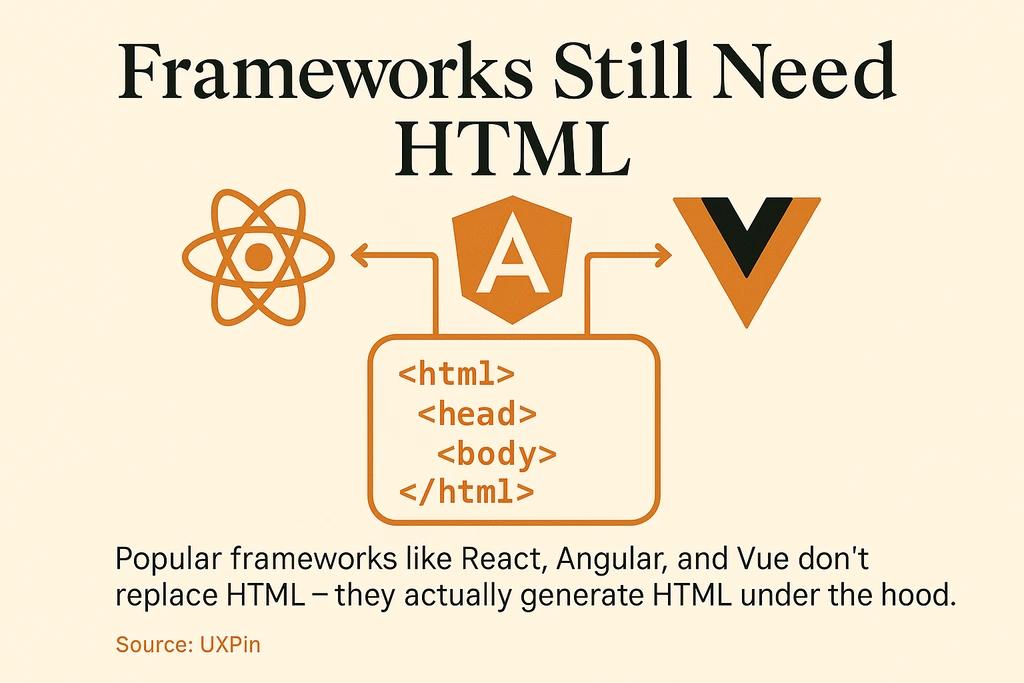
When I write an Astro component for a property listing page, the browser never sees .astro. It receives HTML. The same is true for every Svelte component, every React JSX file, every Vue template. These tools generate HTML efficiently and at scale. What they cannot do is decide which HTML elements to generate. That decision remains yours.
Astro's architecture makes this unusually explicit. An .astro file is a superset of HTML - any valid HTML is valid Astro syntax, so if you can write HTML, you can write Astro components. The framework ships zero JavaScript to the browser by default, which means the HTML it outputs carries more structural weight, not less. There is no client-side JavaScript hydration to paper over mistakes in document structure.
---
const { address, price, bedrooms, area } = Astro.props;
---

<article
  class="listing-card"
  itemscope
  itemtype="https://schema.org/RealEstateListing"
>
  <header>
    <h2 itemprop="name">{address}</h2>
    <p class="price" itemprop="price">{price}</p>
  </header>
  <dl>
    <dt>Bedrooms</dt>
    <dd itemprop="numberOfRooms">{bedrooms}</dd>
    <dt>Area</dt>
    <dd itemprop="floorSize">{area} m²</dd>
  </dl>
</article>
That <article> is not aesthetic preference. It signals to the browser's accessibility tree that this is a standalone, self-contained unit of content. A screen reader user navigating a listings page with the R key jumps directly between article landmarks. A <div class="listing-card"> provides nothing equivalent, even if it looks identical on screen.
What Bad HTML Costs in a Real Project
I audited a property developer site earlier this year - built on a popular drag-and-drop builder, reasonably well-designed visually. Every section was nested <div> inside <div>. Navigation was a <div> with an onclick handler. Form labels were styled <p> tags. Listing content had no structured data.
The practical costs: keyboard-only users could not navigate the contact form. Voice control software could not identify the navigation links by name. Because the listing content lacked the semantic structure that search engines use to parse page hierarchy, the listings were not appearing in Google's rich results despite being well-photographed and well-priced.
Replacing the structural markup - adding <nav>, <main>, <article>, <button>, and correct <label> elements - moved the Lighthouse accessibility score from 58 to 94. Adding schema.org microdata (which requires sensible semantic containers to attach to) brought the listings into Google's property-related rich results within three weeks of reindexing.
No framework changes. No new JavaScript. HTML decisions.
Why Property Developer Websites Are a Specific Case
Real estate listing pages are not blog posts. A buyer scanning 40 properties on mobile is making fast decisions under high cognitive load. The HTML structure directly affects how that experience behaves across the stack.
For the AmplyViewer embeds I build into developer websites - interactive 3D property viewers - the surrounding HTML context determines how the embed interacts with the rest of the page's accessibility tree. If the containing section lacks a proper heading, screen readers announce the interactive viewer without positional context. Users cannot tell what they are looking at or how to navigate back to the listings.
There is also the performance dimension. According to Astro's own benchmarks against real-world Core Web Vitals data, an Astro site can load 40% faster with 90% less JavaScript than the equivalent React implementation. But that advantage only holds if the HTML is clean. Bloated nesting, redundant wrapper elements, inline styles replacing semantic attributes - these inflate the HTML payload and delay first-contentful paint. For property buyers arriving from a search ad on a mobile device, a one-second delay in page load is a measurable bounce-rate event.
Webflow and Visual Builders: What They Output Is Still Your Responsibility
I use Webflow on projects where the client or a non-technical team will manage content without developer involvement. Webflow is excellent at what it does. It also outputs HTML, and the quality of that output depends on choices you make inside the designer.
Webflow's default element for almost everything is <div>. Accepting that default produces functional but semantically hollow pages - a <div> for the navigation, a <div> for the site header, a <div> for each listing card. In the Webflow designer, you can explicitly set the element type for any component: <section>, <article>, <nav>, <header>, <footer>. The tool allows it. It just does not do it automatically.
When I build a custom Webflow site, setting correct element types is part of the setup process before any visual styling happens. The result is a page whose exported HTML makes structural sense - one that accessibility tools can navigate, that search engines can parse without guessing at content roles, and that another developer can read without reverse-engineering the class naming system to understand what each section is.
If you are evaluating Webflow for a project, the gap between what Webflow produces by default and what it can produce with deliberate HTML decisions is significant. That gap requires HTML knowledge to close.
HTML Is a Living Standard, Not a Finished Document
Worth clarifying: there is no "HTML5" anymore. The current specification is called the HTML Living Standard, maintained by the WHATWG - a consortium of Apple, Google, Mozilla, and Microsoft. It is updated continuously, without version numbers. What developers still call "HTML5" features have been part of this living standard since 2019, when the W3C formally ceded authority over the HTML and DOM specifications to the WHATWG.
This matters in practice because the spec keeps adding genuinely useful elements. The <dialog> element gained full cross-browser support in 2022 and is now the correct way to build modal dialogs - without custom JavaScript focus traps, without managing aria-modal attributes manually, without coordinating z-index with the rest of the page stack. The <details> and <summary> elements provide accessible accordion behavior natively. The popover attribute, newer still, handles non-modal overlays without JavaScript.
Each of these reduces JavaScript footprint and improves accessibility by default. A developer who stopped paying attention to HTML after learning the basics five years ago is writing custom <div>-based modal implementations that are heavier and less accessible than what the browser now provides natively for free.

What HTML Knowledge Actually Means in Practice
The useful part of HTML expertise is not a memorized lookup table of every element. It is understanding three things that are harder to find in a quick search.
The accessibility tree is a parallel structure the browser builds from your HTML and exposes to screen readers, voice control software, and automated testing tools. A <button> element gets a role of "button" automatically - keyboard focus, activation via space or enter, and correct announcement to screen readers are all built in. A <div onclick> gets none of that without explicit ARIA additions. You can patch the gap manually, but you are then writing what the correct HTML element would have delivered for free.
The document outline - the heading hierarchy from <h1> through <h6> - is how both users and search engines understand content structure. A property listing page with a logical heading hierarchy communicates clearly: this is the development name, these are the unit types, this is the individual unit. Skipping heading levels or using them as visual size controls breaks this for everyone. It is the first thing I check on any site I inherit from another developer.
The semantics-versus-presentation distinction is the one that breaks down most reliably in practice. Semantic HTML describes what content is. CSS describes how it looks. In real projects these blur constantly - an <h3> used because the designer wanted medium-weight text, a <table> used to produce a grid layout, a <button> replaced with a <span> because the default browser button styles were inconvenient to override. These decisions do not fail immediately. They fail when a screen reader announces "heading level 3: learn more" in the middle of a property specification panel, or when a keyboard user cannot reach the call-to-action because it was never a focusable element.
Getting this right on a real estate web development project is not about following best practices for their own sake. It is about building sites that work for the full range of people who use them - buyers on slow mobile connections, users with visual impairments, voice control users, and the crawlers that determine whether the listing surfaces in search at all.
Frequently Asked Questions
Do I need to learn HTML before using Astro or Svelte?
Yes - and specifically because these frameworks treat HTML as a first-class language rather than an abstraction to hide. Astro's template syntax is a superset of HTML, meaning you write HTML directly in .astro files. Without a working knowledge of HTML elements and their semantic roles, you will produce structurally unsound components that pass visual inspection but fail accessibility audits and search indexing. If you want to understand the Astro framework in more depth, this beginner's guide to Astro covers the core concepts and setup process.
Is HTML hard to learn?
HTML is significantly more approachable than JavaScript because it has no execution model, no asynchronous behavior, and no type system to reason about. You are describing content and structure, not programming logic. The syntax itself can be picked up in a weekend. The harder part - developing judgment about which element is correct in a given context - comes from reading accessibility documentation and reviewing the output of real projects. For a detailed walkthrough of the learning curve, see is HTML hard to learn.
Why do people say HTML is not a "real" programming language?
Because technically it is not - it is a markup language. HTML describes document structure; it does not define logic, conditionals, or execution flow. This distinction matters when setting expectations: "web developer" roles expecting HTML expertise are asking for something different from Python or TypeScript proficiency. It is a different kind of knowledge, and arguably a more fundamental one for anything targeting the browser. The full reasoning is covered in why HTML is not considered a programming language. The label should not make HTML seem less important - every language that targets the web eventually has to produce it.
Does using Webflow mean I can skip HTML?
No. Webflow generates HTML, and the quality of that HTML depends on the choices you make in the designer - which element type to assign to each component, how to label interactive controls, which structural landmarks to use. Webflow defaults to <div> for almost everything; accepting that default produces functional but semantically hollow pages. Knowing what Webflow is actually outputting, and overriding element types deliberately, is what separates a site that scores well on accessibility and SEO audits from one that does not.
Will AI tools eliminate the need to understand HTML?
This seems backwards from what I observe. AI code generation tools produce HTML that looks correct and often is not - specifically at the semantic level, where the difference between <section> and <div> is invisible in the output but significant for accessibility and search engines. The value in reviewing AI-generated HTML is precisely the judgment the tool lacks: does this element describe the content correctly, does the heading hierarchy make sense, is this control actually a <button>? That oversight requires knowing what correct HTML looks like, which means the working knowledge of HTML becomes more necessary, not less.