Real Estate Web Development: Architecture That Performs

Every checklist-style article about real estate web development reads the same. "Mobile-friendly design, fast loading, IDX integration, lead capture forms." None of those bullets is wrong, but none of them tells you the thing that actually matters: a real estate site lives or dies on a small number of architectural decisions made before you build any feature at all.
I am Dimitri, the developer behind DignuzDesign. I build property websites for developers, agents, and architects on Astro, Webflow, Svelte, and Cloudflare. The sites I have shipped that perform well and the ones I have inherited that do not differ less in their features than in four early choices: the rendering model, the listings integration strategy, the image pipeline, and where lead capture lives. Get those four right and the feature list takes care of itself. Get them wrong and no amount of polish on the homepage will rescue the project.
This article is about those four decisions: what each one really involves, where the pitfalls hide, and how I think about them on real projects.
The Rendering Model Decision: Static, Hybrid, or Dynamic
The first question is not "WordPress or custom?" but "What gets rendered when?" Real estate sites have an awkward content mix. Marketing pages, neighborhood guides, and brand copy that almost never change live alongside listings that change constantly. Treating both the same way is the most common mistake I see in audits.
The case for a static-first stack is strongest when your listings sit in the hundreds, not the tens of thousands. Astro, in particular, has gotten very good at this. Build a 200-listing site as static pages at deploy time, push every page to a CDN edge, and you have a site that loads in under a second from anywhere in the world. The Astro team's framework performance report showed Astro sites are roughly twice as likely to pass Core Web Vitals as Next.js sites, and the gap is widest on content-heavy pages like property listings. I have shipped real estate sites on Astro that pass Core Web Vitals on mobile out of the box, without a single performance optimization beyond what the framework provides.
Webflow takes a different approach: visual editing, CMS collections, hosted on their own CDN. The tradeoff is honest. You get a non-technical content editor that a marketing team can actually use, and you give up some control over the rendering pipeline. For a brokerage that updates listings weekly and wants the marketing team to own the site, Webflow is often the right answer. The short version of the framework question: pick Webflow when content velocity matters more than raw performance margins.
Where I would push back on the default: do not reach for Next.js or a full SSR React app for a marketing site with a few hundred listings. You are paying a JavaScript tax that buyers on mobile data plans will feel, in exchange for capabilities you do not need. I have a longer argument for this in our piece on Jamstack property developer websites, but the practical heuristic is simple: if a page can be rendered at build time, render it at build time.
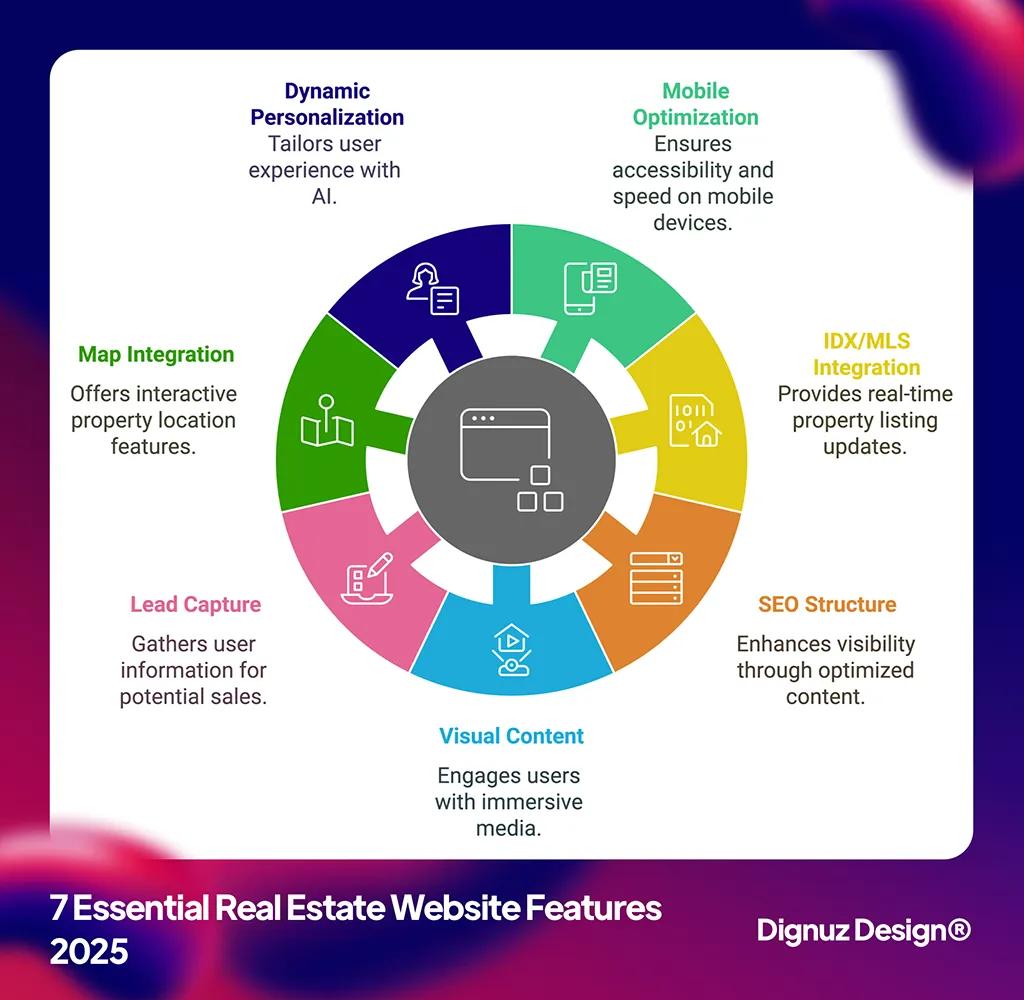
The Listings Integration Question: IDX, RESO, or Custom
This is where most real estate sites I have audited go wrong. The site looks fine. The listings page loads in eight seconds.
The reason is almost always the same: someone dropped an iframe-based IDX widget on the page, that widget loads its own JavaScript bundle, makes a synchronous call to a third-party server, and renders results inside an iframe that ignores everything you did with your design system. Visually it works. Technically it is a separate website pretending to be part of yours, with its own performance characteristics that you cannot control.
The modern alternative is the RESO Web API, which the National Association of REALTORS has effectively standardized across more than 500 certified MLS boards. RESO Web API replaces the older RETS protocol with a RESTful endpoint based on the OData V4 specification. In plain language: you can request listing data over HTTP, get clean JSON back, and the schema is the same regardless of which MLS you are pulling from. That last point is the one that matters most. A site built against the RESO schema can move from one MLS to another without rewriting its data layer.
How I think about this on actual projects:
For a small agency with a few dozen featured properties, you do not need IDX at all. Manage listings in your CMS, build the listing pages statically, and link out to the MLS detail page for the long tail. The site will be fast, controllable, and cheap to maintain.
For a brokerage that needs full IDX search, build a thin proxy layer that hits the RESO Web API on the server side, caches responses in something like Cloudflare KV or D1, and renders listing pages from your cached copy. I have built versions of this on Cloudflare Workers with Hono, and the cache-hit latency at the edge is usually under 50ms. The MLS feed updates run on a schedule; the user-facing pages stay fast.
For a property developer marketing a single building or development, skip listings infrastructure entirely. The site is a brochure with an apartment finder. Build it custom, embed an interactive 3D walkthrough using something like AmplyViewer, and route inquiries directly to the sales team. The complexity of an IDX integration is wasted on a project with fifty units.
The Image Pipeline: Where LCP Lives or Dies
Real estate is the most image-heavy vertical on the consumer web. A typical listing has fifteen to thirty photos at full resolution, and the hero photo is almost always the Largest Contentful Paint element. According to web.dev's guidance on optimizing LCP, the LCP image is the single biggest lever for loading performance, and the 2025 Web Almanac found that 16% of all pages still lazy-load their LCP image, one of the most damaging mistakes you can make.
For real estate specifically, here is what I have found works on production sites:
- Serve modern formats. AVIF saves roughly 50% over JPEG at equivalent visual quality, WebP saves around 25 to 35%, and browser support for both is now broad enough to use as a primary format with a JPEG fallback. I default to WebP because the encoder is faster and the savings are still substantial, with AVIF as the next-best when build time allows it.
- Preload the hero, lazy-load the rest. The first photo above the fold needs fetchpriority="high" and a preload hint. Every photo below the fold should use loading="lazy" and explicit width and height attributes to prevent layout shift. This sounds basic. Most real estate sites I audit do not do it.
- Serve responsive sizes, not a single full-resolution file. A 4000px-wide photo on a 375px phone is wasteful. Use srcset with at minimum three sizes (mobile, tablet, desktop) and let the browser choose.
- Host on a real CDN, not your origin server. Cloudflare R2 paired with Image Resizing is what I reach for most often. No egress fees, and the integration with Workers means you can transform on request and cache the result at the edge.
Astro's built-in <Image> component handles most of this automatically. In Webflow, you get responsive variants from their hosted CDN. On a custom Cloudflare setup, you can resize on the fly with Image Resizing or pre-generate sizes at upload time. The point is that an image pipeline is not a detail you handle later, it is the performance story. I have a deeper treatment of these patterns in our real estate website speed optimization guide.
Lead Capture Without Wrecking Performance
This is the section nobody writes about and where I see the most damage to real-world sites. The typical pattern: the marketing team adds a Calendly embed, a HubSpot tracking script, a Facebook Pixel, a Google Tag Manager container, a chat widget, and a "Get a free valuation" popup. Each of those is a third-party JavaScript bundle. Together, they often add a megabyte or more of blocking JavaScript to every page load.
The site that loaded in 1.2 seconds now loads in 5.8. The lead capture stack has eaten the performance budget, and no homepage redesign will get it back.
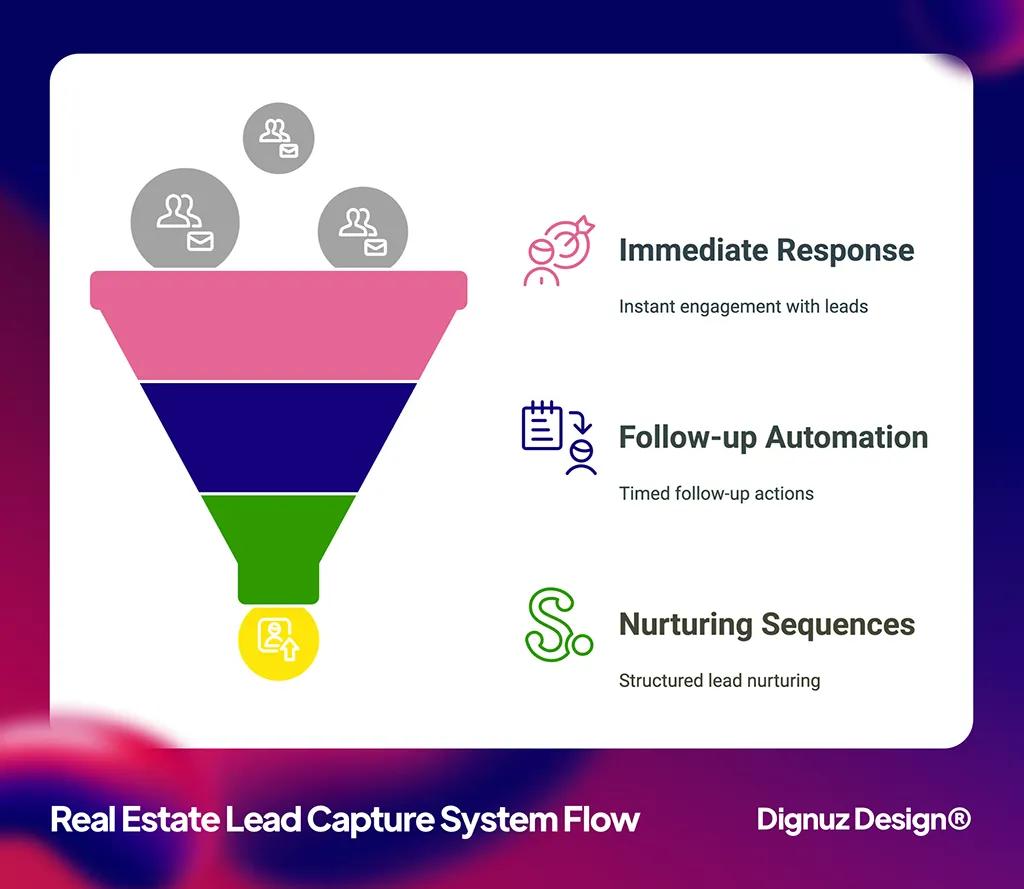
My approach on production sites is to treat lead capture as a server-side concern wherever possible. Form submissions go to a Cloudflare Worker endpoint that handles the database write and the email notification directly, with no third-party client-side script needed. Booking pages link to a Calendly or Cal.com page on a subdomain so the third-party bundle never touches the marketing site. Analytics goes through a privacy-friendly tool like Plausible or Fathom, which loads under 1KB of script and does not require a cookie banner.
The result: forms still capture leads, sales still gets notifications, and the homepage still passes Core Web Vitals. The principle is to keep the marketing site clean and let third-party tooling live one click away on dedicated subdomains or external pages. This is not about being purist, it is about being deliberate with what runs on the critical rendering path. I see it most clearly on AmplyDigest, a service I built that summarizes newsletters and YouTube videos into a single morning email - the site loads instantly because everything except the form lives elsewhere.
A Note on the CMS Layer
I get asked a lot about WordPress for real estate sites. My honest answer: it can work, but the typical implementation does not. The plugin stack a real estate WordPress site needs (IDX plugin, SEO plugin, page builder, caching, image optimization, security) tends to fight itself, and the performance work required to make it competitive with a modern static stack is substantial. If you are committed to WordPress, headless WordPress feeding a static front-end is the path I would recommend, but at that point you may as well evaluate the alternatives directly.
For studios that work alongside 3D visualization teams producing custom renders and virtual tours, the rendering and integration question becomes more pointed. You are already shipping a custom front-end for the interactive content. The CMS underneath should not be fighting that work. A static-first stack with a small CMS for content editing almost always wins this matchup.
Putting It Together
Most real estate web development decisions reduce to those four questions, asked in roughly the order above. A site that picks the wrong rendering model spends the rest of its life paying for it. A site that lets an IDX widget dictate the listings experience is making a design decision by accident. A site that does not own its image pipeline cannot pass Core Web Vitals. A site that bolts on lead capture as a stack of third-party scripts undoes all of the above.
Features matter. But features come after architecture, and architecture is where most real estate sites either earn their performance budget or quietly spend it before launch.

💻 Let us help you create a stunning online showcase for your projects that works seamlessly across all devices. Ready to amplify your real estate business? 👉 Explore AmplyViewer now
Frequently Asked Questions
What is RESO Web API and do I need it for my real estate website?
RESO Web API is a standardized REST API that MLS boards expose to give your site real-time listings data. You need it if your site has to display the full MLS, not just your own featured properties. If you only show a curated set of listings, you do not need MLS integration at all - manage them in your CMS instead.
Is Webflow good for real estate websites?
For brokerages and agencies that update content frequently and want non-technical staff to own the site, yes. Webflow handles design, hosting, and a content editor in one place. The tradeoff is that you are tied to their CMS limits and their hosting, and very large IDX integrations are awkward. For a single-property landing site or a marketing site for a development, Webflow is often the right tool.
Why is my real estate website so slow?
In my experience auditing slow real estate sites, three things explain almost every case: unoptimized large hero images, an iframe-based IDX widget that loads its own bundle, and a stack of third-party scripts (chat widgets, tracking pixels, popups) on every page. Fix the image pipeline, replace the iframe IDX with a proper API integration, and audit your tag manager. That resolves 80% of the slowdown.
Should I use Next.js or Astro for a real estate site?
For a content-heavy real estate site that does not need heavy client-side interactivity, I default to Astro. It ships dramatically less JavaScript, builds quickly, and passes Core Web Vitals without much effort. Reach for Next.js when you have genuine application-style requirements: a logged-in agent dashboard, a transactional flow, real-time updates. Most real estate websites are marketing sites with listings, not web applications.
How much does real estate website development cost?
It depends on which of the four decisions above apply. A single-property landing site on Astro or Webflow with no IDX integration can be done in the low five figures. A full brokerage site with custom RESO Web API integration, custom search, and full CMS work runs higher. The cost driver is almost always integration complexity, not page count.
Do I need a custom website or will a template work?
Templates work for the marketing layer. They almost never work once you need real listings integration, a custom image pipeline, or interactive 3D content. The honest test is whether the four architecture decisions in this article can be answered with the template you are considering. If they cannot, you will end up rebuilding around the template, which is more expensive than building it correctly the first time.



