Is HTML Hard to Learn? A Developer's Honest Answer

I get this question a lot, both from clients trying to understand what their developers are actually doing and from people thinking about learning web development themselves. The honest answer is that HTML is easy to start with and harder than most tutorials admit to use well. That sounds like a cop-out, but the distinction matters if you are trying to decide whether to invest time in learning it properly.
I'm Dimitri, and I run DignuzDesign, a small web design and development studio that ships sites for real estate companies, architects, and property developers. I've also built two of my own products that rely heavily on clean HTML underneath: AmplyViewer, an interactive 3D property viewer that gets embedded into client sites, and AmplyDigest, a service that turns my newsletter subscriptions and YouTube queue into a single morning summary email. Both of these products send HTML to end users, and both taught me where the real learning curve lives.
This article is my attempt to answer the question in a way that is useful, not just encouraging.
The Part Everyone Agrees On: HTML Syntax Is Easy
If the question is "can I learn to write an HTML document that a browser will render," the answer is yes, in a weekend. The basic structure is a handful of tags wrapped around content:
<!DOCTYPE html>
<html lang="en">
  <head>
    <title>A page</title>
  </head>
  <body>
    <h1>A heading</h1>
    <p>A paragraph of text.</p>
  </body>
</html>
There are no variables, no control flow, no type system, no memory to manage. You do not need to install a compiler. The browser is forgiving about errors in ways that most real programming environments are not: leave off a closing tag and Firefox will often render the page anyway. The feedback loop is instant. Save the file, hit refresh, see the result.
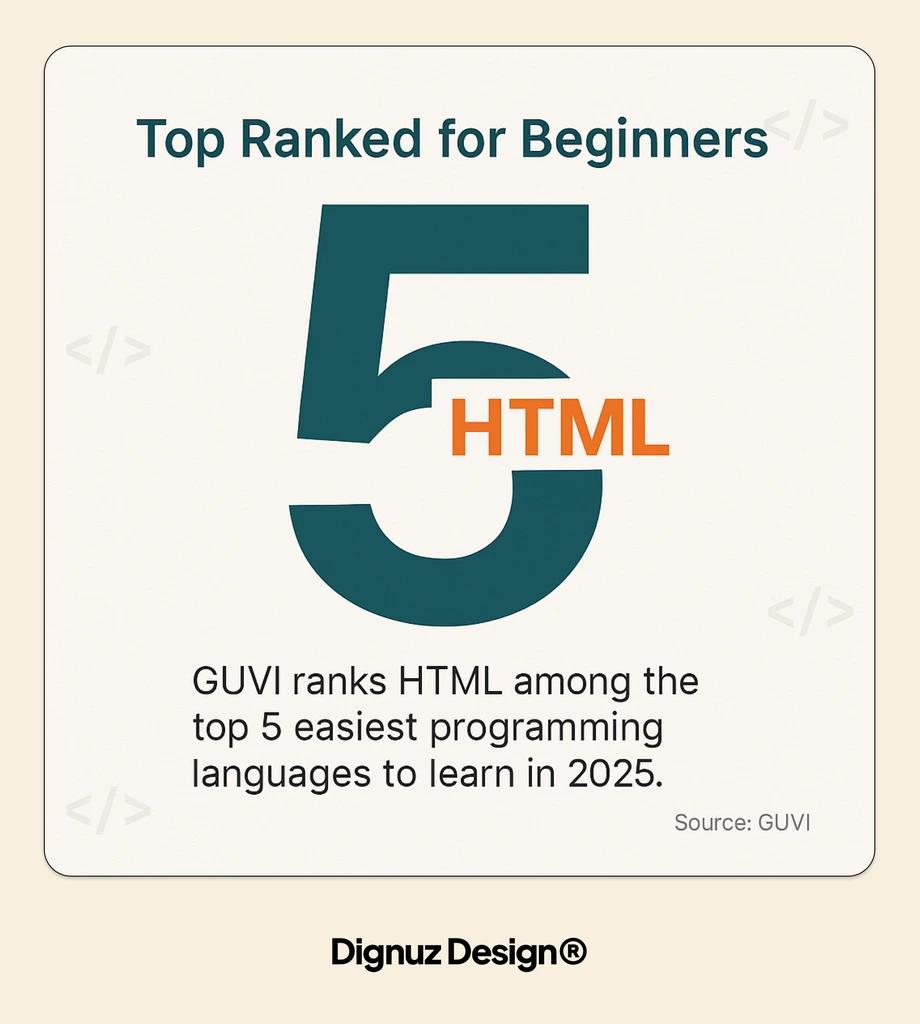
This is why HTML consistently ranks at the top of easiest-thing-to-learn lists in tech, and why most introductory curricula start here. It is also why HTML is not considered a programming language in the strict sense. It describes structure, not behavior.
So if you are asking the surface question, the answer is no, HTML is not hard. A motivated beginner can build a working page in their first sitting.
The Part That Makes It Harder Than It Looks
Here is where the honest answer gets interesting. There is a real difference between writing HTML that renders and writing HTML that works, and the gap between those two things is bigger than most tutorials suggest.
WebAIM runs an annual automated accessibility analysis on the top one million home pages on the web. Their most recent Million report found that 95.9% of home pages had detectable WCAG conformance failures, and the number actually got worse compared to prior years. Most of those failures are HTML problems: missing alt text, poorly nested headings, form inputs without labels, buttons that are actually styled div elements. The sites generating these failures were not built by beginners. They were built by professionals, at scale, with budget and review processes, and the sites still fail.
That tells you something important about the shape of the learning curve. The hard part of HTML is not syntax. The hard part is the semantic and accessibility layer that sits on top of the syntax, and almost every developer eventually learns it by getting something wrong in production.
Where HTML Actually Gets Hard
When I think about the things that have cost me real hours on real projects over the years, almost none of them were syntax. They were things like:
- Deciding whether a block of content should be an article, a section, or an aside, and realizing the answer actually matters for screen reader users and for how search engines parse the page
- Building a form that works for keyboard-only users, handles browser autofill correctly, and communicates validation errors to assistive technology
- Getting heading hierarchy right on a property listing page that has a main property title, then a neighborhood heading, then individual room sections, without breaking the document outline
- Marking up a multi-level navigation menu in a way that works for touch users, keyboard users, and screen reader users all at once
- Knowing when a button is the right choice versus an a tag, and when you actually need a role="button" on something else
- Handling internationalization with proper lang attributes and knowing why that matters for hyphenation and search engines
None of those are unsolvable. All of them are the kind of thing that reveals whether you actually know HTML or have just memorized the syntax. In my experience reviewing other developers' work, this is the single most common gap: people who can produce a page versus people who can produce a page that does not need to be rewritten before it ships.
The Semantic Trap
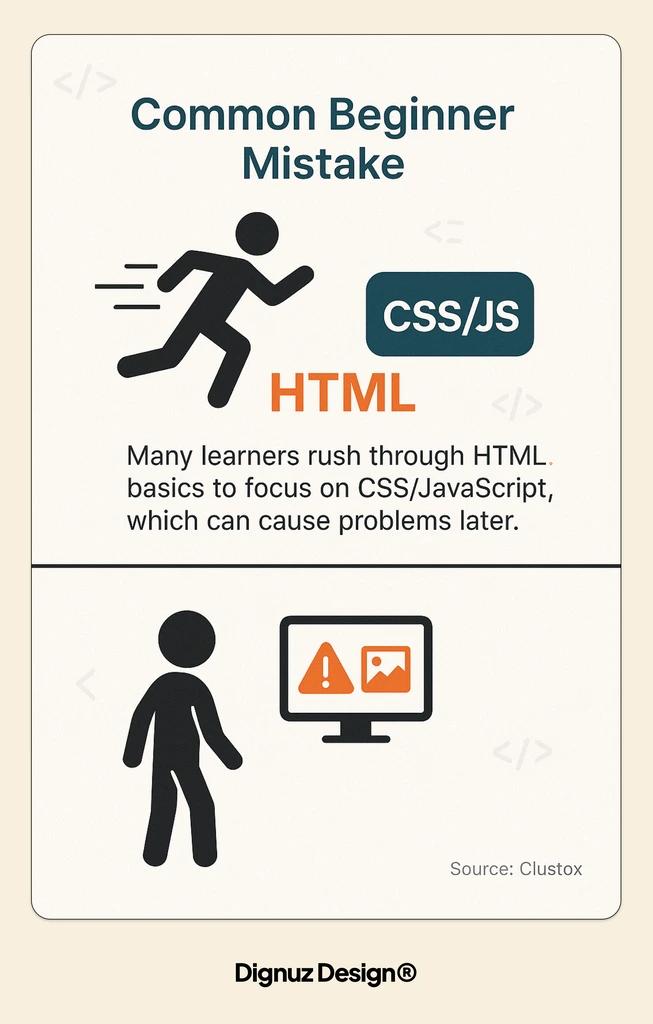
There is a stage every HTML learner goes through that I would call the div soup stage. You have learned the syntax, you have learned about classes, and now every element you reach for is a div with a class name that describes what it is. Header? <div class="header">. Button? <div class="button" onclick="...">. Article? <div class="article">.
This works. The browser renders it. CSS styles it. A sighted user on a mouse will never know.
It is also wrong in a way that becomes expensive later. The WHATWG HTML Living Standard, which is the actual authoritative spec rather than the old W3C HTML5 document that older tutorials still cite, defines each element with a specific meaning for a reason. A screen reader announces a <nav> as a navigation landmark. It announces a <button> as interactive. It does not do either of those things for a styled div, even if you layer ARIA attributes on top to fake it.
Getting past the div soup stage is the real milestone in learning HTML. It usually takes a project where you run into a concrete problem: a Lighthouse accessibility score that will not budge, a client whose SEO consultant flags missing semantic landmarks, a legal requirement around WCAG compliance. The fix forces you to rewrite half your markup. After that project, you write HTML differently.
How Long It Really Takes to Get Fluent
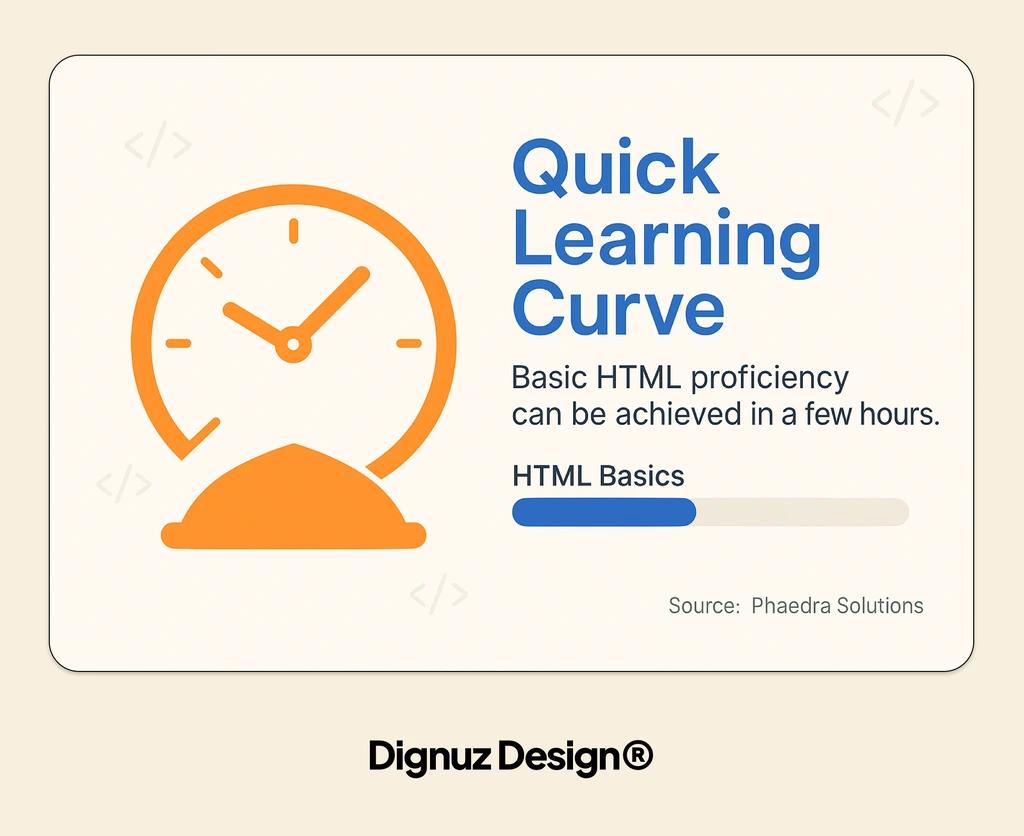
I am skeptical of the tidy learning timelines you see in tutorials. "Basic understanding in one to two days, proficiency in one to two months" sounds reassuring but measures the wrong thing. It measures how long until you can recognize the tags, which is easy. It does not measure how long until you can make good decisions under pressure on a real project.
Here is a more realistic breakdown based on what I have seen with junior developers I have worked with, and on my own early years.
A motivated person can write a functional HTML page in a day. They will need CSS almost immediately to make it look like anything, so that first week usually includes linking CSS to HTML and realizing the two are inseparable in practice.
After about a month of consistent work, they can build a static multi-page site that looks decent on a desktop browser. This is where most tutorials stop and where many self-taught learners declare themselves done with HTML.
After about six months of real projects, they start making semantic decisions intentionally rather than by reflex. They stop reaching for div first. They know what a <figure> is for. They can look at a design and form opinions about what the underlying markup should be.
After a year or two of production work, they can open any HTML file, read the structure, predict its accessibility problems, predict its SEO problems, and make informed tradeoff decisions about when to break the rules. That is the level where HTML starts to feel easy. It is also the level that most beginners underestimate by an order of magnitude.
Where HTML Skill Actually Pays Off
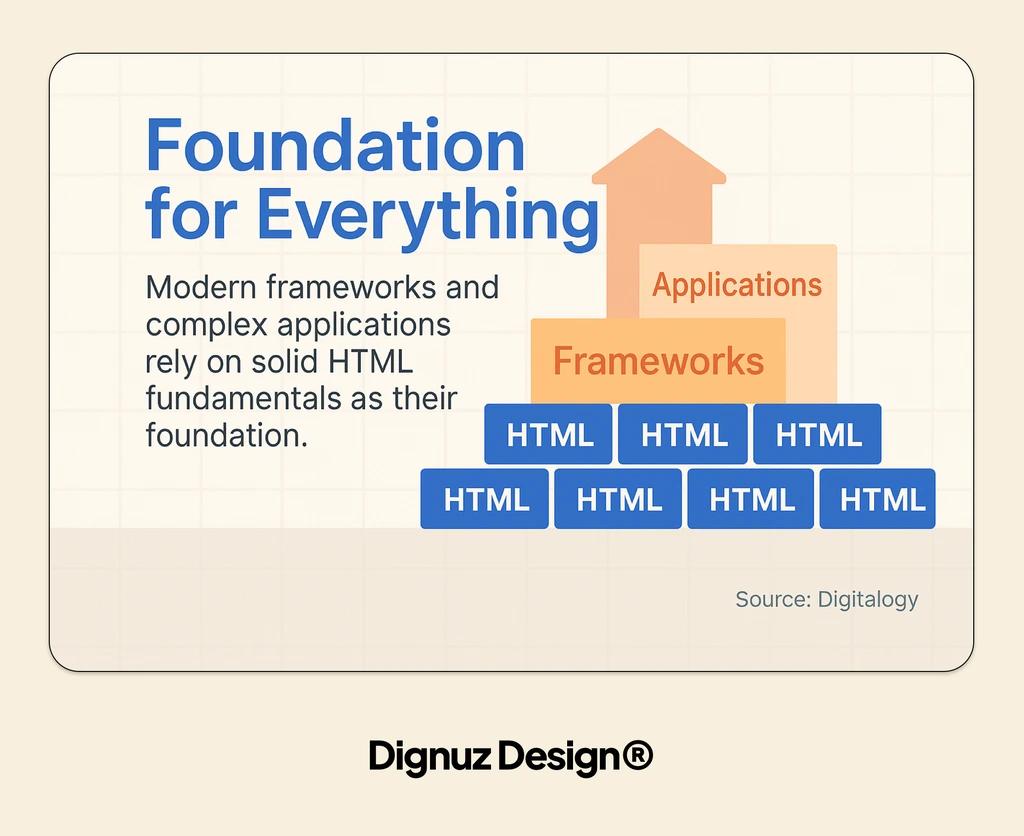
The argument I see sometimes, that modern tools like React or visual builders mean HTML does not matter anymore, is wrong, and it is wrong in a specific way. Every modern framework compiles to HTML eventually. If you do not know HTML well, you produce bad HTML through those tools, and you do not know it is bad because the tool hides it from you.
I ship most client sites with Astro now. Astro's entire pitch is that it outputs mostly static HTML with small islands of JavaScript only where needed. The quality of the HTML that Astro produces depends entirely on the quality of the templates I write. Bad markup in, bad markup out, no matter how modern the framework.
Webflow is similar. The visual builder lets you configure the underlying element for every block on the page. Developers who know HTML pick section, article, and nav appropriately. Developers who do not drop everything into div blocks and then wonder why their Lighthouse scores are mediocre.
For real estate client sites in particular, where SEO and conversion directly affect revenue, the difference between semantic HTML and div soup shows up in organic rankings within a few months. There is no framework that compensates for bad markup underneath. If anything, frameworks amplify the problem by generating a lot of markup automatically, which multiplies whatever patterns you set in the templates.
So, Is It Hard or Not?
If you want the one-sentence answer: HTML is easy to learn to write and harder to learn to use well, and the gap between those two things is where the actual work is.
If you are a beginner deciding whether to start, start. The barrier to entry is as low as it gets in tech, and learning HTML is still worth doing in a world of frameworks and AI-generated code. Just do not mistake the first weekend of "I can make a page" for having learned the thing. The craft starts after that.
If you are hiring a developer or evaluating one, do not test whether they know the tags. They all do. Test whether they make intentional semantic decisions, whether they can read an accessibility audit and explain what is wrong, and whether they can justify why they picked one element over another. That is the signal.
Frequently Asked Questions
How long does it take to learn HTML well enough to build a website?
You can build a rough static website in a week of consistent practice. You can build one you would be comfortable putting your name on in three to six months, because by then you have hit enough real problems to have developed judgment about structure, accessibility, and SEO.
Is HTML harder than CSS?
No. HTML is simpler mechanically. CSS has more moving parts: layout systems, specificity, cascade, responsive design, and the long tail of browser quirks. But CSS mastery is often easier to benchmark because the visual feedback is immediate, whereas HTML mistakes are invisible until someone with a screen reader or a search engine crawler hits them.
Do I need to learn HTML if I am using a framework like React or Webflow?
Yes. Every framework compiles to HTML eventually. Not knowing HTML means you cannot evaluate the output, which means you ship whatever the framework decides to produce, which is usually fine for visual rendering and often bad for accessibility and SEO. The frameworks hide the markup, they do not replace the need to understand it.
Is HTML5 still the current version?
Technically, the HTML specification has been a living document without version numbers since 2011. "HTML5" is a label people still use out of habit, but the authoritative spec is the WHATWG HTML Living Standard and it updates continuously. For practical purposes, if you are learning the semantic elements and form features introduced in the HTML5 era, you are learning current HTML.
What is the fastest way to tell if someone actually knows HTML?
Look at their markup with CSS disabled. If the document still has a logical structure - clear headings, navigation landmarks, proper lists, forms with labels - they know HTML. If it collapses into a featureless stream of text, they have been relying on CSS to communicate structure, which means they are one framework migration or one screen reader session away from a broken experience.
Where should I learn HTML properly if most tutorials feel too shallow?
The MDN accessibility guide for HTML is the best free resource I know for moving past syntax into semantic thinking. Read it with a real project open in another window, not as a passive study session. Then read the WHATWG spec for any element you use frequently. It is denser than a tutorial, but it is the source of truth.




