How to Link CSS to HTML: What Each Method Really Costs

Most guides to linking CSS to HTML treat the question as if it had one right answer and three wrong ones. Use an external stylesheet with a <link> tag. Don't use internal <style> blocks. Never use inline styles. Memorise the rules, write the syntax, move on. The trouble with that framing is that it is wrong about the easy cases and silent about the hard ones. The decision of how to link CSS to HTML is not a syntax question. It is a question about what the browser does between receiving your HTML and painting a pixel, and the right answer depends on which trade-off you can afford to make on a given page.
I am Dimitri, and I run DignuzDesign, a studio that builds custom websites for real estate companies, architects, and property developers. The sites I ship are image-heavy and visual-first, which means CSS that blocks the hero image for an extra second is not a theoretical problem. It is the difference between a visitor who scrolls and a visitor who bounces. Most of these sites are built with Astro, deployed on Cloudflare. Both make decisions about how CSS gets linked into your HTML that override what you wrote, and those decisions are usually good. Understanding why they are good is the same as understanding the topic properly.
What "Linking CSS to HTML" Actually Means to the Browser
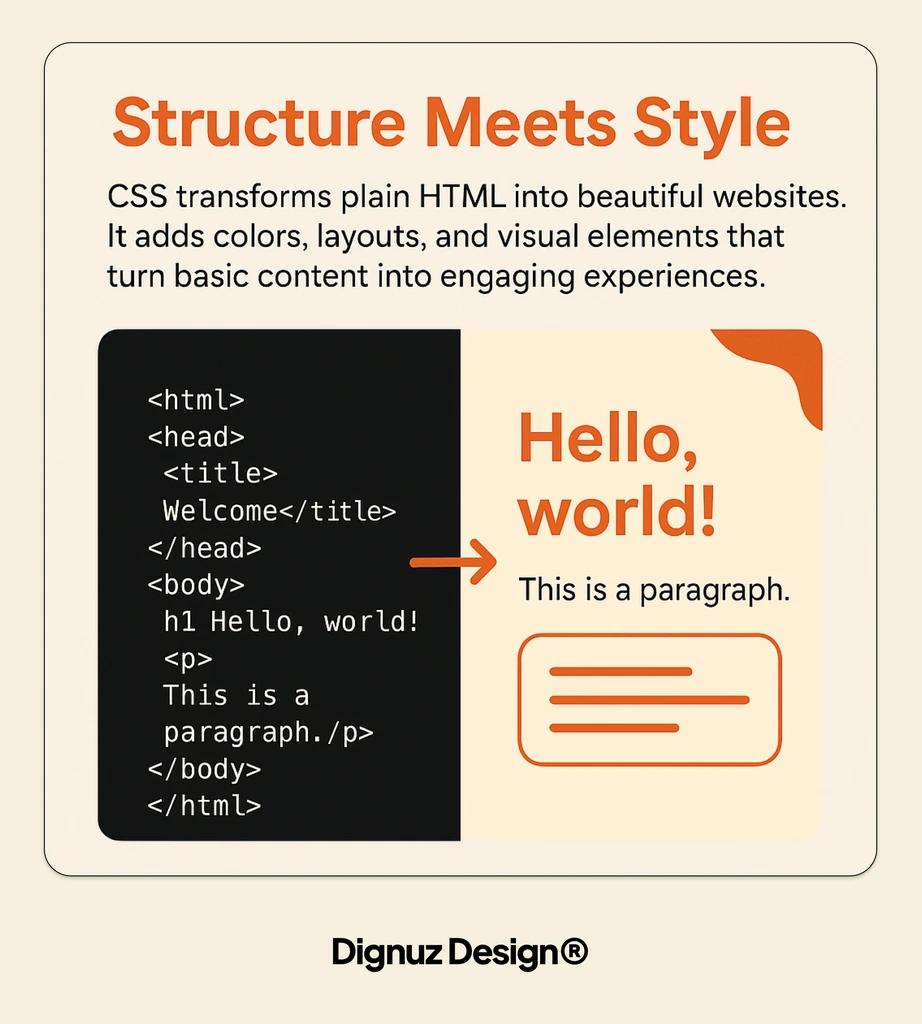
When a browser receives an HTML document, it begins parsing it top to bottom and building the DOM. The moment the parser encounters a stylesheet reference - whether that is a <link> tag, a <style> block, or an inline style attribute - it has to deal with it before it can produce a complete picture of what to paint. CSS is what the browser uses to build the CSSOM, the styling counterpart to the DOM, and the renderer cannot composite a frame without both. This is why CSS is described as render-blocking by default. The browser will pause first paint until the CSS it needs has been fetched, parsed, and applied. The full mechanics are documented well in web.dev's guide to the critical rendering path; the short version is that every method of linking CSS to HTML interacts with this pause in a different way.
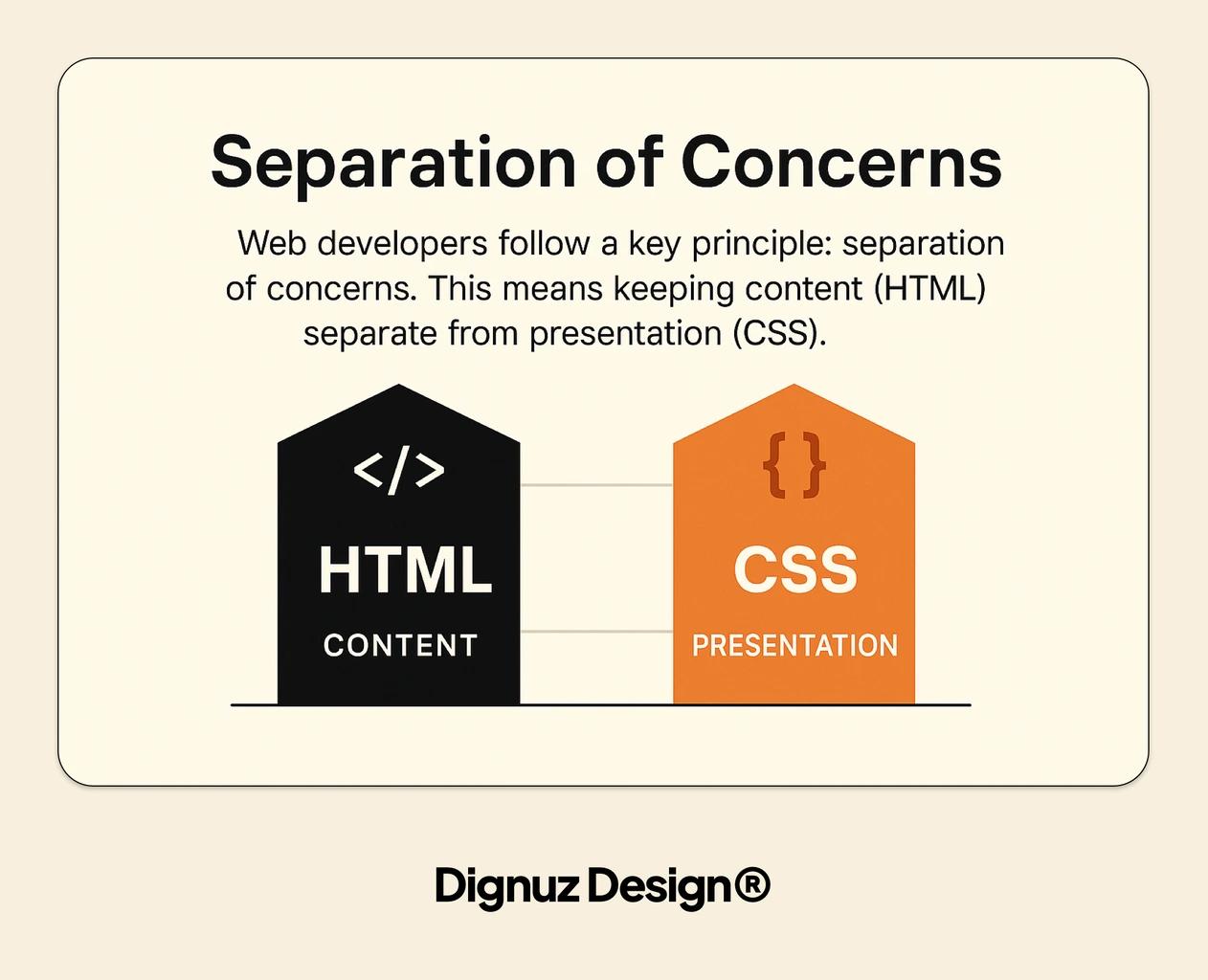
The other thing worth establishing up front is that the choice is not three separate methods in competition. It is one rendering pipeline with three different ways to feed CSS into it, and a competent page often uses all three in the same document.
External CSS With a Link Tag
The most common method is to put your CSS in its own .css file and reference it from the HTML <head> with a link element:
<head>
  <link rel="stylesheet" href="/styles/main.css">
</head>
The rel attribute tells the browser the relationship - in this case that the linked resource is a stylesheet. The href is the path. That is the entire syntax most beginner guides cover, and the MDN reference for the link element is the place to go when you need every attribute spelt out.
What the syntax does not tell you is what the browser does next. When the parser encounters that tag, it issues a network request for the file, then waits. Other resources can be discovered and queued in parallel - this is what the browser's preload scanner is for - but no pixel is painted until that stylesheet is in hand. If your CSS file is 200 kilobytes and your hero image is 80 kilobytes, the CSS is almost certainly your bottleneck. If your CSS file is 8 kilobytes and on the same domain, the cost of the round-trip is negligible.
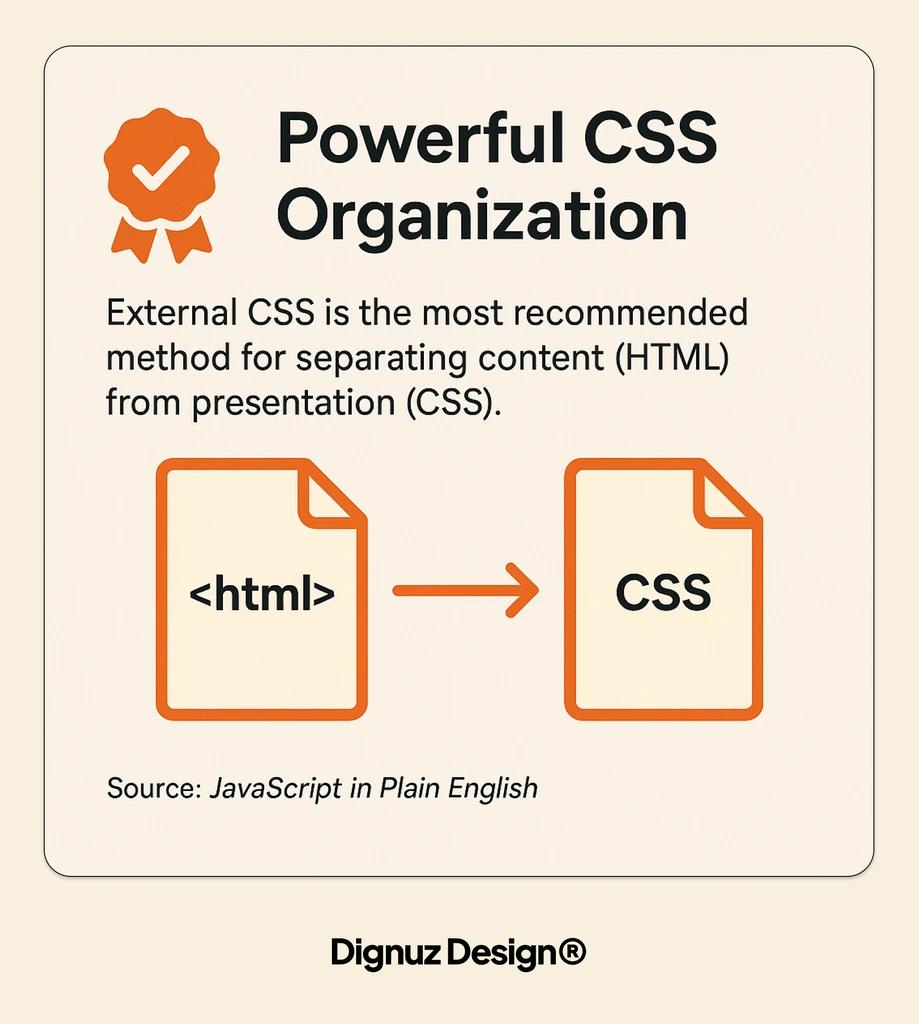
External CSS is the right default for any site with more than one page, for one reason that everyone repeats and another that most people miss. The repeated reason is caching: once the browser has downloaded the file for one page, it can reuse it on every subsequent page that references the same URL. That is real and it matters. The unrepeated reason is that external CSS is the only method that lets you use the full machinery the browser exposes for controlling when and how it loads. You can mark a stylesheet as non-blocking with the media attribute when it only applies to print or a particular viewport. You can preload critical styles with rel="preload" if you have evidence they are on the render path for the first paint. None of that is available to internal or inline styles. They are inert; this one is tunable.
Internal CSS With a Style Block
The second method is to embed your CSS directly in the HTML inside a <style> block:
<head>
  <style>
    body { font-family: system-ui, sans-serif; margin: 0; }
    .hero { aspect-ratio: 16 / 9; background: #111; }
  </style>
</head>
Beginner guides usually file this under "fine for single-page sites and email templates." That framing misses what is actually interesting about it, which is that internal CSS has no network round trip. The browser already has the stylesheet by the time it has the HTML, because the stylesheet is part of the HTML. The render-blocking pause exists only for the time it takes to parse the bytes that already arrived. For small amounts of critical CSS - the styles that govern your above-the-fold layout, your typography, your colour tokens - this is faster than an external link, sometimes considerably so.
This is why inlining critical CSS in a <style> tag and deferring the rest of the stylesheet is a standard performance pattern on pages where the first paint matters. The trade-off is that internal CSS does not cache across pages. If you inline 30 kilobytes of CSS on every page, you ship it on every navigation. That is fine for a landing page. It is not fine for a multi-page site where the same styles are needed everywhere. The discipline is to inline only what is needed for the first paint and to link the rest externally so it caches.
For the real estate landing pages I build, this is almost always the structure: a small inline block carries the typography, the colour palette, and the hero layout, and a single external stylesheet carries everything else. The page paints quickly enough that the LCP element - usually the property hero image - lands inside its budget, and subsequent navigation reuses the cached external file.
Inline Styles With the Style Attribute
The third method is the most discouraged and the most misunderstood:
<div style="padding: 24px; background: #f5f5f5;">
  Property summary
</div>
Inline styles attach a declaration directly to a single element. They are evaluated as the parser builds the element, which means they have zero network and parse overhead of their own. They are also the highest-specificity styles in the cascade short of !important, which is the source of most of the reasonable advice against them. Once you start scattering inline styles through markup, you make the cascade unpredictable. A later stylesheet cannot override them without resorting to !important, and you end up with the kind of CSS where every fix triggers two new bugs.
That is the case against inline styles, and it is a good case. The case for them is narrower and worth knowing. Email clients strip out <link> and <style> tags inconsistently, so inline is often the only reliable option for HTML email. Server-rendered framework code can use inline styles for dynamic values that would otherwise require a class name explosion - a progress bar width, a colour computed from data, a position derived at runtime. And, more practically, if you are inlining ten lines of layout-critical CSS into the head, the browser does not care whether those ten lines live in a <style> block or are split across a couple of attributes on the hero element. The cascade case still applies, but the rendering pipeline does not punish you for it.
Render-Blocking Is the Real Conversation
Once you understand that CSS is render-blocking by default, the question of how to link it stops being "which method is correct" and becomes "how much paint budget am I willing to spend, and where." Two patterns are worth knowing because they solve the most common problems on production sites.
The first is the media attribute. A stylesheet linked with media="print" will be downloaded but not block rendering, because the browser knows it does not apply to the current viewport. The same trick works with media queries: media="(min-width: 1024px)" on a stylesheet means it is non-blocking on mobile and only becomes relevant when the viewport grows. Splitting your CSS so that the desktop-only rules live in their own non-blocking stylesheet is one of the few "for free" performance wins available on a multi-breakpoint site.
The second is rel="preload" combined with an onload swap, which lets you fetch a non-critical stylesheet without blocking the parser. The pattern is well documented and the gotchas are real - web.dev's guide to deferring non-critical CSS is the canonical reference - but the short summary is that you should reach for it when you have a measurably render-blocking stylesheet that you can prove is not needed for the first paint. Reach for it before that, and you will move CSS off the critical path that the browser needed and end up with a flash of unstyled content instead.
What Astro Decides for You
One of the reasons I no longer write the <link> tag by hand on most projects is that Astro makes a smarter decision automatically. By default, Astro inlines stylesheets smaller than 4 kilobytes directly into the page as a <style> block and links larger ones as external files. This is exactly the trade-off described above, applied per-route at build time, with no need to think about it on every component. The behaviour is configurable - the Astro styling docs walk through the inlineStylesheets build option if you want everything inlined or everything external - but the default is almost always the right call for the sites I ship.
Astro also scopes the styles inside any <style> block in a component, so the CSS in a navigation component cannot leak into the property card next to it. That removes one of the larger arguments against internal CSS - that it does not scale to many components - because the framework handles the scoping for you. I have written about the broader framework decision in the Astro framework beginner's guide; the styling story is the part that matters for this article. If you have spent a long time avoiding internal CSS for hygiene reasons, a framework that scopes it for you removes the original reason for the avoidance.
The Production Gotchas Nobody Warns You About
A few things only show up once a site is live and you are looking at real user metrics rather than a local dev server:
- Stylesheet order matters more than tutorials let on. A linked stylesheet placed below another one wins ties in the cascade. If you import a vendor stylesheet after your own, vendor styles will overwrite the ones you wrote. The fix is not to use !important to fight back. The fix is to put your stylesheet last.
- FOUC is usually a deferred-loading bug. If your page flashes unstyled and then snaps into shape, it is almost always because a stylesheet that was actually critical was loaded with media="print" swap or preload tricks. Move it back onto the blocking path.
- Caching can hide stale CSS for weeks. A long-lived cache header on a stylesheet means a returning visitor will see the version from their last visit until the URL changes. Build tooling solves this by hashing the filename. Hand-rolled HTML does not, and the fix is either a hashed filename or a query string updated at deploy time.
- Inline styles in HTML loaded over an unencrypted connection are a content-security-policy headache. Many production sites set a CSP that forbids inline styles unless they carry a nonce. Frameworks like Astro handle this; hand-rolled inline styles do not, and you only find out when the CSP starts logging violations in production.
What I Actually Reach For
The pattern that has held up across the property and architect sites I have shipped is straightforward. A small, hand-curated block of critical CSS gets inlined into the head with a <style> tag, covering typography, colours, and above-the-fold layout. Everything else lives in an external stylesheet linked from the head, with a hashed filename for cache busting. Print and high-breakpoint styles live in their own non-blocking external files using the media attribute. Inline styles on individual elements are reserved for dynamic values that genuinely cannot be expressed as a class. When the project is on Astro, most of this is the default, and the parts that are not are a couple of build options away. The result is a page that paints quickly, caches well, and does not require me to explain CSP exceptions to a client a month later.
If you are still at the stage of choosing a CSS approach for your first project, the broader question of which CSS toolset to learn first matters too - the CSS frameworks for beginners piece covers the trade-offs there. For pure speed work that goes beyond CSS, the real estate website speed optimization guide picks up where this article leaves off. And if you are still wrestling with the structure side of the equation, the is HTML hard to learn piece is the companion read.

Frequently Asked Questions
Where should the link tag for CSS go in an HTML document?
Inside the <head> element, before any <script> tags that might depend on styled measurements. Putting it in the head lets the browser start fetching the stylesheet as soon as it encounters the link, in parallel with the rest of the HTML parse. Placing the link in the body is technically allowed in modern browsers but it costs you that parallel fetch and is almost never what you want.
Can I link multiple CSS files to a single HTML page?
Yes, and on a real production site you almost always do. The browser fetches them in parallel up to its connection limit, and each one applies in source order. Multiple files are useful when you want to split critical from non-critical CSS, or when a third-party widget ships its own stylesheet. The cost is that each file is a separate request, so do not split for the sake of splitting - split when the parts have different loading characteristics.
Why does my CSS file not apply even though the link tag looks correct?
The most common cause is a wrong path - a relative path that resolves to a location the file is not actually at. Open the browser dev tools network panel and look for the stylesheet request. A 404 there points to the path; a 200 that still does not apply usually means a more specific style elsewhere is winning the cascade, or the file is being served with the wrong MIME type. Check the Content-Type response header - it should be text/css.
Is inline CSS bad for SEO?
Not directly. Search engines render pages and compute styles before deciding what is visible and what is not. What can hurt SEO is the indirect effect: inline styles often correlate with a page that is slow to render or has poor Core Web Vitals, and those signals do affect ranking. Use inline styles sparingly for the reasons in this article, not because a crawler will penalise the attribute itself.
Should I use the import rule to load CSS instead of a link tag?
Generally no. The @import rule lets one stylesheet pull in another from inside CSS, but it serialises the requests: the browser cannot start fetching the imported file until it has parsed the importing one. A link tag in the head lets all stylesheets be discovered in parallel. The one place @import still earns its keep is for conditional loading inside a stylesheet that is already loaded, and even that is usually better handled with a separate link tag and a media query.
What is the difference between linking CSS and using a CSS framework?
Linking is the mechanism for getting any CSS into your page. A framework is a body of CSS someone else wrote that you then link in the same way. The two are not alternatives. You can link Tailwind's compiled stylesheet exactly the same way you would link your own. The frameworks question is about which styles you write yourself versus which you adopt; the linking question is about how the browser gets to them.