How JavaScript Works: A Practitioner's View on the Engine

Most explanations of how JavaScript works stop at "the browser has an event loop and the engine runs your code." That sentence is true, and it is useless. It is true in the same way "the car has an engine" is true. It does not help you diagnose why the car is juddering on the motorway. The parts of the JavaScript execution model that matter in production are not the parts that show up in a beginner's diagram. They are the parts that explain why a 3D scene drops frames on a particular laptop, why an Astro island hydrates too late, or why a long-running Cloudflare Worker starts leaking memory in a way that never happened in local development.
I am Dimitri. I run DignuzDesign, a studio that builds custom websites for real estate developers, architects, and property marketing teams. I also ship AmplyViewer, an interactive 3D property viewer embedded into client sites, and AmplyDigest, a service that summarises newsletters and videos into a single morning email. All three pieces of work run JavaScript, but they run it in three very different places: a browser, a Node process, and V8 isolates on Cloudflare's edge. The language is the same. The rules are not. That is the starting point for anything useful you can say about how JavaScript works.
What the Engine Actually Does
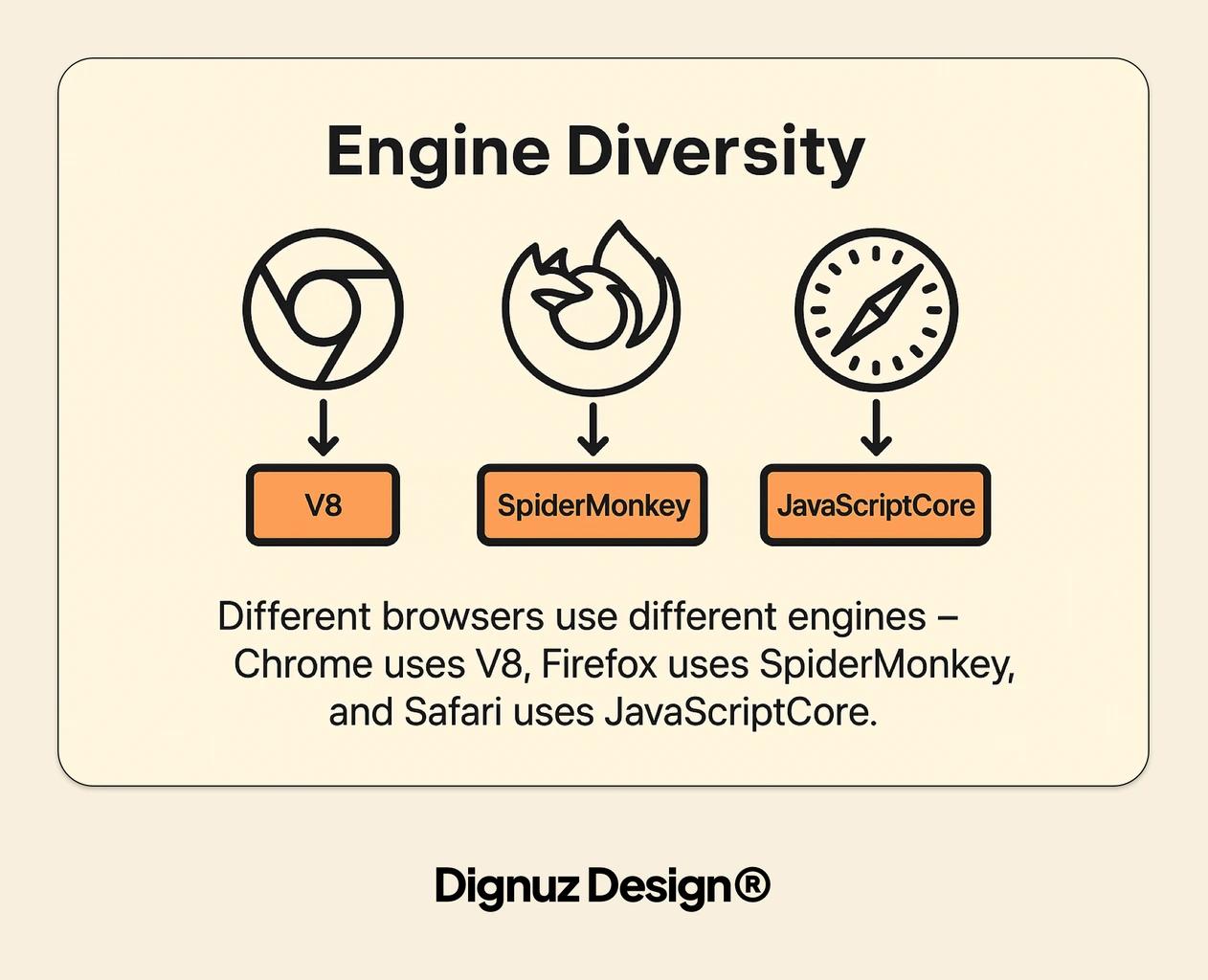
A JavaScript engine is the piece of software that reads your source and turns it into something the CPU can run. Chrome and Node share V8. Firefox uses SpiderMonkey. Safari uses JavaScriptCore. Bun uses JavaScriptCore too. Cloudflare Workers use V8, but they use it in a specific way that matters later. For almost everything a working web developer touches, the engine in play is V8.
V8 does not simply interpret your code line by line. It runs a two-stage pipeline. The first stage is Ignition, an interpreter that walks your source once, produces bytecode, and starts executing. The second stage is TurboFan, an optimising compiler that watches for hot code paths - functions called repeatedly with the same argument shapes - and recompiles them into highly optimised machine code in the background. The V8 team laid out this split in their original Ignition and TurboFan announcement, and the pipeline has only become more aggressive since.
Three practical consequences fall out of this that are worth internalising:
- First-call code is slow, warm code is fast, deoptimised code can be very slow. If you change the shape of an object in a hot function - adding a property halfway through, passing a string where a number used to go - TurboFan can throw out its optimised version and fall back to Ignition bytecode. In user-facing terms this shows up as jitter, not an error.
- Cold starts measure how long it takes to parse, compile, and run. A small bundle starts faster than a large one not because it does less work at runtime but because the engine has less to parse before anything executes. This is why shipping fewer, smaller JavaScript files to the browser is worth more than any micro-optimisation inside them.
- Monomorphic code is cheaper than polymorphic code. A function always called with the same argument types can be optimised aggressively. A function called with ten different shapes cannot. TypeScript helps here indirectly, because it nudges you toward consistent shapes - see the TypeScript versus JavaScript piece for the broader case.
None of this appears in a tutorial that describes V8 as "a JavaScript engine." It appears the moment you try to explain why one version of a hot loop runs twice as fast as another version that looks identical.
The Call Stack Is Your Frame Budget
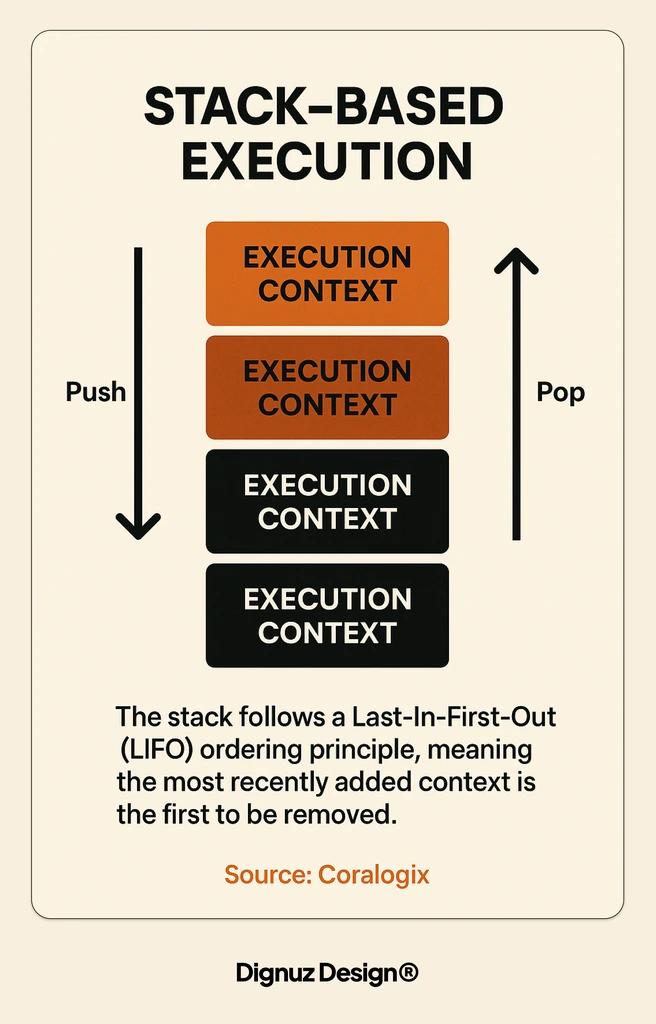
JavaScript is single-threaded. That phrase gets repeated so often it slides past most people. Here is what it actually means in production: there is one call stack, one thread executing your JavaScript, and every synchronous function you call pushes onto that stack and has to finish before anything else runs. In the browser, that thread also renders frames. If you want sixty frames per second you have roughly sixteen milliseconds per frame. The browser needs a chunk of that for style, layout, paint, and composite. What is left for your JavaScript is closer to eight or ten milliseconds.
I learned this properly while building AmplyViewer. The viewer renders a 3D property scene with Three.js. The render loop is cheap - GPUs are good at drawing triangles. What is not cheap is the JavaScript around it: reacting to a dragged camera, updating material properties, resolving a raycaster hit against a hundred furniture meshes. On slower devices, a single raycaster call that walks a deep object graph can eat five milliseconds. Do that inside a pointermove handler that fires every frame, and the budget is gone. The frame drops. The user feels it as a stutter.
The fix is almost always the same: move work off the main thread. Raycasting against a precomputed bounding-volume hierarchy. Geometry preparation in a Web Worker. Debouncing input so it runs on the next animation frame instead of synchronously. None of this is novel. What is useful is the mental model. The call stack is not an abstraction. It is a queue of work that blocks the renderer. Treat it like a budget and the performance problems start looking solvable. The same logic shows up when optimising marketing pages - I have covered that angle in more depth in the real estate website speed optimization guide.
The Event Loop Is Not What You Think It Is
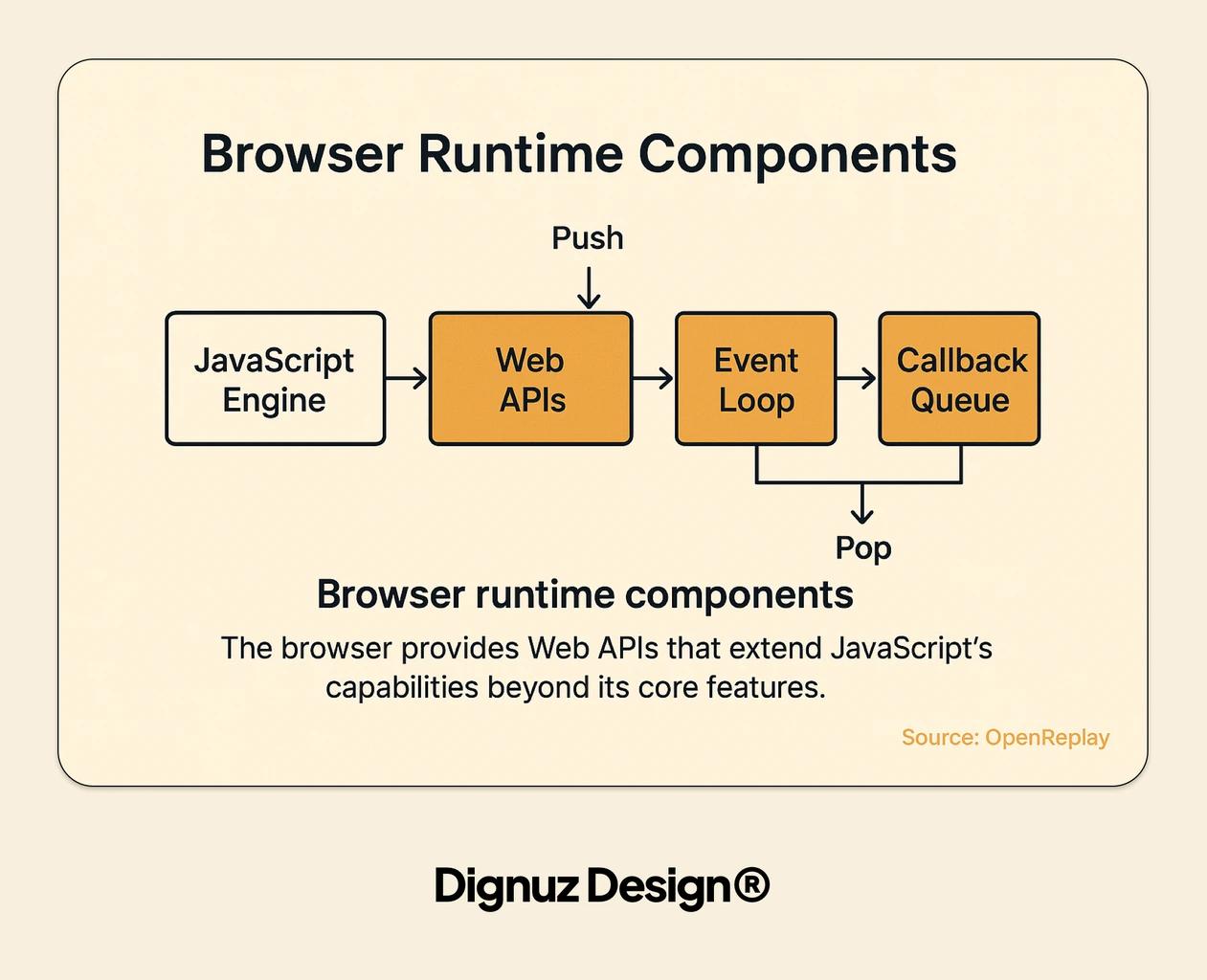
The event loop is the thing that decides what the single thread does next when nothing is currently running. Tutorials usually draw it as a circle with "callbacks" queued up outside it. That diagram is right enough to be misleading. The real event loop, as defined in the HTML specification, has two distinct queues: a task queue and a microtask queue, and the rules for when each drains are not symmetric.
A task is a relatively coarse unit of work: a timer firing, a click event dispatching, a message arriving on a channel. The event loop runs one task, then drains the entire microtask queue, then yields to the browser for rendering if needed. A microtask is anything queued by a resolved promise, by queueMicrotask, or by a mutation observer. The MDN microtask guide is the best reference for the exact rules; the short version is that microtasks run until the queue is empty, even if new ones are added while draining, and they run before the browser gets a chance to paint again.
The practical bite of this shows up in two places. First, if you chain a long sequence of promise callbacks that never hands control back to the event loop, the browser never repaints. You can block rendering entirely with async code if you are not careful. I have watched a skeleton loader fail to appear because the code that was supposed to render it was behind a chain of awaits that all resolved synchronously from cache.
Second, this matters for hydration order in an Astro site. Astro ships most pages as static HTML and hydrates only the components that need interactivity, in the order their strategy specifies - client:load, client:idle, client:visible. Each strategy eventually resolves to a scheduled task. If you understand that the event loop will always drain microtasks before picking up the next hydration task, you can reason about when a Svelte component that depends on onMount will actually mount relative to an analytics script that was queued as a microtask higher up. I have written the broader framework story in the Astro framework guide; the execution-model part is what ties it to this article.
Closures, Lexical Scope, and the Memory Trap
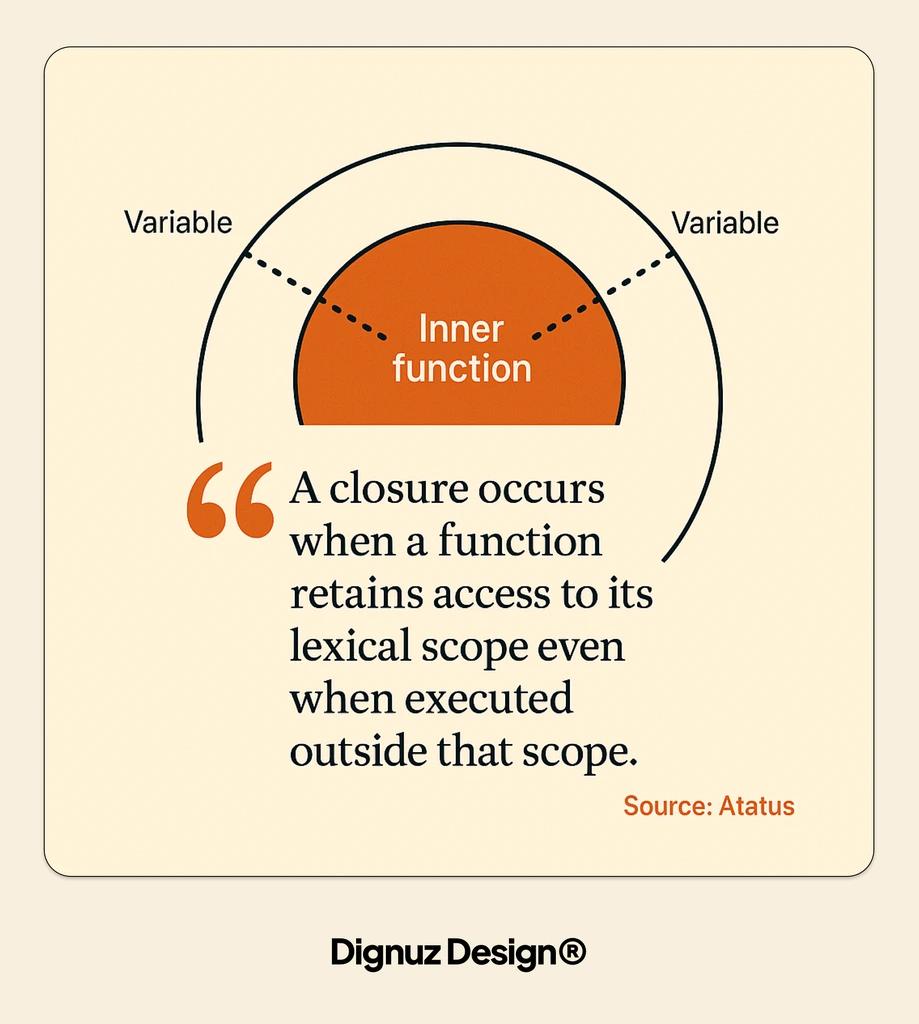
Lexical scope is the rule that says a function remembers the variables that were in scope when it was defined, not when it was called. A closure is what you get when an inner function survives long enough to still need those variables after the outer function has returned. This is the standard description and it is correct. It is also an explanation of how the feature works, not of how it misbehaves.
The misbehaviour worth knowing about is memory retention. A closure holds a reference to its enclosing scope. If that scope contains a large object - a parsed document, a Three.js mesh, a buffered database response - that object stays alive for as long as the closure is reachable. In a short-lived browser tab, this rarely matters. In a long-running Node process or a Cloudflare Worker that handles thousands of requests per isolate, it matters a great deal.
I shipped a bug on AmplyDigest where a scheduled job attached a response handler that closed over the entire fetched article payload. The handler only needed the article's ID, but because it was defined inside a function that had the full payload in scope, the payload was retained. Memory crept up over the course of a day. The fix was a one-line change: extract the handler to a function that takes only the ID as an argument. The closure stopped holding the payload. Memory flattened. This is the kind of bug the textbook description of closures does not prepare you for, and it is also the kind of bug that becomes obvious once you understand what lexical scope is actually keeping alive.
Three Hosts, One Engine
The engine is only half the story. The other half is the host - the runtime that gives the engine things like setTimeout, fetch, or a DOM. Get this part wrong and you will read code that does not execute and ship code that breaks in production.
In the browser, the host is the renderer process. It provides the DOM, Web APIs, and the single main thread where your code competes with layout and paint. The event loop spec is the browser's event loop. Workers (dedicated and shared) get their own event loops without DOM access.
In Node, the host is libuv. It provides filesystem and networking APIs, timers, and its own phased event loop. The big difference from the browser is that Node's loop has explicit phases - timers, pending callbacks, poll, check, close - and macro-tasks are grouped by phase. Code that behaves identically in the browser and Node usually only does so because you stayed within the overlap of what both runtimes support.
In Cloudflare Workers, the host is the Workers runtime, and the execution unit is a V8 isolate rather than a full V8 instance per process. Cloudflare's documentation on how Workers work explains this in detail. An isolate is a sandboxed execution context that V8 can spin up in milliseconds, with its own heap and garbage collector but sharing the underlying process with thousands of other isolates. The consequence is a cold start measured in single-digit milliseconds rather than hundreds, which is the main reason I use Workers for AmplyDigest's API layer. The tradeoff is a tighter set of supported APIs, a CPU time limit per request, and rules around what can survive across requests within the same isolate. Long-lived state is not automatic. You have to lean on Durable Objects, KV, or external storage - the JavaScript backend frameworks overview covers where Workers and Hono fit among the broader options.
The lesson I keep coming back to is that "how JavaScript works" is not a single answer. The execution model of V8 is one answer. The execution model of V8 running inside a browser tab, or libuv, or a Workers isolate is three different answers that share a core. Most production bugs live in the gap between those answers, and most tutorials skip over the gap.

Frequently Asked Questions
Is JavaScript really single-threaded if Workers and async functions exist?
Yes. Each JavaScript context - a tab, a Web Worker, a Node process, a Cloudflare Worker isolate - runs its code on one thread with one call stack. Async functions do not add threads; they let the single thread park work until a later tick of the event loop. Web Workers and dedicated worker threads in Node are separate contexts with their own threads, not shared access to the same one.
What is the difference between a task and a microtask?
A task is a unit of work the event loop picks up between repaints - a timer firing, an event dispatching, a message arriving. A microtask is queued work that runs as soon as the current task finishes, before the next task starts and before the browser gets a chance to paint. Promise callbacks and queueMicrotask produce microtasks. Timer callbacks and DOM events produce tasks. Microtasks run to completion once draining starts, which is why a runaway promise chain can freeze the UI without ever hitting a timer.
Why does my JavaScript run differently in the browser and in Node?
Because the engine is only part of the story. The browser and Node both use V8, but the host environment provides different APIs and, in Node's case, a different event loop implementation built on libuv. Features like document, localStorage, or requestAnimationFrame exist only in the browser. Features like the Node fs module or streams with backpressure exist only on the server. Testing your code against the runtime you will actually ship to matters more than which engine is underneath.
Does understanding the JavaScript engine actually change how I write code?
It changes which patterns you reach for first. Once you know TurboFan optimises hot, monomorphic functions, you stop mutating object shapes for fun. Once you know the call stack blocks the renderer, you stop doing heavy synchronous work inside input handlers. Once you know closures hold references to their enclosing scope, you stop trapping megabyte-sized objects in handlers that did not need them. The engine's behaviour will not make you write perfect code, but it will stop you writing a handful of recurring, hard-to-diagnose performance bugs.
What is a V8 isolate and why should I care?
An isolate is a self-contained execution context within V8, with its own heap and garbage collector, sandboxed from every other isolate sharing the same process. Cloudflare Workers use them instead of spinning up a full Node process per function, which is why their cold starts are measured in single-digit milliseconds. If you write serverless code on Workers, you should care because isolates have different rules around global state, API availability, and CPU time limits than a long-running Node server.
Do I still need to learn how JavaScript works under the hood if I use a framework?
The framework can hide the engine's behaviour only so far. The moment you hit a performance regression, a hydration timing issue, or a memory leak, you are back to reasoning about the call stack, the event loop, and lexical scope. Frameworks raise the abstraction level for writing new features. They do not change what the engine is doing underneath, and they rarely debug themselves when something goes wrong.
Conclusion
JavaScript is executed by an engine that interprets first, optimises second, and deoptimises when your code stops looking predictable. The engine runs inside a host that decides what APIs exist, how the event loop is scheduled, and how long-lived your state really is. Most of the surface-level facts about how JavaScript works are portable between hosts. Most of the production bugs are not. Spend your time understanding which is which, and the rest of the model follows.



