Critical Website Maintenance Tips for Nonprofits

Hey there, nonprofit champions! We get it – you're changing the world on a shoestring budget, and your website feels like another item on an endless to-do list. But here's the thing (and trust us on this one): your website is often the first handshake with potential donors, volunteers, and the communities you serve. A well-maintained site builds trust, drives engagement, and keeps your mission front and center.
At Dignuz Design, we've worked with organizations of all sizes, and we've seen firsthand how smart maintenance can make a small budget stretch further than you'd think possible. You don't need a tech degree or a massive budget to keep your site running smoothly. What you need is a clear plan, the right tools, and a few insider tips that'll save you time and headaches.
In this guide, we'll walk through the essential maintenance tasks every nonprofit needs to tackle, show you how to budget for ongoing upkeep, and share some cost-effective strategies that'll keep your digital presence strong. Plus, we'll tell you exactly when it makes sense to DIY versus when to call in the pros. Ready to turn your website into a well-oiled mission machine? Let's get started!
Essential Daily and Weekly Maintenance Tasks
Think of website maintenance like tending a garden – a little attention each day prevents major problems down the road. The good news? Most of these tasks take just a few minutes and can be handled by anyone on your team who's comfortable clicking around online.
Start with content updates, because fresh content keeps visitors engaged and search engines happy. Update your events calendar, add new blog posts about your programs, and keep donation information current. We've seen nonprofits lose potential supporters simply because their "upcoming" fundraiser was actually last month! Building an effective nonprofit website starts with accurate, timely content.
Update event calendar
- Frequency: Weekly
- Time Required: 5-10 minutes
- Difficulty Level: Easy
Check contact forms
- Frequency: Daily
- Time Required: 2 minutes
- Difficulty Level: Easy
Review donation page
- Frequency: Weekly
- Time Required: 5 minutes
- Difficulty Level: Easy
Scan for broken links
- Frequency: Bi-weekly
- Time Required: 15-20 minutes
- Difficulty Level: Medium
Update staff/volunteer pages
- Frequency: Monthly
- Time Required: 10-15 minutes
- Difficulty Level: Easy
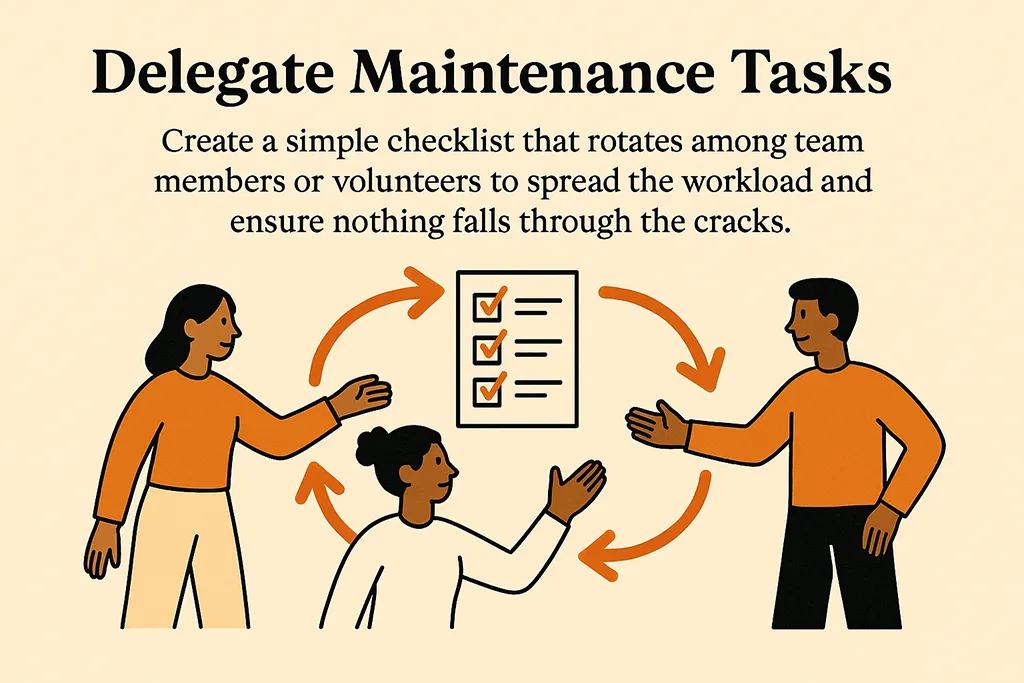
Here's a pro tip from our years working with mission-driven organizations: create a simple checklist that rotates among team members or volunteers. This spreads the workload and ensures nothing falls through the cracks when someone's on vacation or buried in program work.
Content Auditing and Link Checking
Broken links are like having dead phone numbers on your business cards – they frustrate visitors and make your organization look unprofessional. The fix is easier than you might think, and there are free tools to help.
Use Dead Link Checker to scan your entire site for broken internal and external links. Run this check monthly, and fix or remove any broken links you find. For content auditing, regularly review your blog posts and resource pages to ensure information stays current and relevant (Source: Getting Attention).
Technical Maintenance You Can't Ignore
Alright, let's talk about the behind-the-scenes stuff that keeps your website running smoothly. Don't worry – we're not about to throw a bunch of technical jargon at you! These tasks are totally manageable, and we'll break them down into bite-sized pieces.
Security should be your top priority because nonprofits are unfortunately common targets for cyber attacks. The first line of defense is keeping your content management system and plugins updated. Most platforms like WordPress make this pretty straightforward – you'll see notification badges when updates are available.
Mobile optimization is non-negotiable these days. More than half your visitors are probably browsing on phones, so your site needs to look and work great on small screens. Test your site regularly on different devices, and ensure all your forms, donation buttons, and navigation work smoothly on mobile (Source: Wild Apricot).
Security updates
- Frequency: Weekly
- Tools Needed: CMS admin panel
- Cost: Free
Mobile testing
- Frequency: Monthly
- Tools Needed: Google Mobile-Friendly Test
- Cost: Free
Speed optimization
- Frequency: Quarterly
- Tools Needed: Google PageSpeed Insights
- Cost: Free
SSL certificate renewal
- Frequency: Annually
- Tools Needed: Hosting provider
- Cost: $0-50
Backup verification
- Frequency: Monthly
- Tools Needed: Backup plugin
- Cost: $0-100/year
Performance Monitoring and Analytics
Here's where the magic happens – understanding how your website actually performs! Google Analytics is your best friend here, and it's completely free. Set it up once, and it'll track everything from visitor numbers to which pages get the most attention.
Use Google PageSpeed Insights to check your site's loading speed monthly. Slow sites lose visitors fast, and nobody has patience for a donation page that takes forever to load. The tool will give you specific suggestions for improvements, many of which you can implement yourself (Source: Getting Attention).
SEO Maintenance for Maximum Visibility
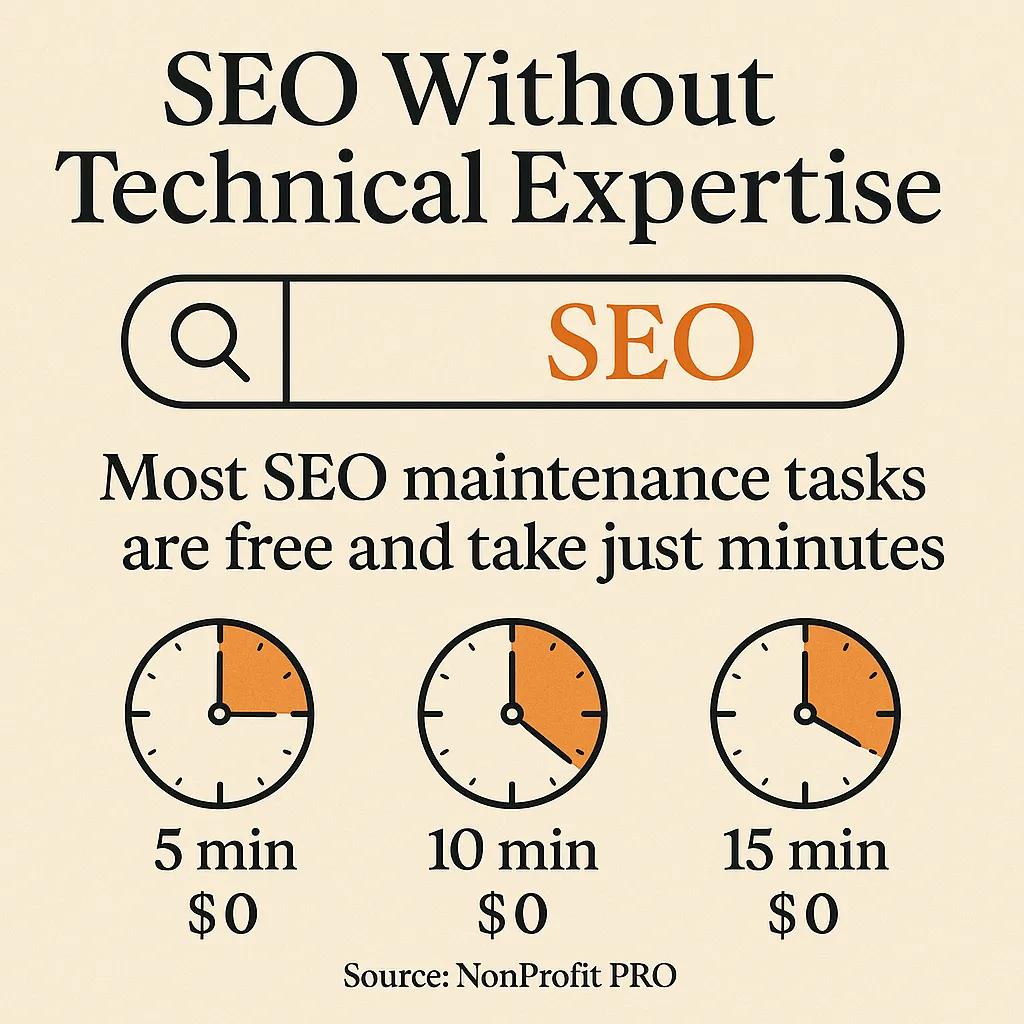
Let's be real – if people can't find your nonprofit online, you can't fulfill your mission effectively. SEO (Search Engine Optimization) might sound intimidating, but it's really just about making your website friendly to both search engines and human visitors. And the best part? Most SEO maintenance tasks are free and take just minutes.
Start with keyword research using free tools like Ubersuggest or Google Keyword Planner. Think about what terms your target audience uses when searching for organizations like yours. Then, naturally incorporate these keywords into your page titles, headers, and content (Source: NonProfit PRO).
Keep your content fresh by regularly updating your blog, events section, and program descriptions. Search engines love websites that consistently add valuable, original content. Even a monthly blog post about your programs, success stories, or community impact can make a significant difference in your search rankings.
- Update meta descriptions for key pages monthly
- Add alt text to all images for accessibility and SEO
- Create internal links between related pages and blog posts
- Submit updated sitemaps to Google Search Console quarterly
- Monitor local SEO listings if you serve specific communities
Pro tip: Following website best practices for SEO doesn't require technical expertise. Focus on creating genuinely helpful content for your audience, and the technical stuff will often take care of itself.
Local SEO for Community-Based Nonprofits
If your nonprofit serves a specific geographic area, local SEO can be a total game-changer. Claim your Google My Business listing and keep it updated with current hours, contact information, and photos. Encourage supporters to leave reviews, and respond to them professionally – this builds trust and improves your local search rankings.
Budget-Smart Maintenance Strategies
Here's where we get real about nonprofit budgets – we know every dollar counts, and website maintenance often feels like a luxury when you're focused on your core mission. But here's the truth: smart maintenance actually saves money by preventing emergency fixes and keeping your site running efficiently.
The key is knowing what you can handle in-house versus when to invest in professional help. Many basic maintenance tasks can be done by staff or volunteers with minimal training. Create a monthly budget that covers essential services, and build relationships with web professionals who understand nonprofit constraints.
Content updates
- DIY Cost: Free (staff time)
- Professional Cost: $50-150/month
- Best Approach: DIY with training
Security monitoring
- DIY Cost: $0-20/month
- Professional Cost: $100-300/month
- Best Approach: Hybrid approach
Technical updates
- DIY Cost: Free (learning curve)
- Professional Cost: $200-500/month
- Best Approach: Professional for complex sites
SEO optimization
- DIY Cost: $0-50/month
- Professional Cost: $500-2000/month
- Best Approach: DIY basics, pro for strategy
Consider creating a "website maintenance fund" by setting aside a small percentage of donations each month. Even $50-100 monthly can cover essential tools and occasional professional help when you need it most.
Free Tools That Deliver Professional Results
The nonprofit sector is lucky – many companies offer free or heavily discounted tools for mission-driven organizations. Google for Nonprofits provides access to premium versions of Google Workspace, Google Ad Grants, and Google Earth. TechSoup offers discounted software and technology services specifically for nonprofits.
For website monitoring, try Uptime.com for basic uptime monitoring, and Hotjar offers free user behavior analytics that can help you understand how visitors interact with your site.
When to Call in Professional Help
We're big believers in empowering nonprofits to handle their own website maintenance, but there are definitely times when professional help is worth the investment. Knowing when to DIY and when to call in experts can save you both time and money in the long run.
Call a professional when you're dealing with security breaches, major technical errors, or significant redesign needs. If your site goes down, donation forms stop working, or you're getting security warnings from Google, that's not the time for DIY troubleshooting. Choosing the right web design agency means finding partners who understand nonprofit budgets and priorities.
Also consider professional help for strategic improvements like conversion optimization, advanced SEO campaigns, or integrating new fundraising tools. These investments often pay for themselves by improving donor engagement and online contributions.
- Security emergencies require immediate professional attention
- Major platform migrations or redesigns need expert guidance
- Integration with fundraising or CRM systems benefits from professional setup
- Advanced analytics and conversion optimization deliver better ROI with expert help
Building a Relationship with Web Professionals
The best approach is building ongoing relationships with web professionals who understand your mission and budget constraints. Look for agencies or freelancers who work specifically with nonprofits, offer flexible payment terms, or provide discounted rates for mission-driven organizations.
Many web professionals are happy to provide occasional consultation calls or emergency support on an as-needed basis. This gives you access to expertise without the ongoing expense of retainer fees.

Creating Your Maintenance Schedule
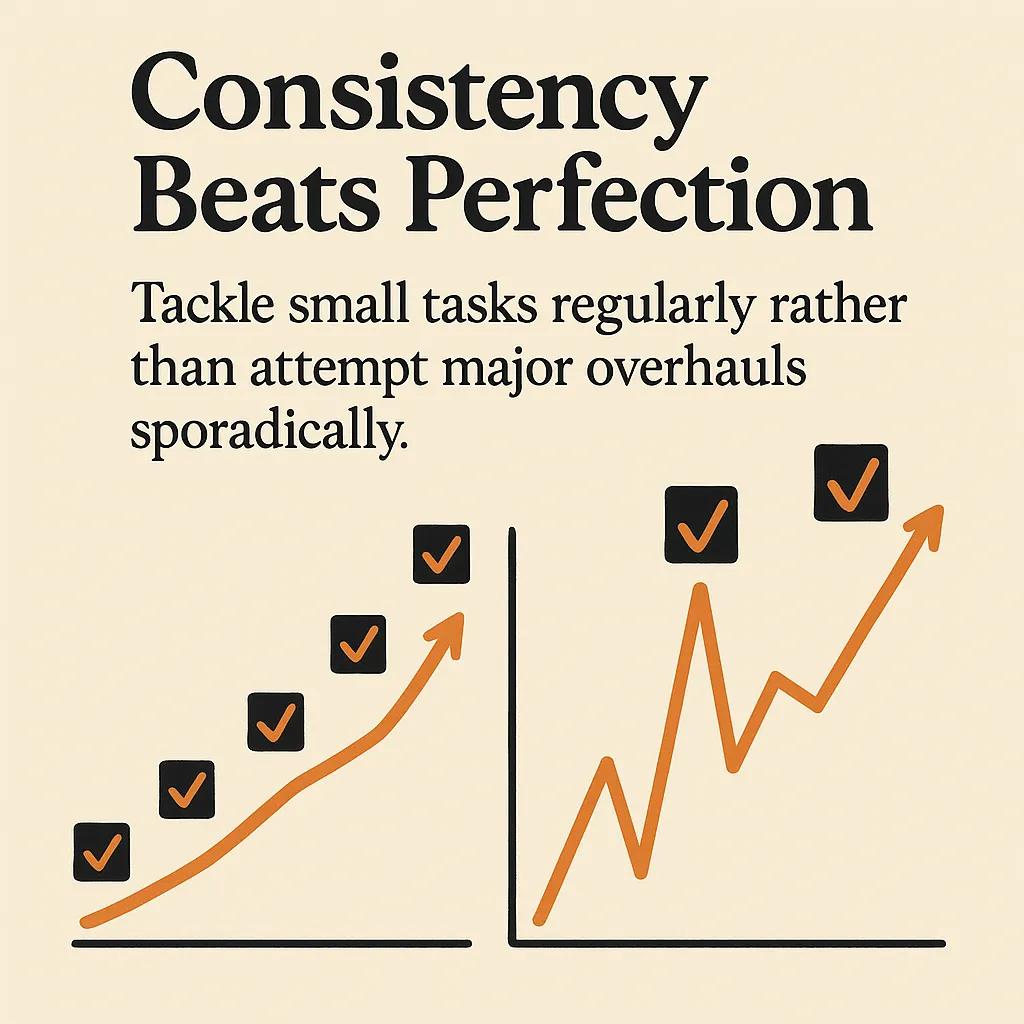
Consistency beats perfection when it comes to website maintenance. We'd rather see you tackle small tasks regularly than attempt major overhauls sporadically. The secret is creating a realistic schedule that fits your team's capacity and workload.
Start by assigning responsibilities to specific team members or volunteers. Maybe your communications coordinator handles content updates, while your tech-savvy board member tackles monthly security checks. Having clear ownership prevents tasks from falling through the cracks.
Consider seasonal factors too. Plan heavier maintenance tasks during slower periods, and ensure critical functions like donation forms get extra attention before major fundraising campaigns. Using a detailed website checklist approach helps ensure nothing gets missed during busy periods.
Daily
- Tasks: Check contact forms, monitor social media integration
- Responsible Party: Communications staff
- Tools Needed: Admin dashboard
Weekly
- Tasks: Update events, review analytics, security updates
- Responsible Party: Web coordinator
- Tools Needed: Google Analytics, CMS
Monthly
- Tasks: Content audit, link checking, backup verification
- Responsible Party: Tech volunteer
- Tools Needed: Link checker, backup tools
Quarterly
- Tasks: Performance review, SEO audit, strategic planning
- Responsible Party: Leadership team
- Tools Needed: Analytics tools, SEO checkers
Seasonal Maintenance Planning
Align your website maintenance with your nonprofit's calendar. Before major fundraising campaigns, do thorough testing of donation forms and payment processing. Before volunteer recruitment drives, ensure application forms work perfectly and your volunteer page information is current.
Plan your heaviest maintenance tasks during traditionally slower periods. Use January to do thorough content audits, and schedule major updates during summer months if you're education-focused and have lighter programming then.
Measuring Success and ROI
Here's something many nonprofits miss: tracking the impact of your maintenance efforts! Just like you measure program outcomes, you should monitor how website improvements affect your mission goals. This data helps justify maintenance budgets and identifies which efforts deliver the biggest impact.
Track metrics that matter to your organization's goals. Monitor donation conversion rates, volunteer application completions, newsletter signups, and event registrations. When you can show that website improvements directly support fundraising and program goals, maintenance becomes an easy budget priority.
Use Google Analytics to set up goals that track important actions on your site. Create quarterly reports that show how maintenance efforts impact these key metrics. This data becomes powerful when presenting to boards or writing grant applications.
- Monitor page load speeds and track improvements over time
- Track form completion rates to identify and fix user experience issues
- Measure search engine rankings for keywords important to your mission
- Document uptime improvements and reduced emergency support needs
- Calculate cost savings from preventive maintenance versus emergency fixes
Reporting Maintenance Impact to Leadership
Create simple monthly reports that connect website performance to organizational goals. Show how faster page loads led to more completed donations, or how updated content increased volunteer applications. This helps leadership understand website maintenance as mission-critical investment, not just technical overhead.
When planning your maintenance strategy, think about it as caring for a vital organizational asset. Your website works 24/7 to advance your mission, connect with supporters, and serve your community. A little regular attention keeps it running smoothly and prevents major problems that could interrupt your important work.
Start small with the daily and weekly tasks we've outlined, build your confidence with free tools and resources, and gradually expand your maintenance routine as your team becomes more comfortable. And remember – you don't have to figure this out alone. The web design community includes many professionals who are passionate about supporting nonprofit missions, including our team at Dignuz Design.
Your website is often the first impression people have of your organization. By keeping it well-maintained, current, and user-friendly, you're ensuring that first impression leads to lasting engagement with your cause. Now get out there and give your website the attention it deserves – your mission depends on it!



