Webflow Pros and Cons: What You Need to Know Before Using It for Web Design
Choosing the right platform for your website determines your online success. Webflow stands out as a powerful option for those seeking design flexibility without extensive coding knowledge. For real estate professionals, finding the perfect balance between visual appeal, functionality, and cost impacts client engagement and business growth.
This guide examines the real advantages and limitations of Webflow to help you make an informed decision for your web design needs. We'll cover essential features, pricing considerations, and specific benefits for real estate websites—all based on current data and practical experience.
What is Webflow?
Webflow is a visual web design platform that bridges the gap between code-free website builders and traditional development. It allows designers to create professional websites visually while generating clean code behind the scenes.
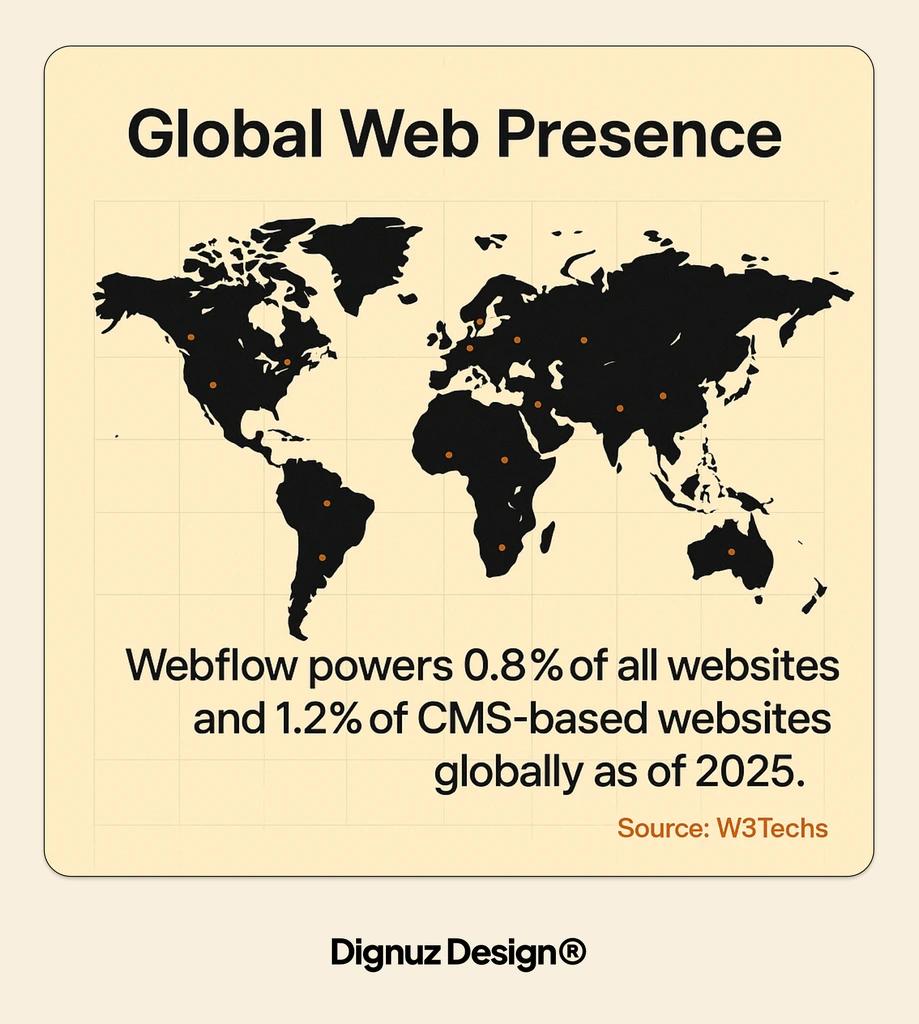
Webflow powers 0.8% of all websites and 1.2% of CMS-based websites globally as of 2025. (Source: W3Techs) This positions it as the #7 CMS among the world's Top 1 Million websites, with a 1.3% market share compared to WordPress' dominant 24.13%. (Source: MyCodelessWebsite)
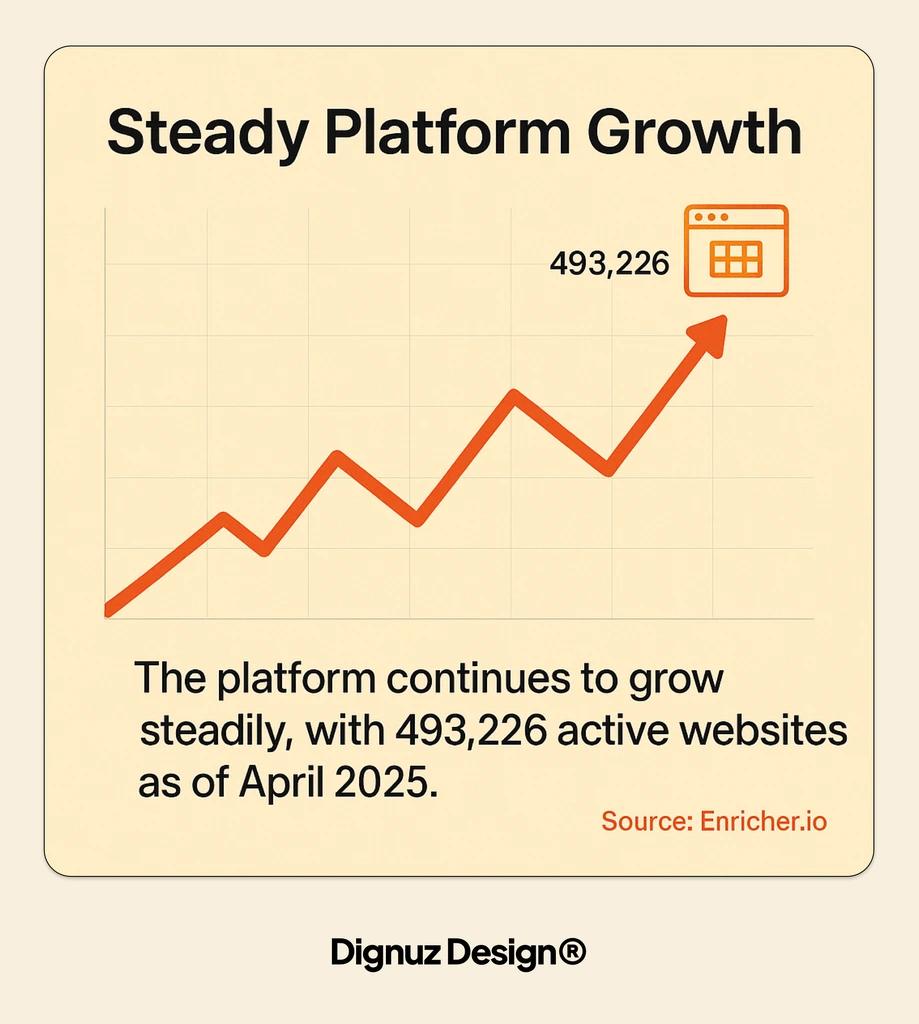
The platform continues to grow steadily, with 493,226 active websites as of April 2025. (Source: Enricher.io) This growth reflects increasing adoption by professional designers and businesses seeking greater control over their web presence.
Let's examine how Webflow currently stands in the website builder market:
Market Position
- Webflow Performance: #7 CMS globally
- Context: Among top 10 content management systems
Growth Rate
- Webflow Performance: 10% CAGR (2022-2025)
- Context: Steady growth trajectory
Enterprise Adoption
- Webflow Performance: 12,965 premium domains
- Context: In Top 1 Million sites category
E-commerce Growth
- Webflow Performance: 19% YoY (2024-2025)
- Context: Indicating strong business adoption
With a solid understanding of what Webflow is and its market position, let's explore its advantages for web designers and businesses.
Pros of Using Webflow
Webflow offers several significant advantages that make it a compelling choice for many web design projects. These benefits are particularly relevant for real estate professionals seeking a balance of visual impact and functionality.
Design Freedom and Flexibility
Webflow gives designers unprecedented control over the visual aspects of websites. Unlike template-based platforms, it provides a canvas for complete customization without coding limitations.
This flexibility allows for the creation of unique, brand-aligned websites that stand out from cookie-cutter designs. For real estate professionals, this means the ability to showcase properties with distinctive layouts and interactive elements.
The visual editor combines the ease of drag-and-drop with the precision of professional design tools. You can manipulate elements with pixel-perfect accuracy while viewing changes in real-time.
Webflow development offers exceptional design freedom compared to template-based solutions, making it ideal for custom real estate websites that outperform templates.
Powerful CMS Capabilities
Webflow's Content Management System (CMS) delivers robust dynamic content features. This allows for structured content that can be updated easily without touching the design.
For real estate websites, this means creating property listings that maintain consistent styling while allowing quick updates to property details. The CMS supports custom fields for specific information like square footage, amenities, or neighborhood details.
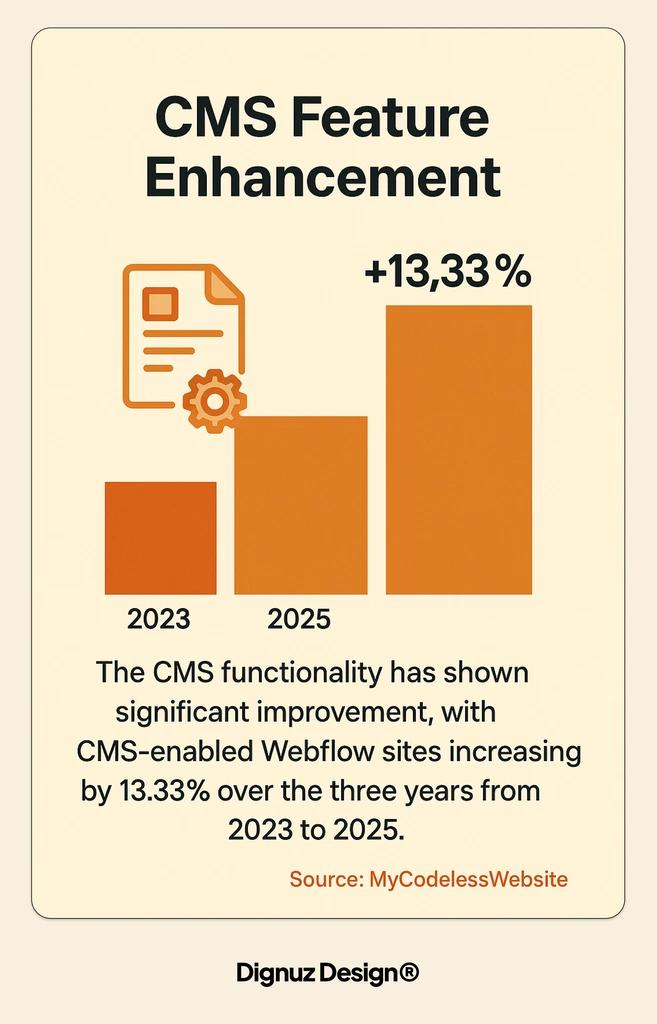
The CMS functionality has shown significant improvement, with CMS-enabled Webflow sites increasing by 13.33% over the three years from 2023 to 2025. (Source: MyCodelessWebsite) This growth reflects the platform's expanding capabilities for content-rich websites.
Let's compare Webflow's CMS features to typical website builders:
Content Relationships
- Webflow Capability: Advanced linking between content types
- Typical Website Builder: Limited or nonexistent
Custom Fields
- Webflow Capability: Unlimited field types and structures
- Typical Website Builder: Basic text and image fields only
Dynamic Filtering
- Webflow Capability: Built-in filtering and sorting options
- Typical Website Builder: Often requires plugins or custom code
Editor Experience
- Webflow Capability: Dedicated CMS editing interface
- Typical Website Builder: Often mixed with design controls
API Access
- Webflow Capability: Available for headless implementation
- Typical Website Builder: Limited or unavailable
This robust content management system makes Webflow particularly valuable for real estate websites that need to display and update numerous property listings efficiently.
Built-in SEO Features
Webflow includes comprehensive search engine optimization tools directly in the platform. These features help ensure your real estate website ranks well for relevant searches.
The platform allows complete control over meta titles, descriptions, custom URLs, and structured data. You can also implement proper heading hierarchies and alt text for images—all crucial factors for search visibility.
Webflow generates clean HTML code that search engines can easily crawl and index. This technical foundation supports better rankings compared to platforms that generate bloated or poorly structured code.
Webflow E-commerce Capabilities
While primarily known for design, Webflow has expanded its ecommerce features significantly. The platform now supports full online stores with product catalogs, shopping carts, and secure checkout processes.
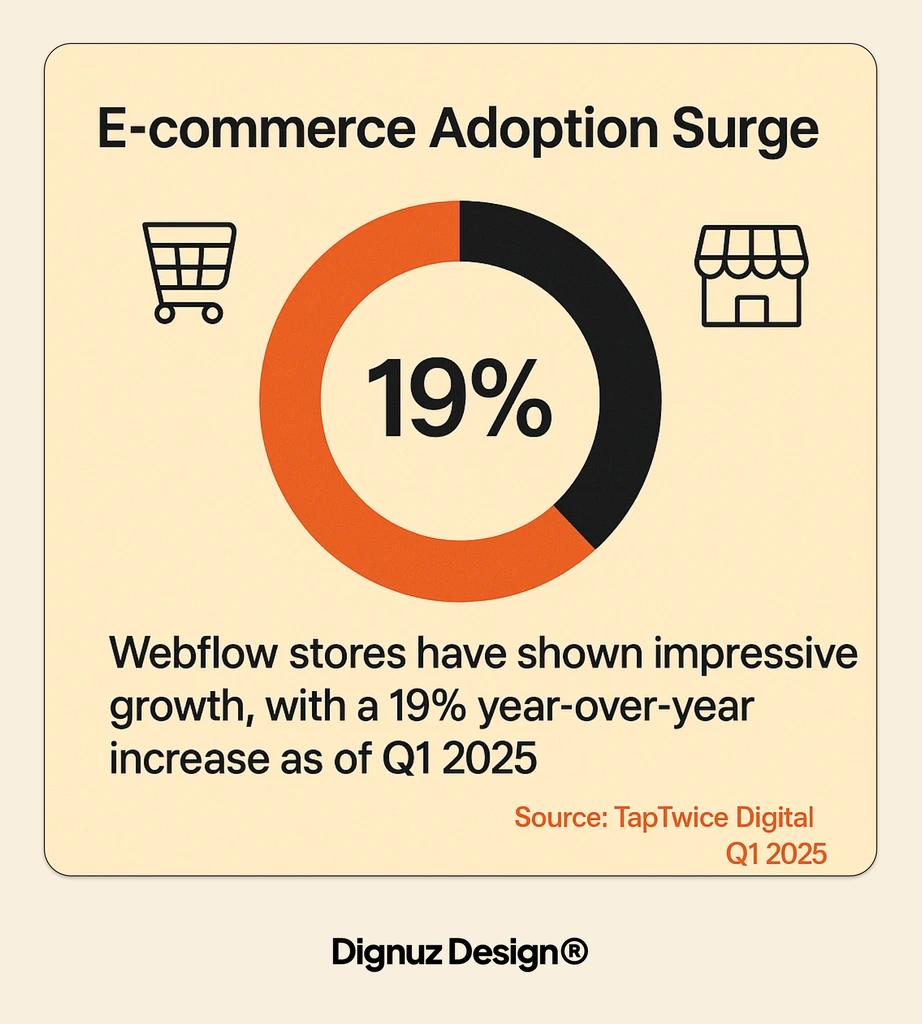
Webflow stores have shown impressive growth, with a 19% year-over-year increase as of Q1 2025. (Source: TapTwice Digital) This growth indicates the platform's increasing viability for sales-focused websites.
For real estate businesses, these ecommerce features can support various monetization strategies beyond property sales, such as digital products, consultation bookings, or premium property reports.
Hosting and Performance
Webflow includes enterprise-grade hosting with its plans, eliminating the need to find and configure separate hosting services. The hosting infrastructure offers global CDN coverage, ensuring fast loading times worldwide.
Site performance directly impacts both user experience and search rankings. Webflow-hosted sites typically score well on Core Web Vitals metrics, which measure loading speed, interactivity, and visual stability.
The platform automatically generates responsive versions of your site for different screen sizes. This ensures your real estate properties look great whether viewed on desktop computers, tablets, or mobile phones.
Here's a summary of the key advantages Webflow offers:
- Design freedom - Complete visual control without coding limitations
- Powerful CMS - Structured content management for property listings
- Built-in SEO tools - Complete control over optimization elements
- Responsive design - Automatic adaptation to all screen sizes
- Quality hosting - Enterprise-grade infrastructure included
Cons of Using Webflow
Despite its many advantages, Webflow has certain limitations and potential drawbacks to consider before committing to the platform. Understanding these challenges helps set realistic expectations for your web design project.
Learning Curve
Webflow offers more power than typical website builders but requires more time to master. The interface combines visual design with web development concepts that can feel overwhelming for beginners.
Is Webflow easy to use for beginners? While it has a learning curve, the visual editor makes it more accessible than traditional coding. However, you'll still need to understand basic web design principles like layout, responsive design, and interactions.
Most users need several weeks of regular practice to become comfortable with Webflow's core features. More advanced capabilities like custom interactions and complex CMS relationships can take months to fully master.
This learning investment should be factored into your timeline and resource planning. For real estate professionals with limited time, working with specialized Webflow developers might be more efficient than attempting to learn the platform from scratch.
Pricing Considerations
Webflow's pricing structure can be more expensive than basic website builders, reflecting its professional-grade capabilities. The platform uses a tiered subscription model with separate charges for the site plan (hosting) and workspace plan (editing tools).
For business websites with CMS needs—like real estate property listings—costs start higher than entry-level alternatives. This premium pricing delivers more value but requires budget consideration, especially for smaller real estate operations.
Let's examine Webflow's pricing structure for real estate websites:
Basic
- Monthly Cost: $14/month
- Key Features: 50GB bandwidth, no CMS
- Best For: Simple brochure sites
CMS
- Monthly Cost: $23/month
- Key Features: 100GB bandwidth, 2,000 CMS items
- Best For: Small property portfolios
Business
- Monthly Cost: $39/month
- Key Features: 400GB bandwidth, 10,000 CMS items
- Best For: Larger agencies
Enterprise
- Monthly Cost: Custom pricing
- Key Features: Unlimited bandwidth, SSO, advanced security
- Best For: Major brokerages
Additional costs may include Webflow workspace plans for your team members, custom domain registration, and third-party integrations for specific functionality. These should be considered when calculating the total cost of ownership.
Limitations for Complex Functionality
While Webflow excels at design and content management, it may require workarounds for specialized functionality. The platform doesn't have the extensive plugin ecosystem found in WordPress, which can limit certain advanced features.
Complex real estate tools like advanced property search filters, MLS integration, or custom client portals often require additional solutions. These can include third-party embeds, custom code, or integration with specialized real estate services.
Webflow's native form handling is relatively basic compared to dedicated form builders. For sophisticated lead capture forms with conditional logic or integration with real estate CRMs, you may need to incorporate external form tools.
These limitations don't make Webflow unsuitable for real estate websites, but they do require planning and potentially additional resources to address specific functional requirements.
Here are the key challenges to consider when evaluating Webflow:
- Steeper learning curve - Requires time investment to master
- Higher pricing - Premium costs compared to basic builders
- Limited plugin ecosystem - Fewer ready-made solutions than WordPress
- Advanced functionality challenges - May require workarounds
- Integration complexity - Some third-party tools need custom implementation
Is Webflow Right for Real Estate Websites?
Real estate websites have specific requirements that influence platform selection. Webflow offers particular advantages for property showcases, but its suitability depends on your exact needs and resources.
The visual design capabilities make Webflow excellent for creating stunning property presentations. High-quality images, videos, and interactive elements can be implemented with precision to showcase properties effectively.
With over 90% of home searches starting online, creating an impressive digital presence directly impacts your business results. Webflow's design tools help create memorable visual experiences that engage potential buyers.
The CMS capabilities support organized property listings with filterable collections. Visitors can easily search properties by location, price range, features, or other custom criteria—improving the user experience significantly.
Showcase Your Properties
Discover how AmplyViewer can transform your real estate presentations with interactive 3D visualizations that go beyond standard photos.
Let's analyze how Webflow meets specific real estate website requirements:
Property Listings
- Webflow Capability: Strong
- Implementation Notes: CMS collections with custom fields for properties
Visual Showcases
- Webflow Capability: Excellent
- Implementation Notes: Advanced galleries, sliders, and interactive elements
Search Functionality
- Webflow Capability: Moderate
- Implementation Notes: Basic filtering native, advanced search may need integration
Lead Capture
- Webflow Capability: Good
- Implementation Notes: Basic forms native, advanced forms via integration
MLS Integration
- Webflow Capability: Limited
- Implementation Notes: Requires third-party services or custom development
Virtual Tours
- Webflow Capability: Good
- Implementation Notes: Supports embedding from specialized tour providers
Mobile Experience
- Webflow Capability: Excellent
- Implementation Notes: Fully responsive with device-specific customization
For real estate professionals with design-focused needs, Webflow presents compelling advantages. Its visual capabilities enhance property presentations while the CMS efficiently manages listings.
However, Webflow may not be ideal for real estate businesses with very limited budgets or those requiring extensive specialized functionality without custom development resources.
Comparing Webflow to Alternatives
Understanding how Webflow compares to alternative platforms helps determine if it's the right choice for your specific needs. Each platform has distinct strengths and limitations relevant to real estate websites.
WordPress remains the dominant CMS with a 24.13% share among top websites. (Source: MyCodelessWebsite) Its extensive plugin ecosystem offers ready-made solutions for real estate functionality, but often requires more technical management than Webflow.
Specialized real estate website builders provide industry-specific templates and tools but typically offer less design flexibility than Webflow. These platforms focus on ease of use but may limit your ability to create truly distinctive websites.
The power of Webflow integrations with third-party tools extends the platform's functionality significantly. This helps bridge some gaps compared to WordPress's plugin ecosystem while maintaining Webflow's design advantages.
Let's compare Webflow with major alternatives specifically for real estate websites:
Webflow
- Design Freedom: Excellent
- Ease of Use: Moderate
- Real Estate Features: Good with customization
- Maintenance: Low
- Typical Cost: $23-39/month
WordPress
- Design Freedom: Good with themes
- Ease of Use: Moderate
- Real Estate Features: Excellent with plugins
- Maintenance: High
- Typical Cost: $10-50/month
Wix
- Design Freedom: Good
- Ease of Use: High
- Real Estate Features: Basic to moderate
- Maintenance: Low
- Typical Cost: $16-32/month
Real Estate Platforms
- Design Freedom: Limited
- Ease of Use: Very high
- Real Estate Features: Excellent
- Maintenance: Very low
- Typical Cost: $25-80/month
This comparison highlights Webflow's position as a premium solution for design-focused real estate websites. It offers an excellent balance of visual capability and content management with lower maintenance requirements than WordPress.
When making your selection, consider these questions:
- What level of design customization do you need? If unique design is critical, Webflow excels
- How much time can you invest in platform learning? Webflow requires more learning time than basic builders
- What specific real estate features are essential? Assess if Webflow can support your must-have functionality
- What's your budget for website development and maintenance? Webflow's costs reflect its professional capabilities
- Do you prefer design control or industry-specific features? This may determine if Webflow or a specialized platform is better
Getting Started with Webflow: Essential Tips
If you decide Webflow is right for your real estate website, these essential tips will help you start effectively. Proper planning reduces frustration and ensures better results.
Begin with Webflow's official tutorials and University courses. These free resources provide structured learning paths from basics to advanced techniques. Taking time to complete these tutorials significantly reduces the learning curve.
Plan your website structure before building. Create a sitemap outlining all pages and their relationships. For real estate websites, plan your property listing structure, including all fields and filtering options you'll need.
Start with a pre-built template to understand Webflow's structure. You can later customize it extensively or create your own designs once you're comfortable with the platform.
Common mistakes to avoid when starting with Webflow include:
- Overlooking responsive design settings - Test on multiple devices from the beginning
- Creating overly complex animations - Start simple before attempting advanced interactions
- Not planning CMS collections thoroughly - Restructuring later can be time-consuming
- Forgetting image optimization - Large images severely impact performance
- Neglecting to set up proper SEO elements - Configure these before launching
For those with limited time or technical skills, working with a specialized Webflow development partner may be more efficient than learning the platform from scratch. This approach delivers professional results faster while allowing you to focus on your real estate business.
Learning Resources for Webflow Mastery
Successful implementation of Webflow for your real estate website depends on proper training and resources. These learning options accommodate different learning styles and time constraints.
Webflow University
- Description: Official video tutorials and courses
- Best For: Comprehensive platform learning
- Cost: Free
Webflow Documentation
- Description: Detailed technical guides
- Best For: Reference during development
- Cost: Free
Webflow Community Forum
- Description: User discussions and solutions
- Best For: Troubleshooting specific issues
- Cost: Free
Third-Party Courses
- Description: Specialized training programs
- Best For: Accelerated learning
- Cost: $50-500
Professional Development
- Expert-built custom solution
- Businesses needing immediate results
- $1,500-10,000+
These resources provide multiple paths to Webflow proficiency. For real estate professionals with limited time, combining basic Webflow knowledge with expert assistance often provides the best balance of control and efficiency.

Is Webflow the Right Choice for Your Real Estate Website?
Webflow offers compelling advantages for real estate websites, particularly in design flexibility, content management, and visual presentation. Its growing user base and steady market share growth of 10% CAGR from 2022 to 2025 demonstrate increasing confidence in the platform. (Source: Enricher.io)
The platform excels for real estate professionals who prioritize visual impact and unique branding. The ability to create custom property showcases with interactive elements can significantly enhance engagement with potential buyers and sellers.
However, Webflow requires consideration of its learning curve and pricing structure. For small agencies with very limited budgets or those needing extensive specialized functionality without custom development resources, alternatives might be more suitable.
The decision ultimately depends on your specific priorities:
Choose Webflow if you value design freedom, visual quality, and are willing to invest in a platform that grows with your business. Its professional capabilities and reliable hosting provide a solid foundation for ambitious real estate websites.
Consider alternatives if you need the simplest possible solution, have extreme budget constraints, or require highly specialized real estate functionality that would need significant custom development in Webflow.
For many real estate professionals, the optimal approach combines Webflow's powerful platform with expert implementation support. This delivers the benefits of custom design and functionality without requiring extensive personal time investment in platform mastery.
Ready to explore how Webflow can transform your real estate online presence? Contact us to discuss your specific needs and discover the right web design approach for your business.



